




W3CSS Paragraphs adds ready-made paragraph types built with the W3.CSS framework to the Paragraphs module.
It is for site builders who want layouts, media, tabs, accordions, forms and block displays that editors fill in from the Paragraphs form. The base module ships "Simple" and "Image". Every other type is an optional sub-module, so you enable only what the site uses.
Start here
See it working
These paragraph types each have a demo page on the live demo site.
Features
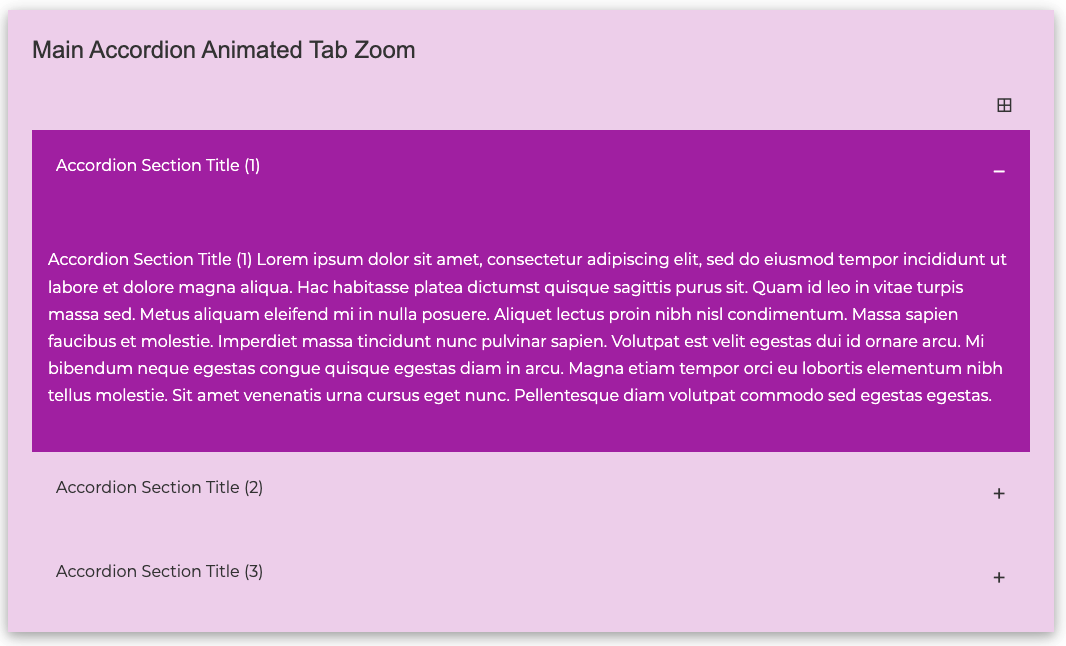
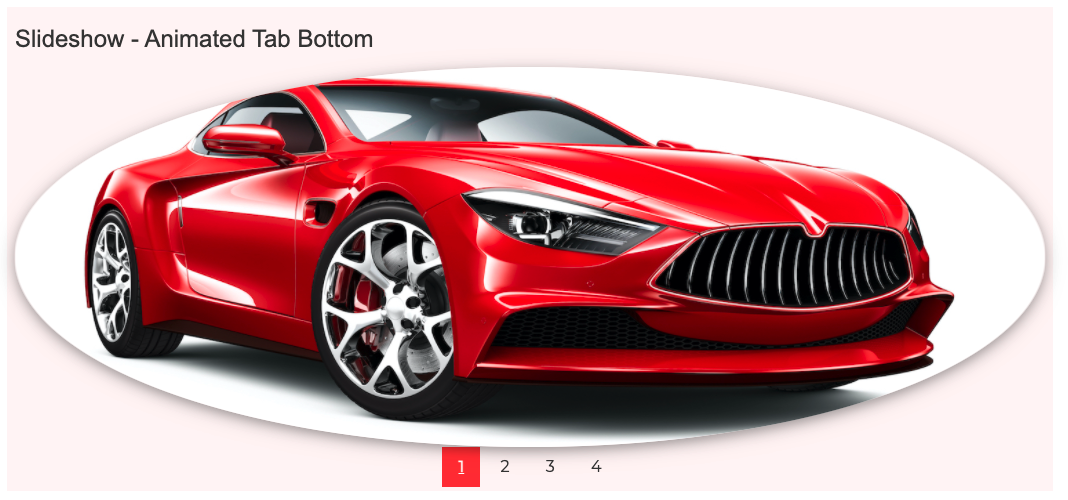
The editor chooses from 24 paragraph types. Four of them (Accordion, Parallax, Slideshow and Tabs) use a child type for each item.
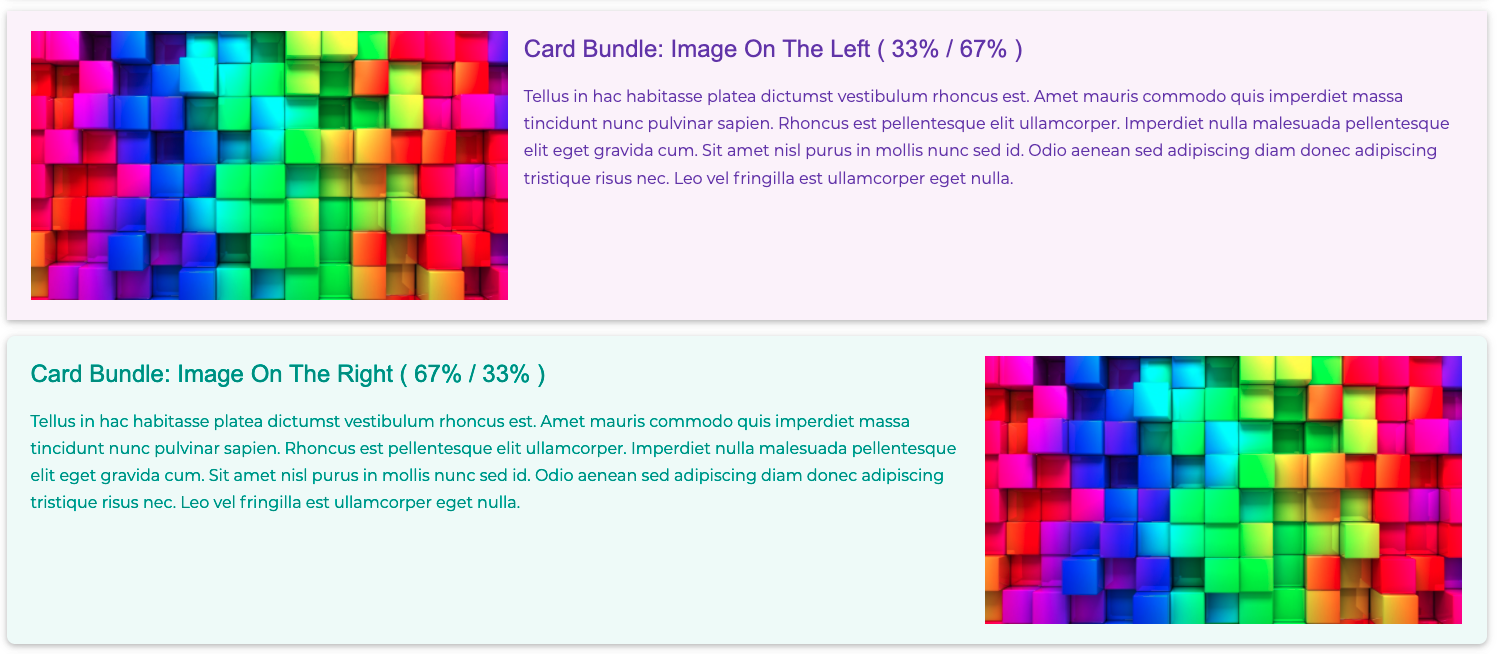
- Layout and content types: "Simple", "Image", "Card", "Hero", "Hero Full Width", "Image Overlay", "Parallax", "One Column", "Two Columns" and "Three Columns".
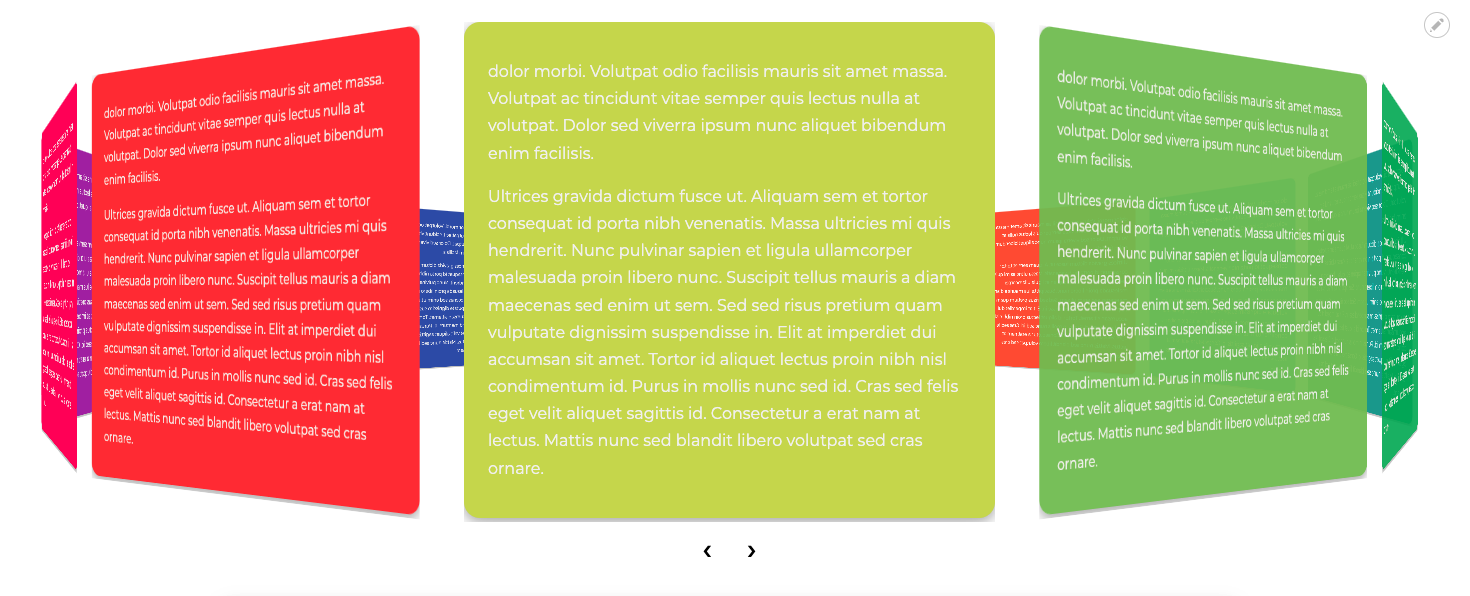
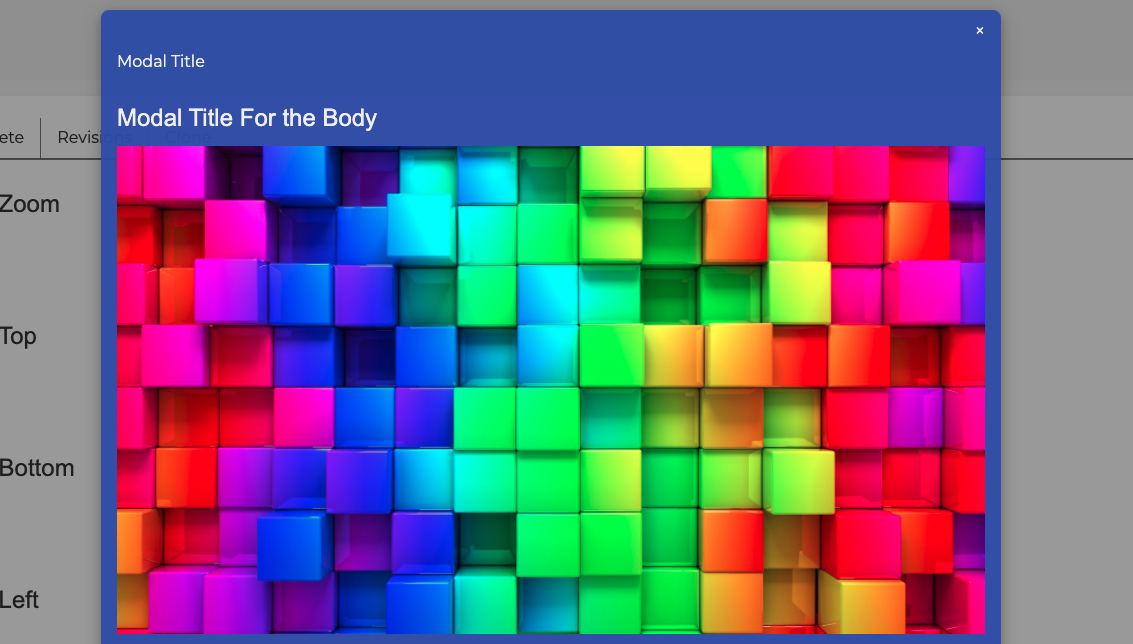
- Interactive types: "Accordion", "Tabs" (horizontal or vertical, with six animation effects), "Slideshow", "3D Carousel", "3D Flip Box" and "Modal".
- Responsive images: "Responsive Image Wide" and "Responsive Image Narrow".
- Embedded content: "Drupal Block", "Block Content", "Contact", "Views", "Webform" and "Quicklinks".
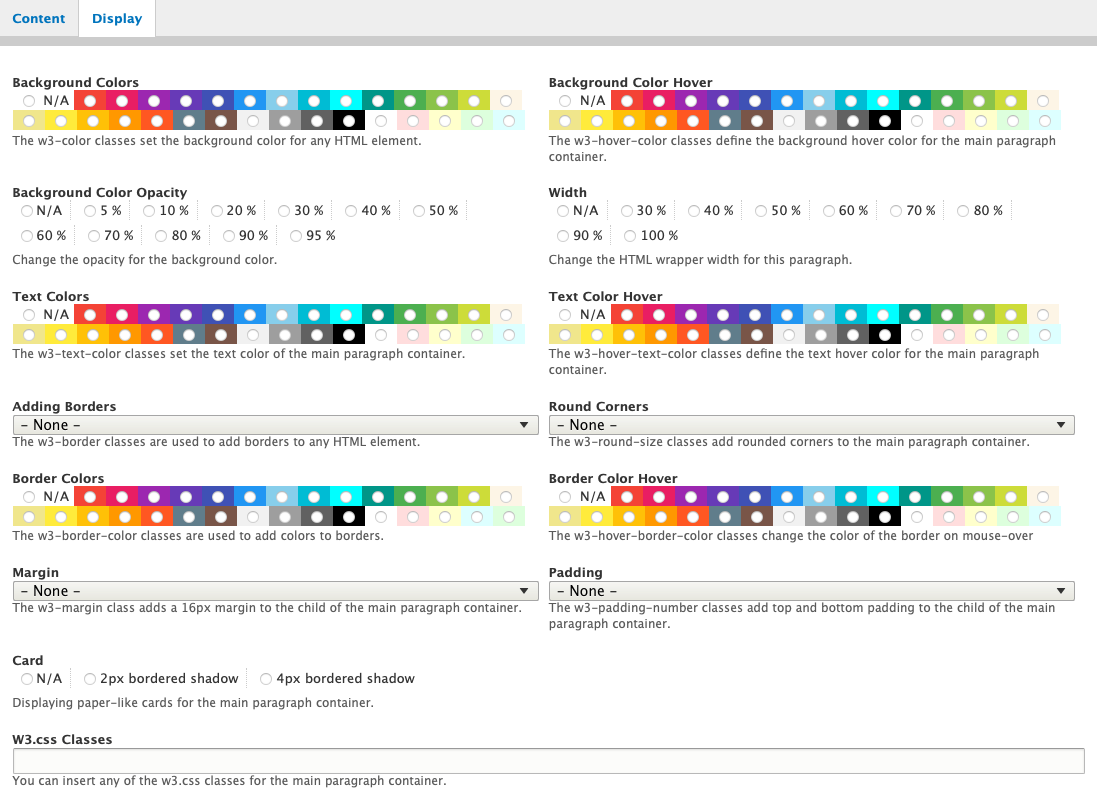
- Display tab: every paragraph form has a "Display" tab with Background, Text, Border and Spacing groups. They are closed by default. Options include 30 colors each for background, text and border (and their hover colors), 11 background opacity values from 5% to 95%, widths from 30% to 100%, borders, rounded corners, margin, padding and a card shadow. Not every type has every option. The "Simple" type also has a field for extra W3.CSS classes.
- W3CSS Paragraphs Content node type: a content type for landing pages. It has the fields "Disabled regions", "Max content width", "Background color" and "Background color opacity". It always removes the left and right sidebars. Each ticked "Disable" option removes one more region, such as Main Navigation, Header, Breadcrumb or Footer Menu. Those region names come from the W3CSS Theme.
- Heading level: the "Heading level of paragraph titles" setting picks h2 to h6 (default h3). Accordion item headings use the next level down, up to h6. The page is at
/admin/config/content/w3css-paragraphsand needs the permission "administer site configuration". - Other themes: the module loads its own copy of W3.CSS when the active theme is not the W3CSS Theme or one of its sub-themes. The module CSS is unlayered, so it wins over theme layers, and the module needs no jQuery.
- Accessibility and motion: focus stays visible inside clipped paragraphs, Parallax respects reduced motion, and the arrow keys on Tabs follow the layout.
- Add dialog icons: each paragraph type shows the module logo as its icon in the add dialog.
Sub-modules
Each paragraph type except "Simple" and "Image" is its own sub-module. These need something extra:
- Contact: needs the core Contact module. It shows the form itself, so Contact Formatter is not needed.
- Block Content: needs the core Block Content module.
- Responsive Image Wide and Narrow: need the core Responsive Image module.
- Hero Full Width: needs the Responsive Image and Content Type sub-modules.
- Quicklinks: needs Link Attributes.
- Views: needs Views Reference Field.
- Webform: needs Webform.
Installation: get started in 3 steps
- Install the module with Composer:
composer require 'drupal/w3css_paragraphs:2.0.x-dev@dev'Version 2 has no tagged release yet. Until one is published, install the development release shown above.
- Enable it on the Extend page, or with Drush. Then enable the sub-modules for the paragraph types you want:
drush en w3css_paragraphs - Add a Paragraphs field to a content type and allow the W3CSS paragraph types you enabled. Optionally, open "W3CSS Paragraphs" under Administration → Configuration → Content authoring to change the "Heading level of paragraph titles" (default h3).
Updating
Run drush updb. The Menu paragraph type was removed. If a site had its sub-module enabled, the update uninstalls it. Existing Menu paragraphs stay in the site configuration. If the site used Contact Formatter only for this module, you can uninstall it after the update.
Requirements
- Drupal ^11.3 || ^12
- PHP 8.3 or later
- Paragraphs ^1.17
- Entity Reference Revisions ^1.12
- Field Group ^3.6 || ^4
The W3CSS Theme 3.x is suggested, not required. W3CSS Theme 2.x is not supported, and Composer refuses that pairing. Core modules the base module needs are listed in its .info.yml file.
Support and maintenance
Questions, ideas, and bug reports are welcome. Please use this project’s issue queue so discussions and solutions remain available to the Drupal community.
Maintainers monitor issues, but response times depend on availability.

Developed and maintained by Alaa Haddad of Flash Web Center, LLC.
AI disclosure: AI tools assisted with drafting and reviewing this project description. The maintainer verified the final content against the project source.
Project information
 Minimally maintained
Maintainers monitor issues, but fast responses are not guaranteed.- Maintenance fixes only
Considered feature-complete by its maintainers. - Project categories: Content display, Content editing experience
 223 sites report using this module
- Created by flashwebcenter on , updated
 Stable releases for this project are covered by the security advisory policy.
Look for the shield icon below.

