
Fullscreen mode
Last updated on
13 January 2026
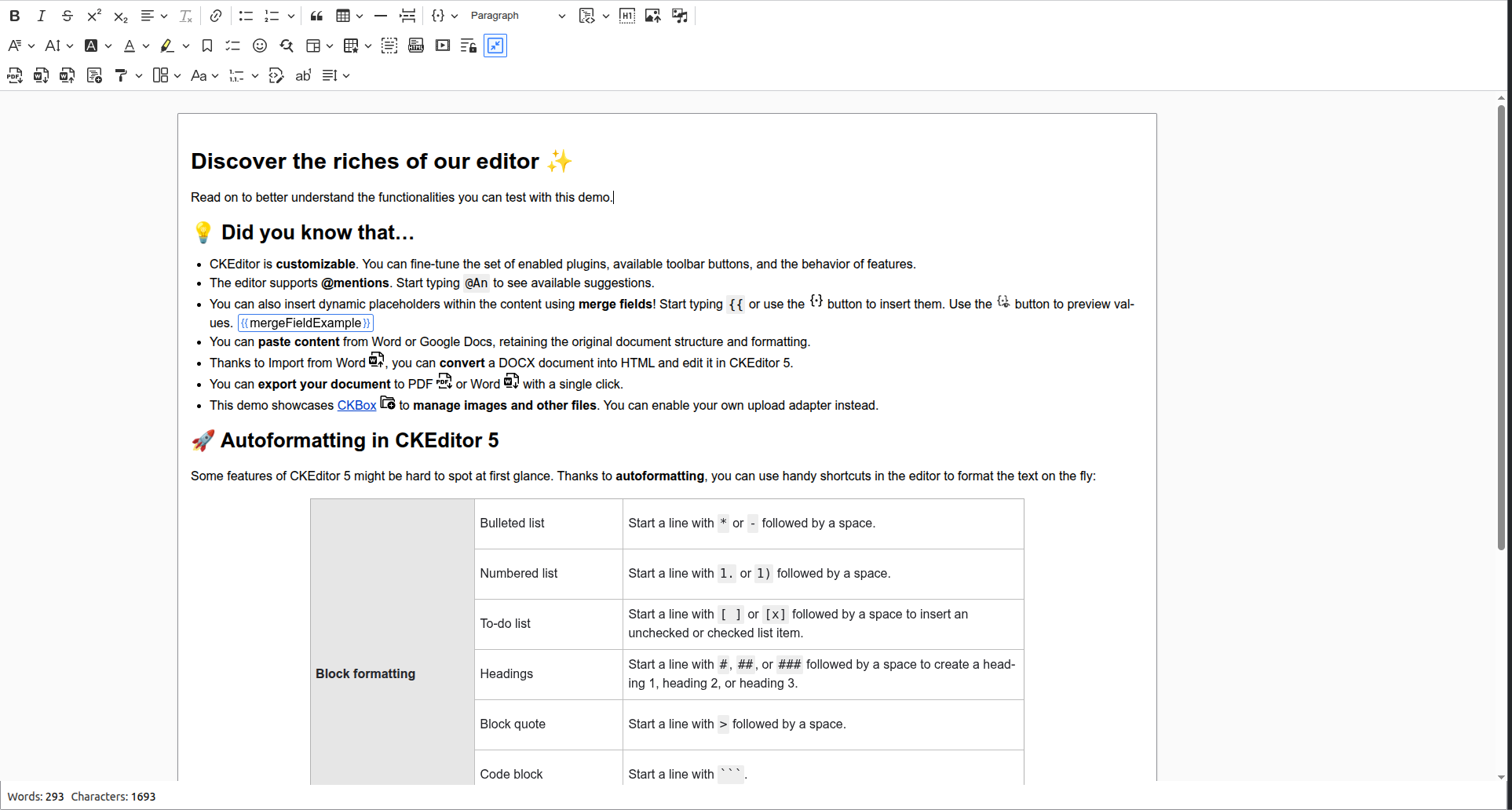
The fullscreen mode allows expanding the editor to the whole browser viewport, providing you with more space to conveniently edit content. It is especially useful when collaboration and document outline features are used simultaneously.
To enter or leave Fullscreen mode click the plugin's toolbar icon  /
/ 
Help improve this page
Page status: No known problems
You can:
You can:
- Log in, click Edit, and edit this page
- Log in, click Discuss, update the Page status value, and suggest an improvement
- Log in and create a Documentation issue with your suggestion
