
Bookmarks
Last updated on
5 February 2025
When Bookmarks plugin is enabled for your text format and its icon added to the toolbar, you can select any content and click Bookmark icon to add a Bookmark:

Then, you should input the name for the bookmark:

After inserting the bookmark, you should be able to see a Bookmark icon next to the selected content:

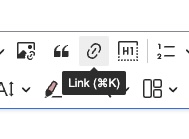
Now, you can link to this bookmark by using the Link plugin and #target-bookmark-name as a link URL:
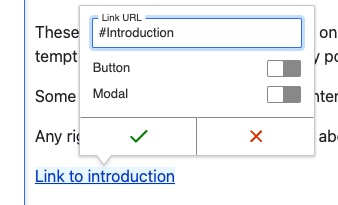
Now, clicking the link will navigate to the previously defined bookmark within the editor.
Learn how to configure Bookmarks plugin in the configuration guide.
Help improve this page
Page status: No known problems
You can:
You can:
- Log in, click Edit, and edit this page
- Log in, click Discuss, update the Page status value, and suggest an improvement
- Log in and create a Documentation issue with your suggestion
