
 Come together with the global Drupal community in Rotterdam, 28 Sept – 1 Oct 2026. Sessions, contribution, connection, and Early Bird savings until 8 June.
Navigation module
The Navigation module provides the administration UI. The default content creation and management menu is designed for quick access to content-related tasks.
Customization options are also available. Such as, changing the default logo or adding new custom menus. And site builders can easily add and reorder menu blocks using the UI to customize site administration.
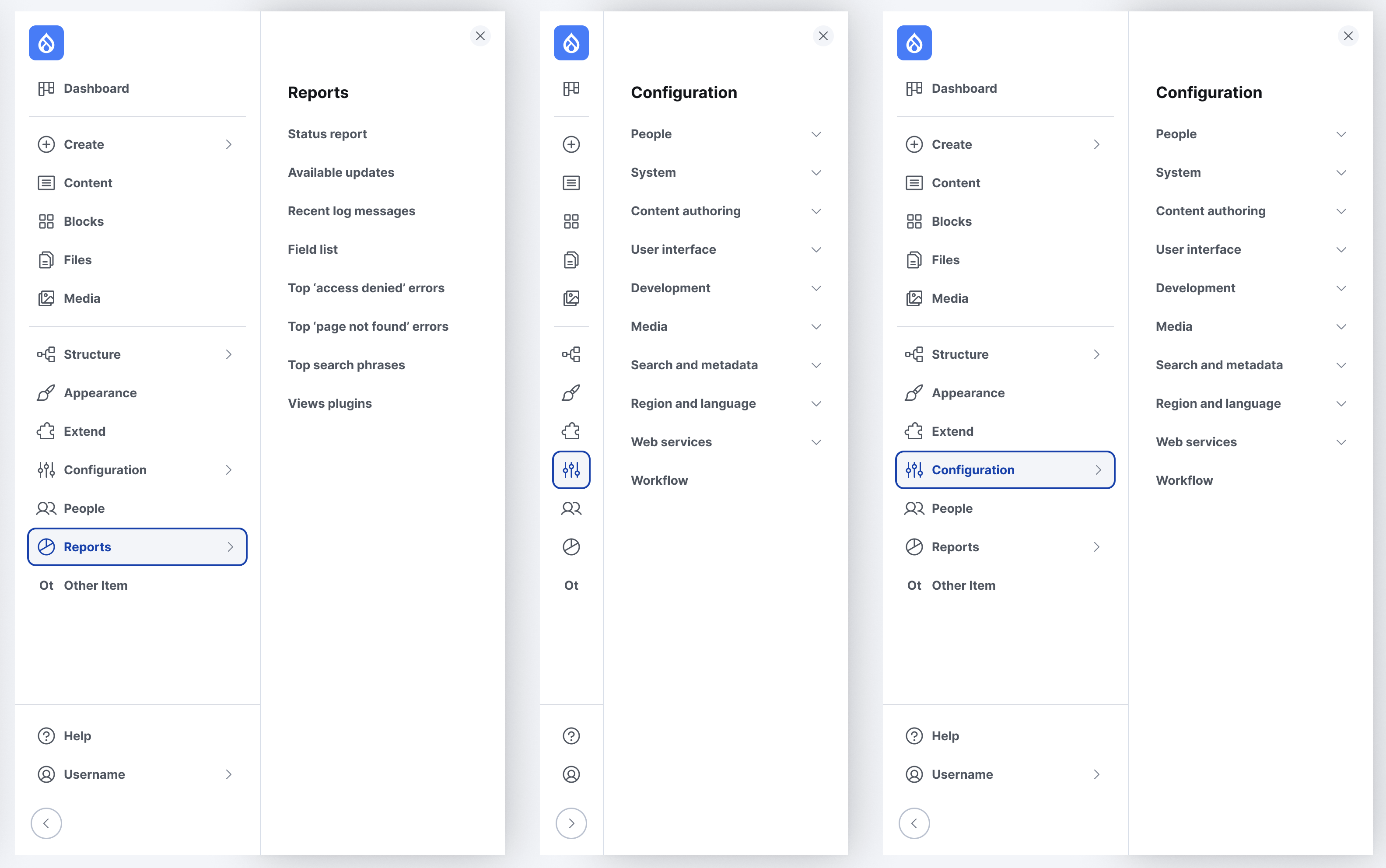
Navigation uses a left-aligned, collapsible, vertical sidebar for navigating the administration tasks.
Sub-menus open on a full height drawer that accommodate deeper navigation levels. On smaller viewports, the toolbar is placed on top of the content, and opens with an overlay.
Guide maintainers


