


This project is not covered by Drupal’s security advisory policy.
Simple embed of Twitter widgets, without OAuth.
Features
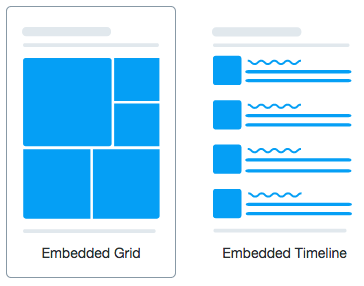
- Expose Twitter widgets with Block and FieldFormatter.
- Covered widgets: Timeline, Button.
Configuration
After enabling the module, choose one of the following options:
Embed as a Block

- Add a Twitter timeline or a Twitter button block.
- Configuration is per block.
Embed as a Field

- Add a Twitter embed field to any content entity (node, user, ...).
- On the 'Manage display' tab, choose between Twitter timeline
or Twitter button format.
The display options (theme, link color, ...) from the blocks are currently not available for field formatters.
Documentation
The options are described on Twitter Publish and Twitter Developer Documentation.
Dependencies
None.
Related modules
For the WYSIWYG, use URL Embed.
To get a Twitter timeline
- as a Block, use Twitter Block, available for Drupal 7 and 8.
- as a Field, use Twitter Embed Field, currently as a dev release for Drupal 8.
This module aims to
- unify the configuration interface over Blocks and Fields
- provide several widgets implementation.
For more advanced use cases, review the Twitter module. It is available for Drupal 7 and there is a Drupal 8 release on its way.
Have also a look at the Social API module for Drupal 8.
Roadmap
- Improve widget configuration validation
- Add display options on field formatters
- Unit tests
- Preview
Project information
 Minimally maintained
Maintainers monitor issues, but fast responses are not guaranteed.- Project categories: Integrations
 806 sites report using this module
- Created by colorfield on , updated
 This project is not covered by the security advisory policy.
Use at your own risk! It may have publicly disclosed vulnerabilities.
Releases
8.x-1.0-alpha3
released 8 August 2023
Works with Drupal: ^8 || ^9 || ^10
Drupal 10 support
Install:
Development version: 8.x-1.x-dev updated 8 Aug 2023 at 14:39 UTC


