

 Come together with the global Drupal community in Rotterdam, 28 Sept – 1 Oct 2026. Sessions, contribution, connection, and Early Bird savings until 8 June.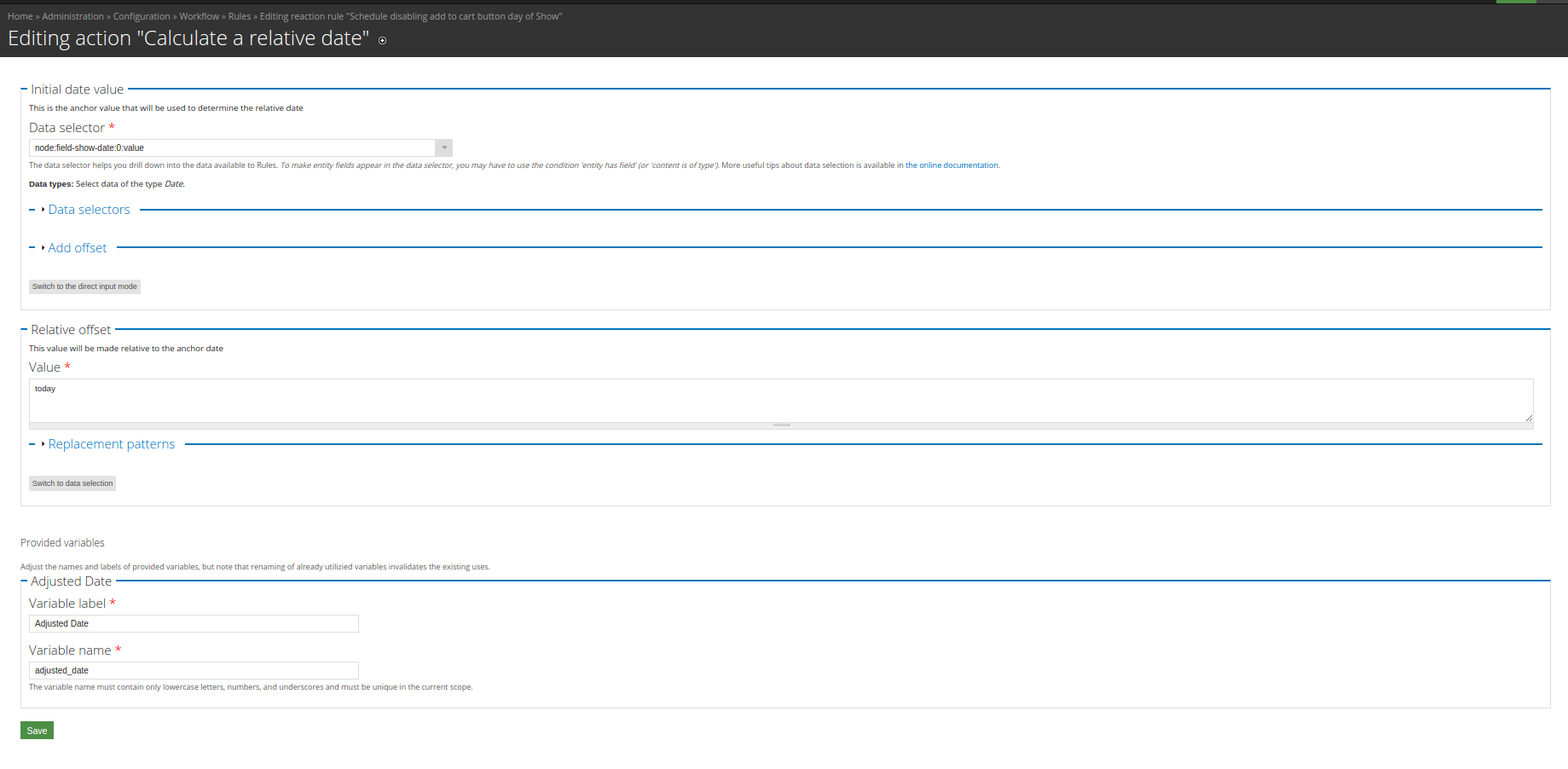
This project is not covered by Drupal’s security advisory policy.
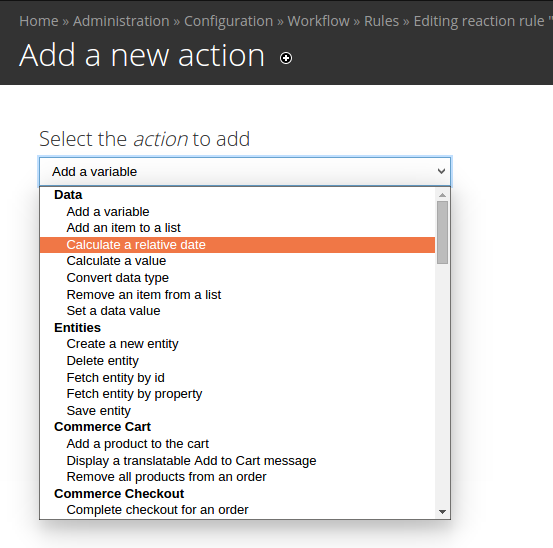
Rules Reldate adds an action to Rules that allows you to create a new variable that is a relative date from a given date field value. By default Rules allows you to add an offset to a date fields, however the duration settings of Rules limits that to an arbitrary amount of time.
Example scenario: You are a music venue that schedules shows. You want to use Rules to raise your ticket prices the day of the show. You could try to do this with an offset based on the start date of your show, but if you have shows that are scheduled at different times during the day, there's no way to make the price increase happen exactly at 12:00am the day of your show. With Rules Reldate (relative date) you can use the "Calculate a relative date" action to create a new variable with an offset that uses PHP's strtotime() function. Now whether your show is at 1pm or 8pm, ticket prices can increase at exactly 12:00am the day of your show.
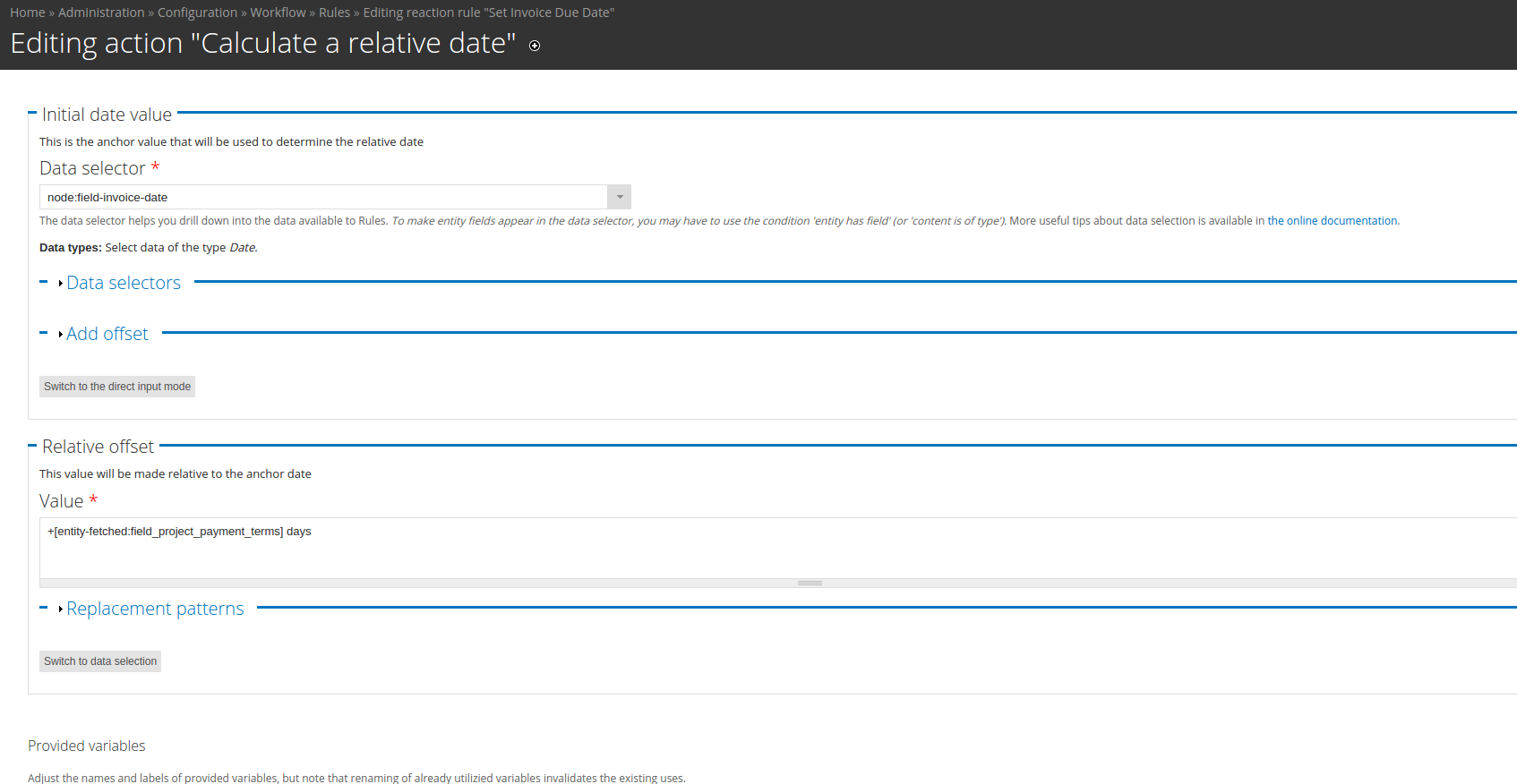
Example scenario 2: You created a billing system and need to calculate a due date for invoices based on payment terms that are variable across projects. If you try to use the standard Rules "Calculate a value" action, you can only specify a static interval (e.g. 10 days, or 1 month) from the invoice date. With Rules Reldate you could use an integer field to set a dynamic value, for example: +[entity-fetched:field_project_payment_terms] days
Supporting organizations:
Sponsored development effort
Project information
 Minimally maintained
Maintainers monitor issues, but fast responses are not guaranteed.- Project categories: Automation
 147 sites report using this module
- Created by jimafisk on , updated
 This project is not covered by the security advisory policy.
Use at your own risk! It may have publicly disclosed vulnerabilities.

