

 Come together with the global Drupal community in Rotterdam, 28 Sept – 1 Oct 2026. Sessions, contribution, connection, and Early Bird savings until 8 June.
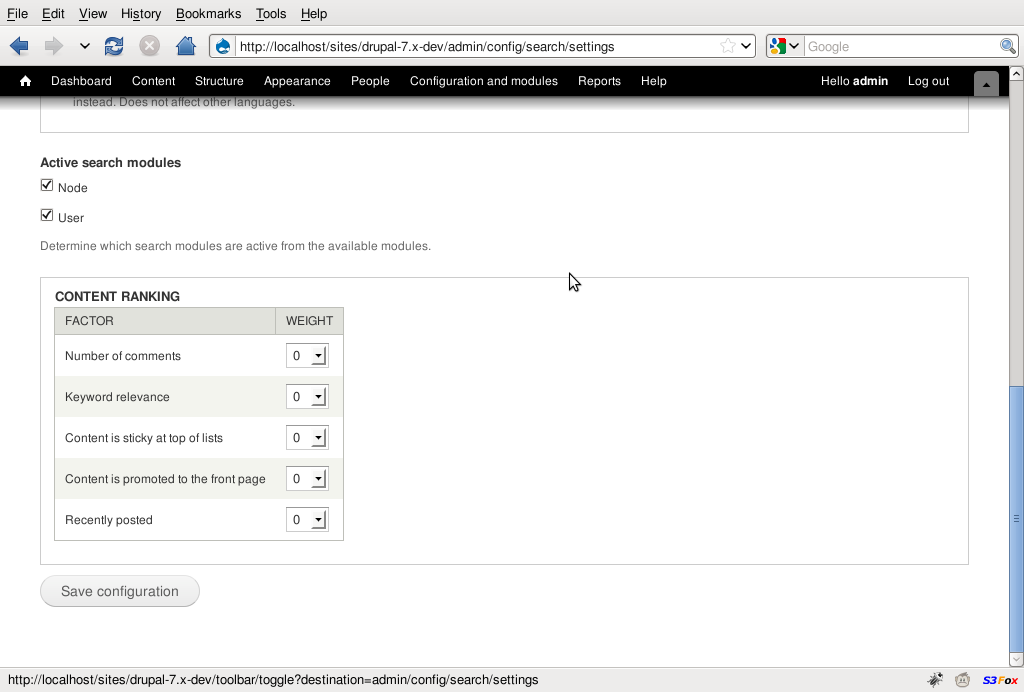
As can be seen in the attached screenshots, Drupal's admin tables look really ridiculous when they are stretched out across the whole window.
With "width: auto;" they look really neat and professional.
The patch depends on #660718: Tables with style="width:auto;" render badly.




Comments
Comment #1
jbrown commentedComment #2
aspilicious commentedI agree it looks ridiculous on high res screens...
But your solution brings a lot of white on the page, and makes the content be squeezed to the left...
I'm leaning to your solution but i'm not entirly convinced....
Comment #3
mrfelton commentedI disagree. I use a very high-res widescreen and I think the tables look absolutely fine when stretched across the full width. It ensures things are consistent. In my opinion, what looks really bad is when tables have width:auto and there is more than one table on the screen at once because each table has it's own width and there is no overall page alignment.
Comment #4
yoroy commentedIt used to be auto for tables, we redesigned that to be 100% width for the reasons mrfelton mentions.
Marking this a duplicate of #570780: Curtail Seven widths Since it's not only tables but the whole page that gets unreadable on very wide resolutions.
I propose to set a max-width of around 1200px in the other issue.