


A Drupal module that provides a JavaScript library to help you effortlessly create WCAG-compliant menus in the DOM.
Supported Menu Types
Usage
- Install the module.
- Go to Structure > Menus.
- Edit a menu you'd like to make accessible.
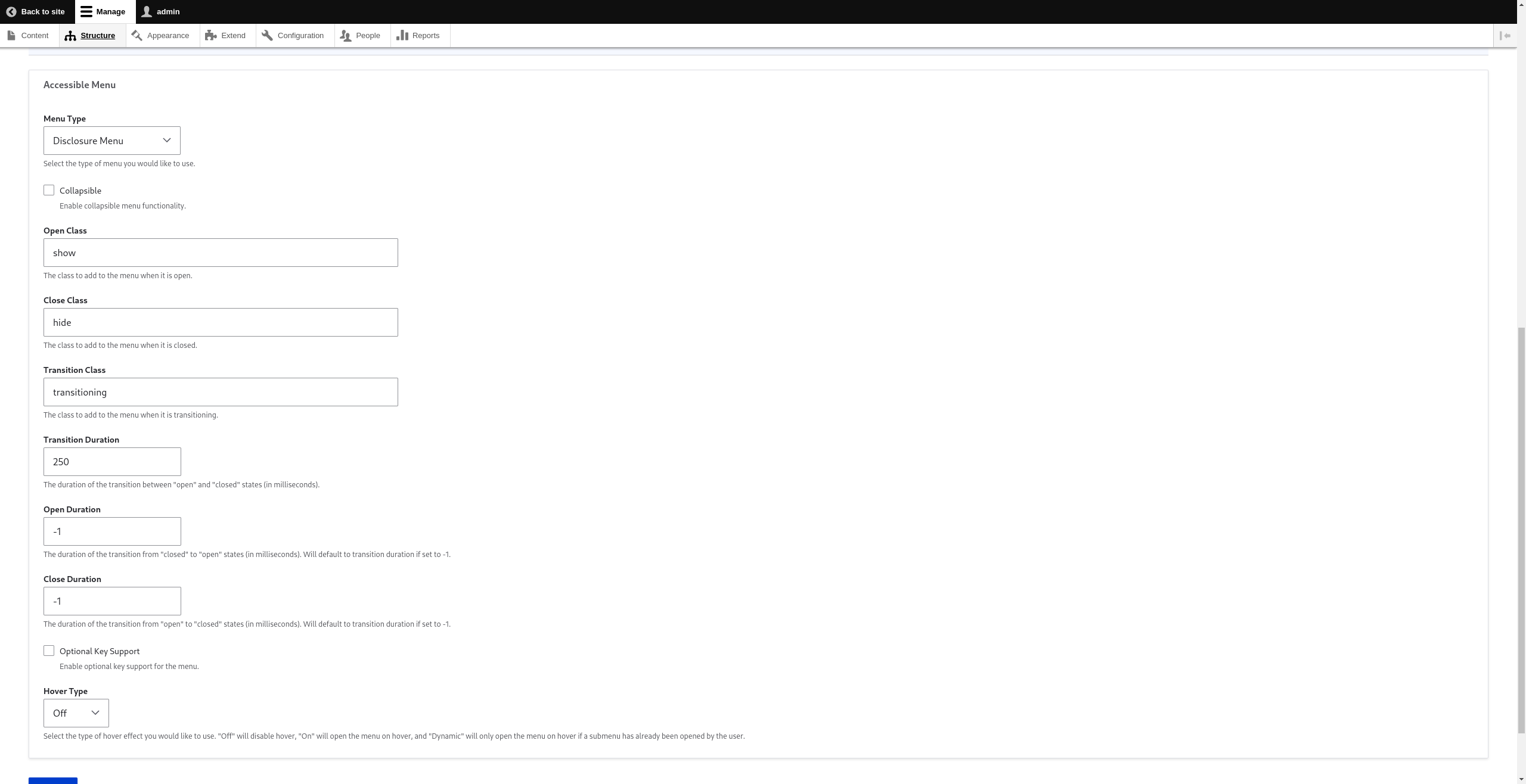
- Select your desired menu type from the Accessible Menu "Menu Type" dropdown.
- Configure your settings.
- Save the menu.
You are now using Accessible Menu!
For more information on the available options, see the official documentation
Important Information
Please note that Accessible Menu does not provide any CSS. Accessible Menu is responsible for adding the appropriate aria-properties, keybindings, and toggling of classes. You are responsible for providing the CSS to make it fit the look and feel of your application.
Supporting organizations:
Project information
- Project categories: Accessibility
 77 sites report using this module
- Created by nickdjm on , updated
 Stable releases for this project are covered by the security advisory policy.
Look for the shield icon below.

