

Postponed
Project:
Drupal core
Version:
main
Component:
Olivero theme
Priority:
Minor
Category:
Bug report
Assigned:
Unassigned
Reporter:
Created:
26 Nov 2020 at 21:34 UTC
Updated:
19 Aug 2026 at 09:09 UTC
Jump to comment: Most recent, Most recent file







Comments
Comment #2
mherchelThe images that you attached just show the site-branding area of the theme. I can't see the problem.
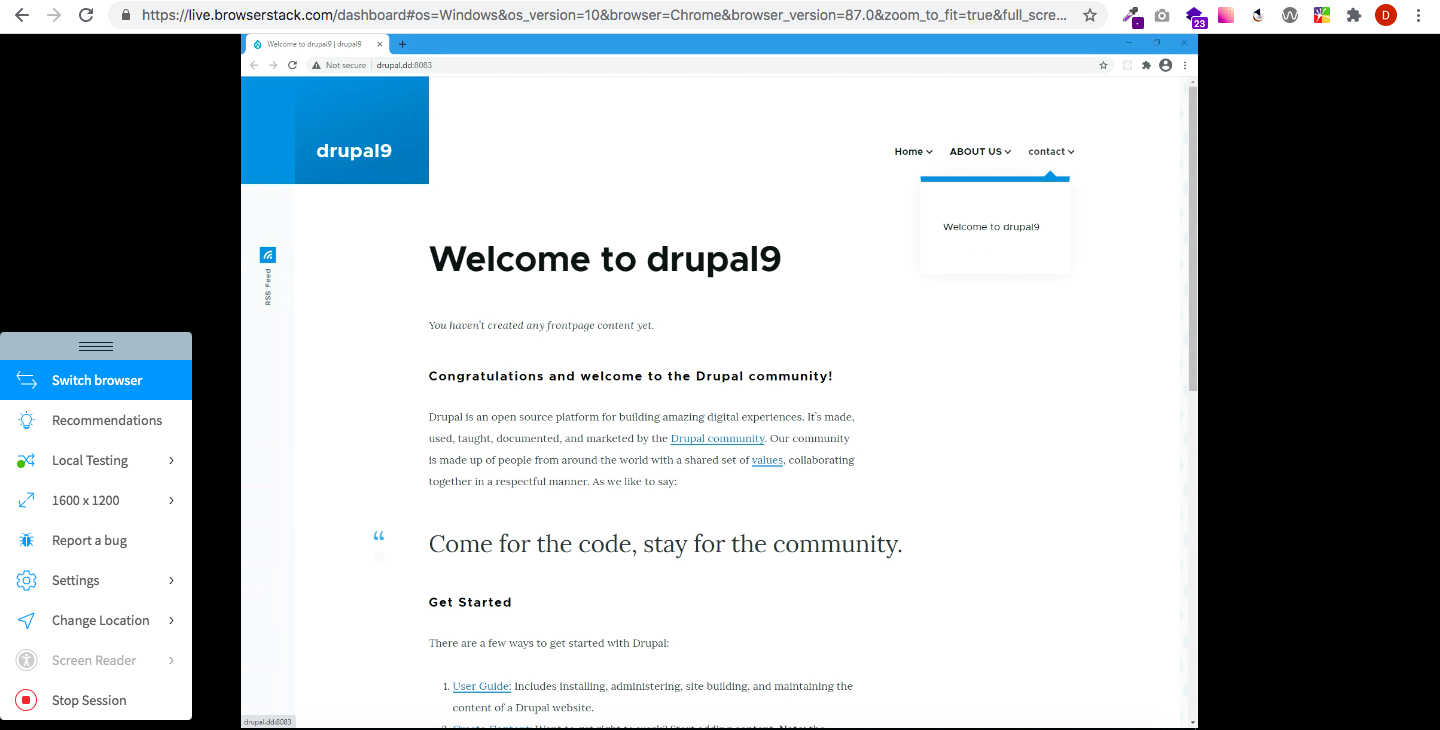
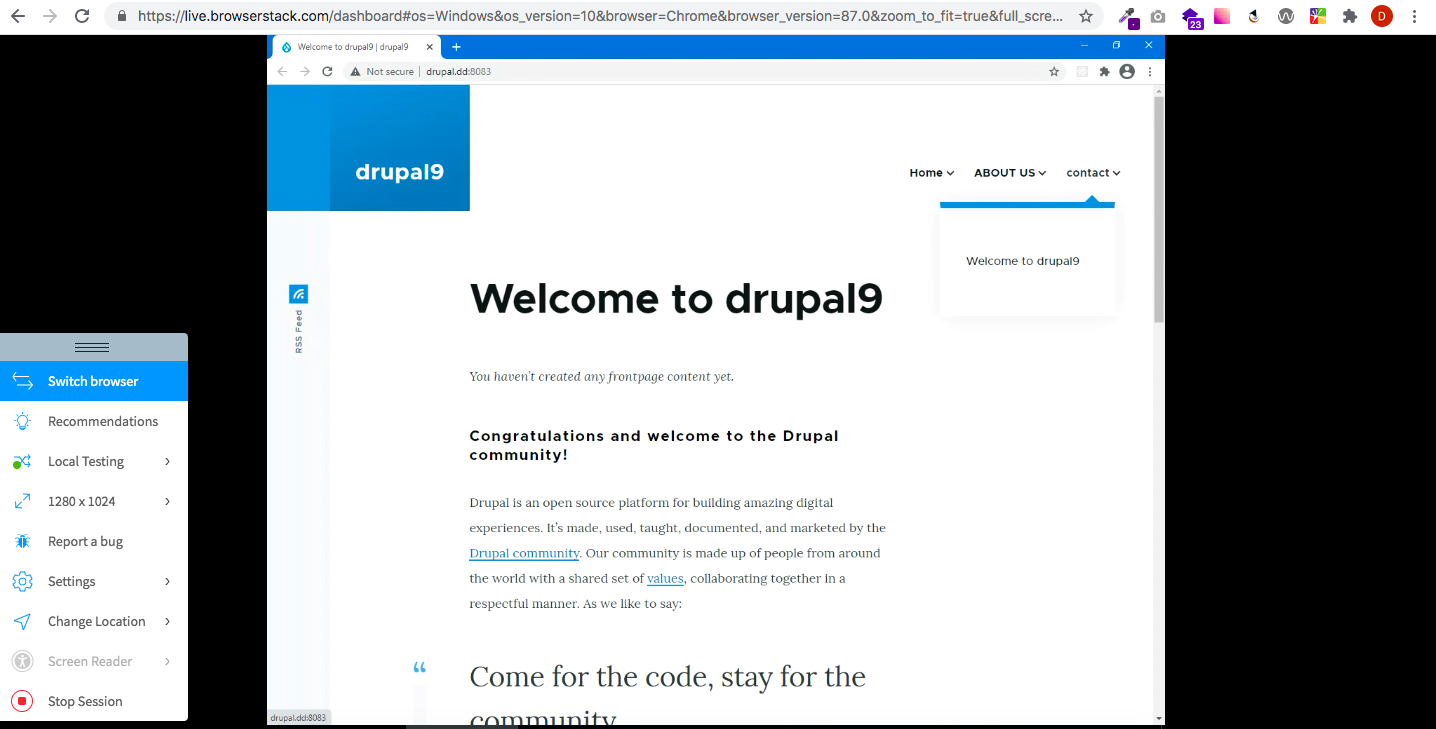
I tried to reproduce the problem by disabling the secondary navigation and also only having one nav item (with drop down items), and it looks good. Screen shot is attached.
Closing as "cannot reproduce". Feel free to re-open this, but if you do, please update the summary to include better steps to reproduce, and better screenshots.

Comment #3
viappidu commentedIt seems that if there is no secondary navigation menuIt seems that if there is *NO* secondary navigation menu
Are you sure you removed the search block from secondary menu?
Comment #4
mherchelOK. I figured this out. This only happens when the following criteria are met
1. Secondary menu is removed
2. Search block is removed.
3. Last primary parent menu item has children.
4. Viewport width is between 1200px and 1480px(ish)
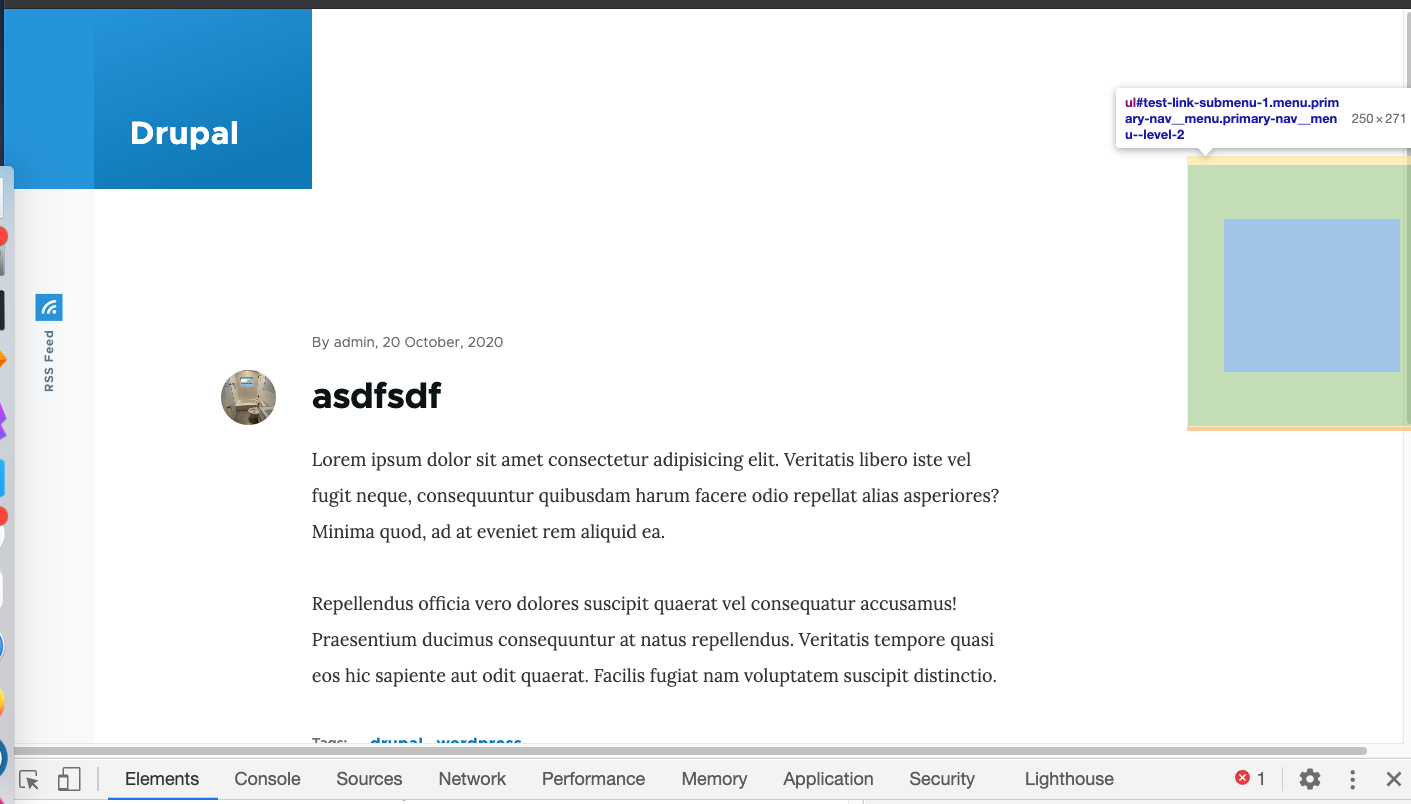
The issue is that since the last menu item has children, the children are set to
visibility: hidden, which still creates the layout space.Comment #5
mherchelComment #6
mherchelComment #7
viappidu commentedThanks!
I knew you could pick it much faster than me :)
I solved with patch and I cannot see any particular problem or side effect though, again, I'm relying on better eyes...
Comment #8
viappidu commentedMY BAD!
Realized with previous patch the secondary menu is badly offset!
Comment #9
viappidu commentedNot sure is the best/right solution though in this way the problem is gone
Comment #10
henry.odiete commentedaddded width 250px on active element and removed transition on opacity
Comment #11
komalk commented#10 - Not included the compiled CSS file of core/themes/olivero/css/components/navigation/nav-primary-wide.pcss.css and also having the CSS lint issue.
Worked on #10.
Comment #12
djsagar commentedHI,
Issue is still same after applied patch and issue is not only 1200px, Jerking issue shows 1440px also.
For more info please check the video.
Thanks!
Comment #13
djsagar commentedComment #14
djsagar commentedHi,
I made some modification in css file for resolving this issue only.
For verification check the video and screen-short which i uploaded.
Please review the changes and gave feedback.
Thanks!
Comment #15
ravi.shankar commentedNW as patch #14 is not green.
Comment #16
djsagar commentedHere, rolling up new patch
Comment #17
hinal05 commentedApplied patch #16. Please see the attachment. I have checked in mac chrome, firefox and edge and after applied patch horizontal scrollbar not visible. RTBC +1
Comment #18
abhijith s commentedApplied patch #16 and it works fine.The horizontal scrollbar is removed after applying the patch.Screen recordings included.
RTBC +1
Comment #19
imalabyaThe patch resolves the issue meticulously for the breakpoints but the dropdown differs from the original design when the conditions in the IS are not met as well, like even with search block and secondary menu present the dropdown shifts positions. Also, the dropdown position shifts for larger screens as well.
Comment #21
kiran.kadam911Comment #22
mherchelTo me, its extremely edge case, with a lot of downsides if we don’t do it properly.
Whatever solution we implement should not affect the design and placement of the dropdown unless all of the edge case conditions are met.
Comment #26
gauravvvv commentedI can confirm this is still happening on d10. Attached screenshot for reference.
Comment #27
gauravvvv commentedAddressed the issues of comment #19. I have attached a patch for d10. Adding screenshot for reference. Please review
Comment #28
Bushra Shaikh commentedI have verified patch #27 on Drupal 10.1.x version but applied successfully but the issue is not fixed.
I can still see the issue after applying the patch.
refer to the screenshot:
Need work
Comment #29
smustgrave commentedPer #28
Comment #30
dsandhya commentedThis issue is fixed for desktop resolution for the version
10.1.x-dev and its working fine for me please verify
Comment #33
quietone commentedThe Olivero theme was approved for removal in #3590816: [policy, no patch] Deprecate Olivero and move to contrib.
This is Postponed. The status is set according to two policies. The Remove a core extension and move it to a contributed project and the Extensions approved for removal policies.
The deprecation work is in #3595082: [meta] Tasks to deprecate the Olivero theme and the removal work in #3595085: [meta] Tasks to remove the Olivero theme.