

Closed (fixed)
Project:
CKEditor Upload Image
Version:
8.x-1.2
Component:
Code
Priority:
Normal
Category:
Feature request
Assigned:
Unassigned
Reporter:
Created:
14 Feb 2017 at 11:56 UTC
Updated:
11 Mar 2017 at 06:34 UTC
Jump to comment: Most recent, Most recent file



Comments
Comment #2
birdsnbees commentedI have installed https://www.drupal.org/project/imce on fresh Drupal 8 setup with https://www.drupal.org/project/ckeditor_uploadimage enabled. I tested the following scenarios:
... and I didn't experienced this two image buttons issue in any of the scenarios above.
Comment #3
weareronin commentedPlease find below 3 scenarios and how I can reproduce this issue (Clean Drupal 8.2.6 install only with CKEditor Upload Image 1.2 [+ dependencies] and IMCE).
Scenario 1
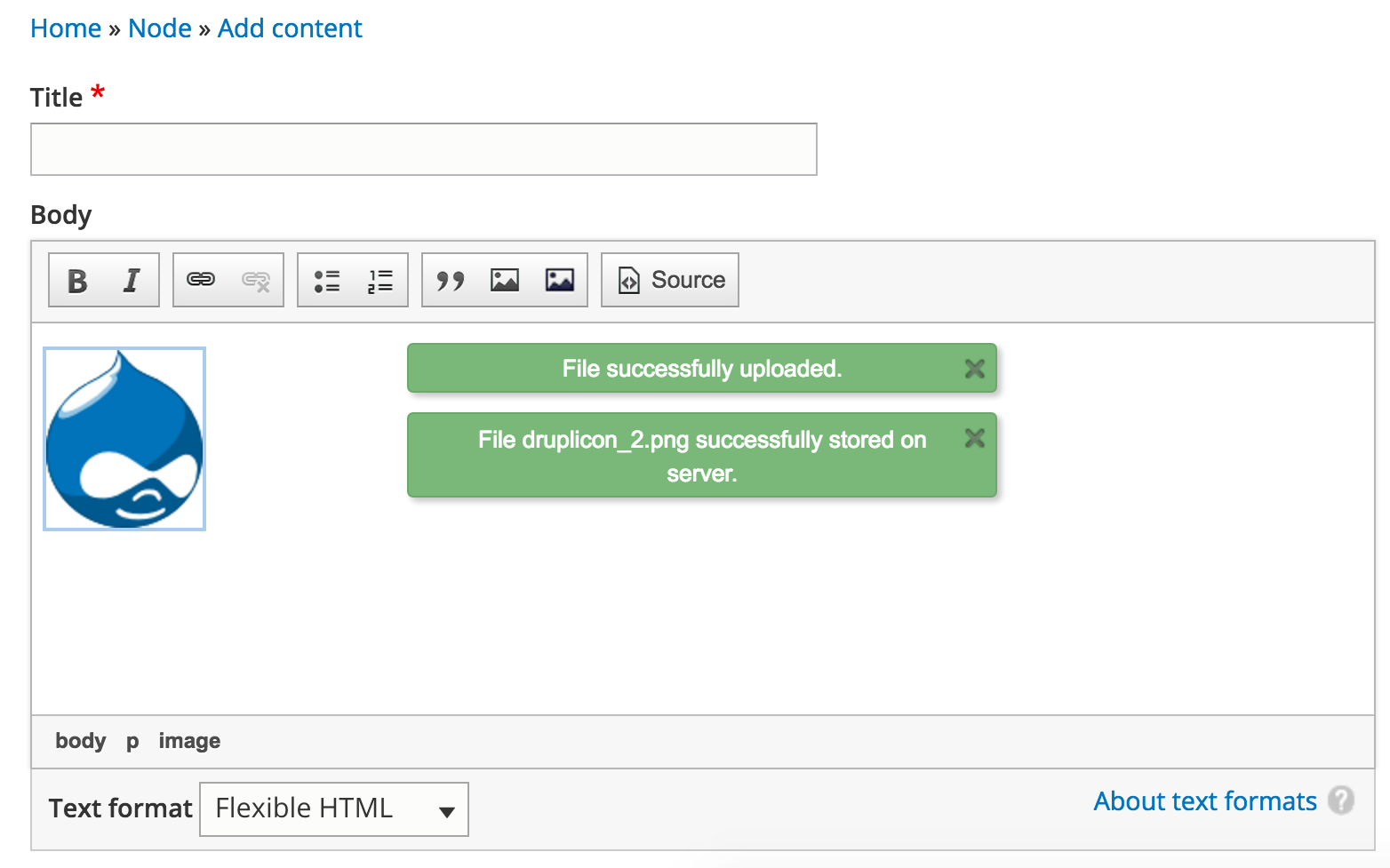
In this case, Drag & Drop works fine but I haven't access to IMCE.
Scenario 2
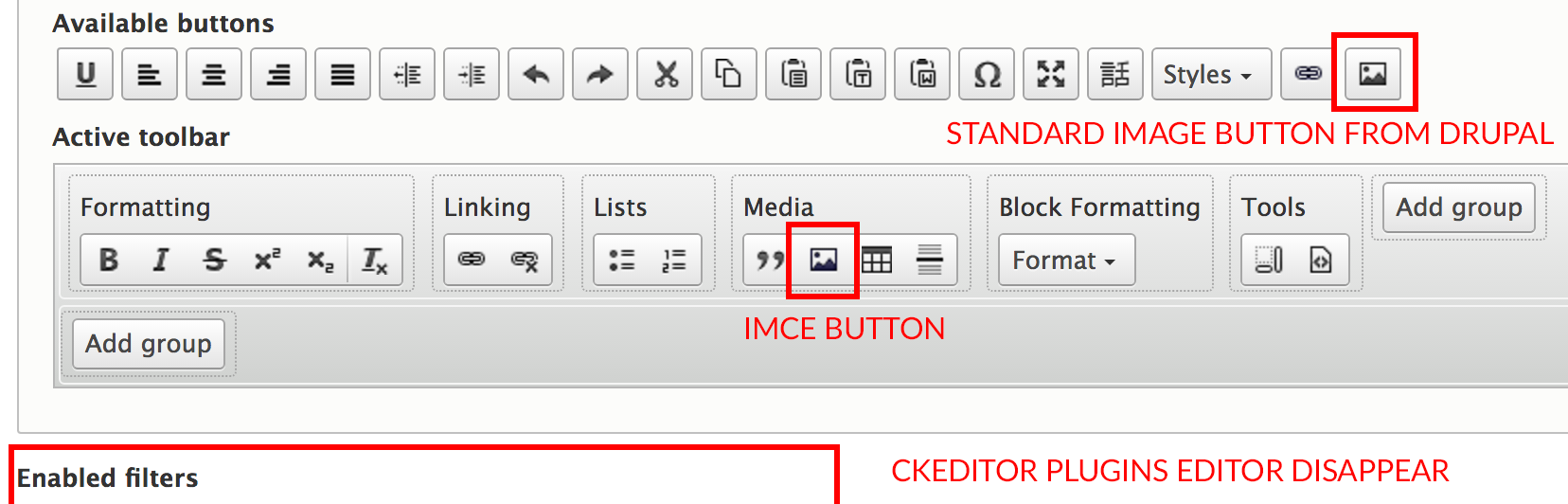
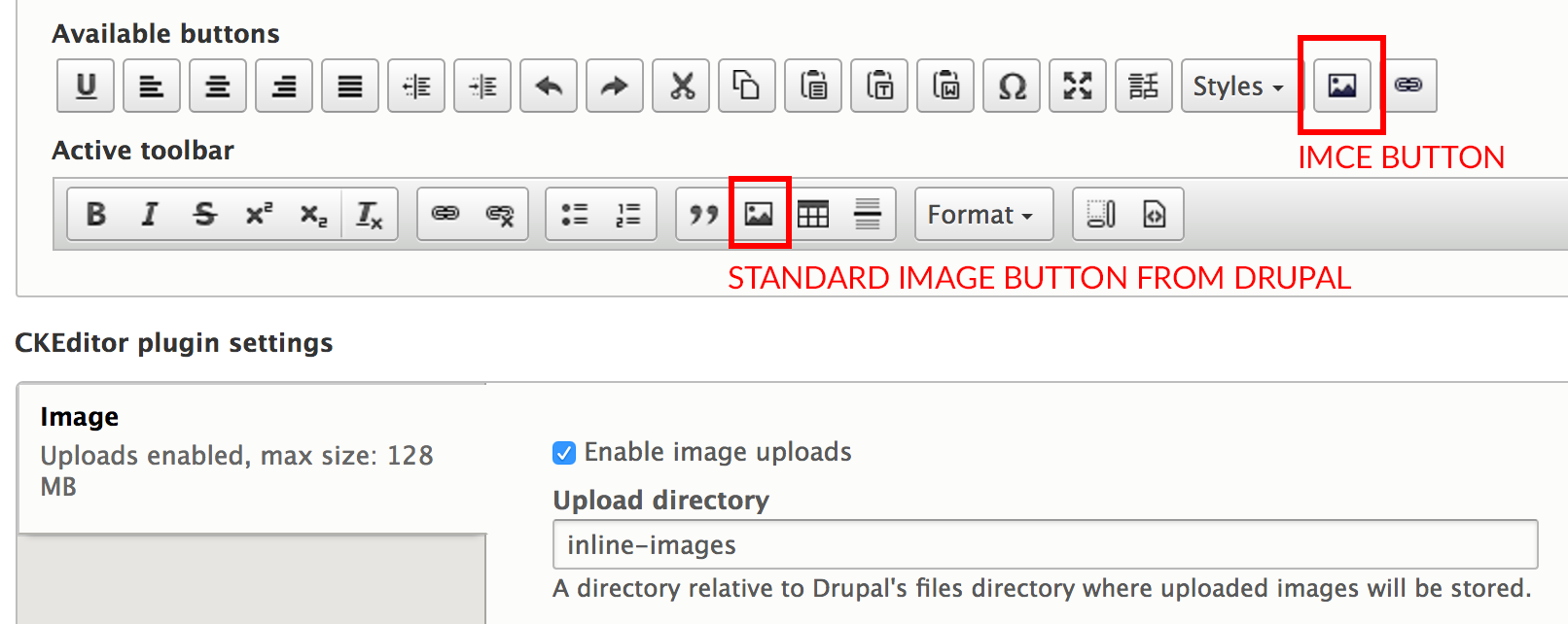
If I add the IMCE button, I have access to both, Drag & Drop and IMCE file manager but I have two same icons.
Scenario 3
If I remove the standard button from Drupal, Drag & Drop doesn't work anymore and the CKeditor Plugins editor disappear.
In my mind, it seems to be a logical behavior as far as removing the standard button "disable" the image upload feature.
That's why ideally we would need the one with the core image dialog to disappear without disabling the file upload feature.
Comment #4
birdsnbees commentedThank you for the detailed step by step instructions. I was able to replicate this issue. This is a feature request because CKEditor Upload Image module needs to be integrated with IMCE module.
Comment #6
arpeggio commentedHi, I have already completed this feature request. Follow the scenario 3 above posted by InPhoenity at:
https://www.drupal.org/node/2852480#comment-11953129
The Drag & Drop should work now. As for the "CKEditor plugin settings" it disappear because the IMCE don't have settings.
If you need to change the core "image" settings which also the settings of this ckeditor_uploadimage module, follow the steps below:
Thank you @InPhoenity for providing detailed steps to replicate, @birdsnbees for queue support and @stefan.r for reporting and sponsoring this feature request.