

 The 2026 Drupal Business Survey is open. Your response will help shape the future of the Drupal business ecosystem.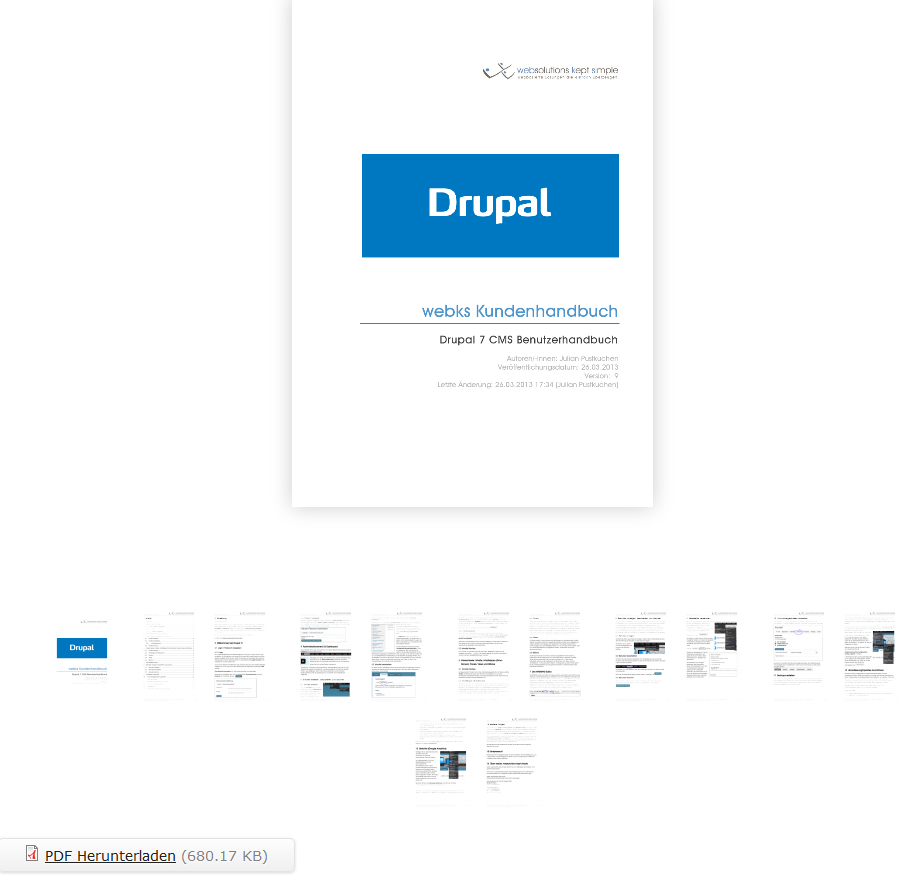
Make a flip book with HTML5
Works on most browsers and devices
Simple and clean API
(turnjs.com)
Adds a simple to use integration with the great (commercial) HTML5 turnjs.com flip book library. This makes it good to use for X-Devices.
In contrast to the turnjs Module this module integrates the latest Version 4 (v4) of turn.js and provides a magazine style like in the demo: http://www.turnjs.com/#samples/magazine1
Hint: It does NOT work with the version of turn.js currently on GitHub. Only the latest commercial version contains the requires zoom.js functionality and the magazine style!
Module vs. Feature
This module contains the core module itself and a feature ("turn_js_magazines_feature"). While the module provides all functionality required and creates a node type for magazines, the feature also creates the fields required. So if you want to try it out or learn how to use this module, you should use the feature!
Otherwise you can use the module standalone, but have a look at the following description. Take care of correct content type machine name and field names / configuration.
Versions (!!!)
- Version 7.x-3.x is compatible with modernizr v3
- Version 7.x-3.x is NOT compatible with modernizr v3 but with older modernizr versions.
Installation & how it works
- Use the standard Drupal module installation procedure: https://drupal.org/documentation/install/modules-themes/modules-7
- The turn.js library V4 (which can be bought on http://www.turnjs.com) is being loaded via Libraries Module. Place the "turn.js" folder into your "sites/all/libraries/"-folder. Modernizr is used to fallback to a HTML4 version if the users browser does not support "csstransforms". So ensure to download your modernizr.js to check csstransforms!
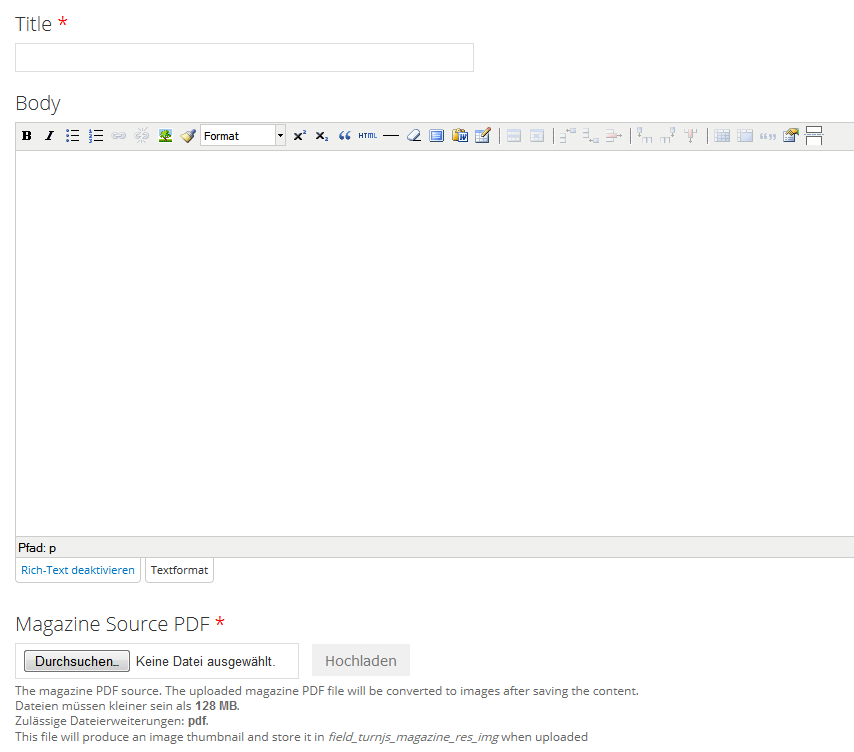
- This module creates a "turnjs_magazine" content type. That content type contains
-
- a title field
- a body field (you may also add other fields just like you want or even remove the body field)
- a PDF upload file field (which is the resource for the magazine to be displayed)
- an Image field (which is hidden on create / edit form and populated with the PDF pages using pdf_to_imagefield.module on content save)
- The content displays are used for rendering the turn.js magazine:
-
- The original PDF upload file field is not required on display, but may be used to download the original file (as you can see in the Screenshots).
- The resulting images in the image field are used to create thumbnails for thumbnail-navigation in turn.js. They use the defined image style from the "full" display mode. Important: You have to create an image style named "thumbnail_small" to create the thumbnails. This is currently hardcoded in the module and might be solved better in a later version perhaps. Feel free to sponsor us.
- The "teaser" display may be used via Entity References to reference the rendered content via "teaser view". For that reason we only display the first page image in teaser view.
- To create a new magazine just create a turnjs-magazine node (node/add/turnjs-magazine), upload your PDF and enjoy!
No administration
The module has no administration area yet. The two field dependencies (PDF File Field & Image Field) names are hard coded into the module, just like the node type machine name. So if you don't use the feature provided, please have a look at the field names.
In further versions it is of course possible that we will add an administration area. Feel free to sponsor this work!
Dependencies
- https://drupal.org/project/libraries
- https://drupal.org/project/pdf_to_imagefield
- https://drupal.org/project/ctools
- https://drupal.org/project/modernizr
- https://drupal.org/project/jquery_update (jQuery Version 1.7 or higher)
Some more hints
- If you can't see a pagepeel on the pages and everything seems old-fashioned, you obviously haven't downloaded a modernizr.js file containing checks for csstransforms! So the turn.js fallback to HTML4 is used ;)
- For bigger magazines try out the https://www.drupal.org/project/pace - Module to display a loading animation...
- For paid support and further paid development contact us: http://www.DROWL.de
Drupal 8+
No Drupal 8+ versions planned yet.
Who's behind
Development proudly sponsored by German Drupal Friends & Companies:
webks: websolutions kept simple (http://www.webks.de)
and
DROWL: Drupalbasierte Lösungen aus Ostwestfalen-Lippe (http://www.drowl.de)
Feel free to hire us for paid customizations or for new features in this module! :)
Supporting organizations:
proudly developed this module for the community!
Project information
 Minimally maintained
Maintainers monitor issues, but fast responses are not guaranteed. No further development
No longer developed by its maintainers.- Project categories: Content editing experience, Content display, Developer tools
 32 sites report using this module
- Created by anybody on , updated
 Stable releases for this project are covered by the security advisory policy.
There are currently no supported stable releases.


