

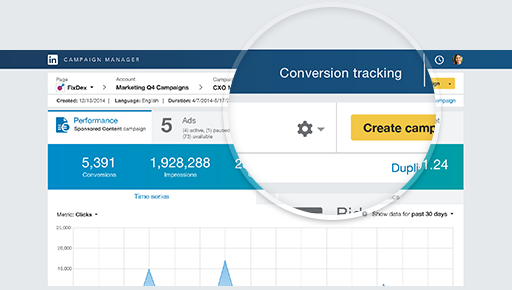
The LinkedIn Insight Tag is a piece of lightweight JavaScript code that you can add to your website to enable in-depth campaign reporting and unlock valuable insights about your website visitors. As a LinkedIn Marketing Solutions customer, you can use the LinkedIn Insight Tag to track conversions, retarget website visitors, and unlock additional insights about members interacting with your ads.
The Drupal Module allows fast integration of Linkedin Insights Tag Script into your website.
Quick Starting Guide:
1. Download and Install the module.
2. Go to Configuration > System > LinkedIn Insights Tag settings or simply by following the URL:
en/admin/config/system/linkedin-insights
3. Enter your Partner ID.
4. Choose the roles for which to make the script load on the pages.
Supporting organizations:
Project information
 Minimally maintained
Maintainers monitor issues, but fast responses are not guaranteed.- Maintenance fixes only
Considered feature-complete by its maintainers. - Project categories: Integrations
 332 sites report using this module
- Created by sorinb on , updated
 Stable releases for this project are covered by the security advisory policy.
Look for the shield icon below.
Releases
8.x-1.4
released 17 February 2026
released 17 February 2026
Works with Drupal: ^9 || ^10 || ^11
Install:
Development version: 8.x-1.x-dev updated 17 Feb 2026 at 11:10 UTC


