Problem/Motivation
When a table placed in a closed 'details' element a sticky table header does not work in case user started scroll before 'details' element is opened.
This happens because sticky header is added with a width value '0' and recalculation doesn't execute after opening the 'details' element.
Steps to reproduce
Form API fields structure to reproduce issue:
...
$form['text'] = [
  '#markup' => 'Text that needed to scroll before opening the next details element...',
];

$form['wrapper'] = [
  '#type' => 'details',
  '#title' => $this->t('Table wrapper'),
  '#open' => FALSE,
];

$form['wrapper']['table'] = [
  '#type' => 'table',
  '#sticky' => TRUE,
  '#header' => [...],
  '#rows' => [...],
];
...
1. Create table in closed 'details' element accourding to example above.
2. Add any elements above the closed 'details' element with the table to be able to scroll before opening 'details'.
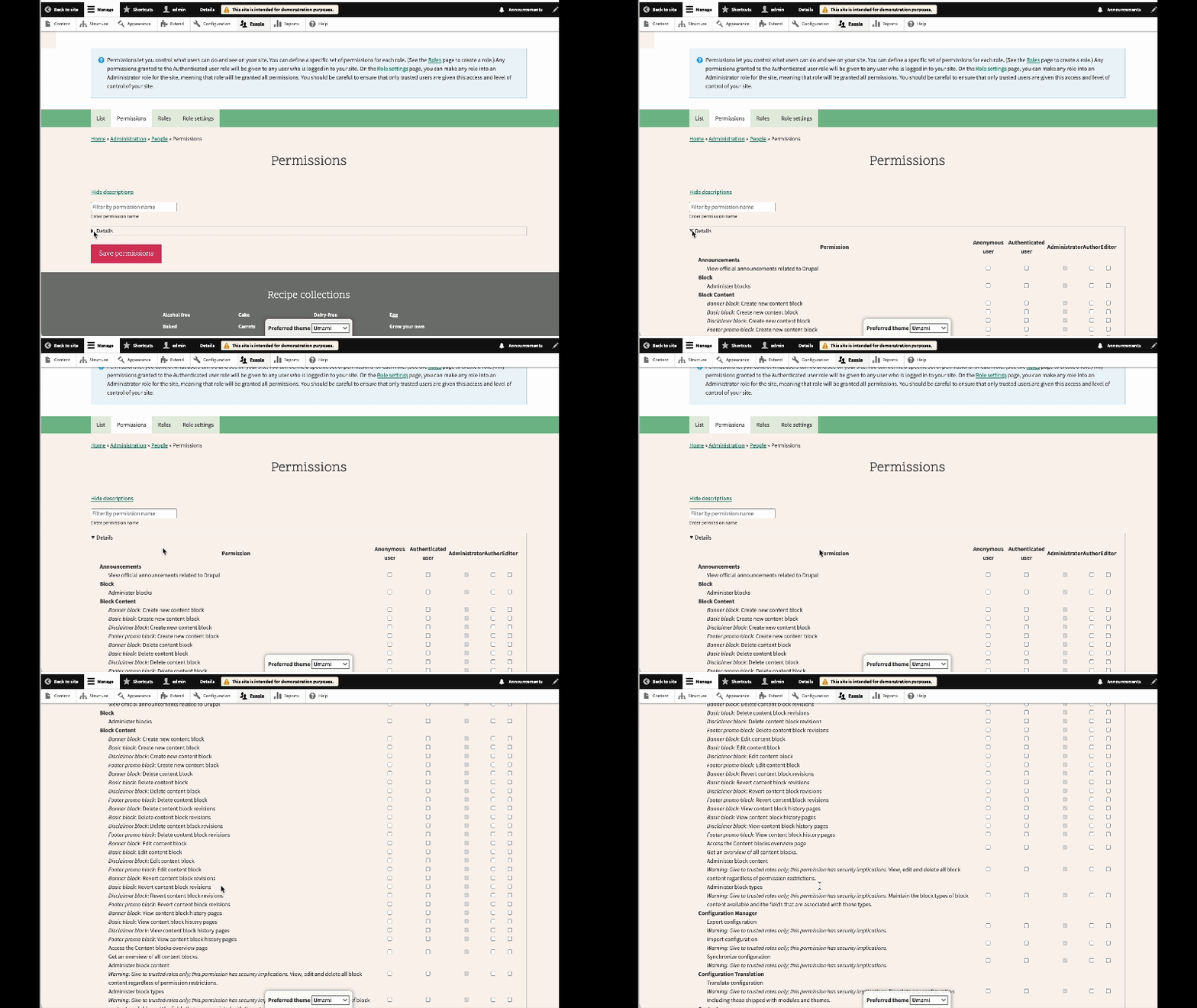
3. Open the page with elements, scroll to the 'details' element, open it, and scroll the table. You should see that the sticky header doesn't appear.
Proposed resolution
Recalculate sticky header during scroll.
I am sure that it is not the best solution, so, we can consider a better solution than recalculating sticky header during scroll.
Remaining tasks
N/A
User interface changes
N/A
API changes
N/A
Data model changes
N/A
Release notes snippet
N/A


 Show commands
 changes


Comments
Comment #2
ressinelComment #3
smustgrave commentedThank you for reporting,
As a bug will need test coverage to show the problem.
Also recommended to use MRs now as patches are no longer auto ran and will be phased out.
Comment #6
Aadhar_Gupta commentedCreated MR for the patch.
Comment #7
Aadhar_Gupta commentedComment #8
needs-review-queue-bot commentedThe Needs Review Queue Bot tested this issue.
While you are making the above changes, we recommend that you convert this patch to a merge request. Merge requests are preferred over patches. Be sure to hide the old patch files as well. (Converting an issue to a merge request without other contributions to the issue will not receive credit.)
Comment #9
bnjmnmPerhaps the solution can be more targeted and the sticky recalculated on the details toggle event instead of the current approach that uses the more-often-occuring
scrollevent.It's also worth pointing out that this will likely no longer be an issue once this issue lands: #3439580: Make drupal.tableheader only use CSS for sticky table headers
However, that would only benefit 11.x, and it would be nice to get this bug addressed for Drupal 10 so this could still be worth doing.
Comment #12
utkarsh_33 commentedThe current MR works only if we change
table.sticky-enabledtotable.position-stickyin this.

After this is changed then the recalculate function is invoked as expected.The problem with this is that the table is still overflowing out of the details element as you can see in the SS.
Comment #13
bnjmnmRe #12
The current MR works only if we change table.sticky-enabled to table.position-sticky in thisClaro tableheaders are sticky even though it isn't initializing in tableheader.js, so that means that stickiness is being achieved in Claro without tableheader.js. All the efforts to get tableheader.js seeing Claro is overlooking the fact that tableheader.js is not responsible for sticky headers in that theme.
Claro moved away from using tableheader.js mid-2023 in favor of CSS positioning. #3362276: Use position: sticky for views sticky table header. Even if this wasn't directly obvious, the fact that the tableheaders are sticky despite not being seen by tableheader.js strongly suggests the stickiness is being implemented without tableheader.js.
But before you go digging in that direction, it's probably worth confirming the issue as reported can even be reproduced in Claro. I can't reproduce since Claro uses CSS positioning, I suspect the reported bug is has not been an issue since that change.
From the looks of it there's nothing needed in Claro. Even if that was reported in the issue, it's always possible something changed in an update and the reporter might be using an earlier version of Drupal.
If you try a theme that isn't Claro, this does appear to still be an issue
While updating tableheader might fix it, perhaps using CSS positioning in the same manner as Claro could do the trick as well. I recommend seeing if there aren't already issues-in-progress for either of those before determining what to do here.