

 Come together with the global Drupal community in Rotterdam, 28 Sept – 1 Oct 2026. Sessions, contribution, connection, and Early Bird savings until 8 June.
Problem/Motivation
Now that Drupal 8.7 is out with the new Media Library module, it would be great to support dropzonejs file upload widget in the Media Library. Similar to how it's done in Entity Browser.

Proposed resolution
Make dropzonejs widget available to the new Media Library in core
Remaining tasks
- Patch
- Manuall Testing
- Automated Testing
- Release
User interface changes
Image


Local Video

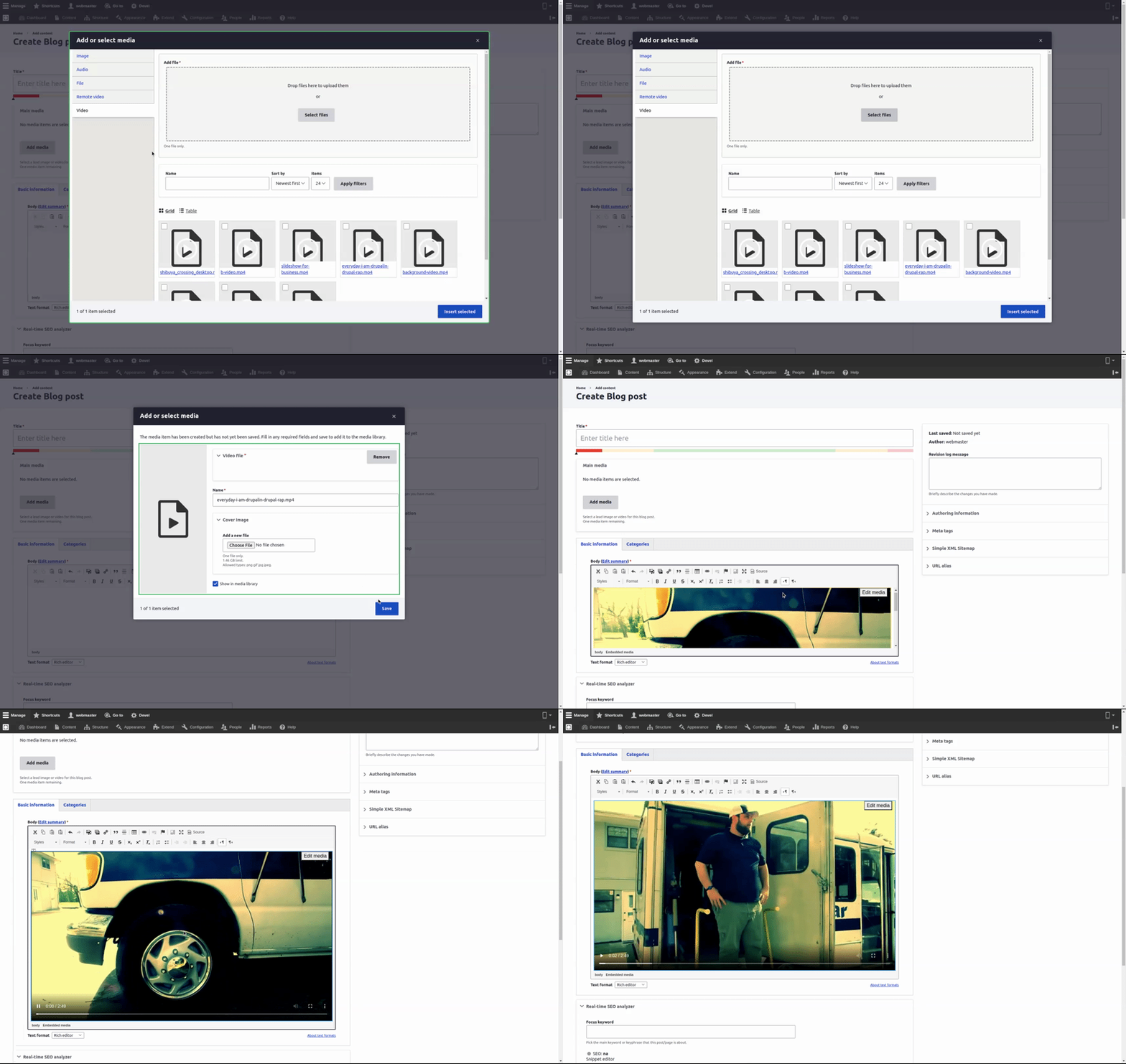
File or Docs

Audio


API changes
Media library add form Class for DropzoneJS support
Data model changes
None
| Comment | File | Size | Author |
|---|---|---|---|
| #41 | modal_scroll_position.png | 1.09 MB | saschaeggi |
| #37 | 3051658-37.patch | 14.63 KB | chr.fritsch |
| #37 | interdiff-3051658-35-37.txt | 2.79 KB | chr.fritsch |
| #35 | 3051658-35.patch | 13.86 KB | a.dmitriiev |
| #35 | interdiff_27-35.txt | 4.63 KB | a.dmitriiev |






Comments
Comment #2
saschaeggi+1 on this
Comment #3
saschaeggiComment #4
primsi commentedThat would be interesting. I am not currently very up to speed with that, so my question is if core media library even supports that?
Comment #5
saschaeggi@mohammed-j-razem @primsi
for the meantime: There is a patch available for the Seven theme to enable drag&drop support in Core:
https://www.drupal.org/project/drupal/issues/2113931
And I've migrated the patches already for Claro:
https://www.drupal.org/project/claro/issues/3059615
Enjoy :-)
Comment #6
weseze commentedWould be a very cool feature indeed.
My knowledge of the inner workings of this module is very limited, so I could not get it working. I had hoped the symply altering the form element type and attaching the libraries would make it work...
But all I get is a widget that looks good, but isn't working...
Perhaps someone else can point me in the right direction?
Comment #7
chr.fritschHere is an initial patch. Note, that #3171743: [backport] Not possible to overwrite the upload forms for media library is currently needed.
Comment #8
sokru commentedTested the patch with Seven&Claro admin themes using Drupal core 8.9.6. On both the media library failed to open after applying the patch. AJAX error:
Comment #9
porchlight commentedPatch worked for me on Drupal 8.9.7 - I am using the Gin admin theme, which extends Claro.
Comment #10
porchlight commentedComment #11
rajab natshahThank you Christian,
Patch #7 is working for Images


Other uploadable media types are not supported yet
Local Video
File or Docs
Audio
Tested with Drupal 9
Comment #12
rajab natshah#3171743: [backport] Not possible to overwrite the upload forms for media library
Was committed and released to Drupal 8 and Drupal 9
It's Christian's fix, only the support for other Drupal core media sources.
Comment #13
rajab natshahHad a testing round ( Local development ) no extra config or settings
Image
Local Video
File or Docs
Audio
Comment #14
rajab natshahComment #15
rajab natshahComment #16
rajab natshahTested in Drupal 8.9.7 and Drupal 9.0.7 using the Claro admin theme
The issue #3171743: [backport] Not possible to overwrite the upload forms for media library was committed and released in both.
Thanks, Christian for the initial patch.
Comment #17
acbramley commentedJust curious why this is needed? Overriding a private service that is. It can cause issues such as this #2948185: ServiceNotFoundException when logging out.
Was there an issue using
Url::fromRoute?Comment #18
a.dmitriiev commentedI tried the patch and I think the reason for using private service is to avoid caching CSRF token. I tried also with Url::fromRoute, but it doesn't work, the token is always not valid. I think it is happening because of ajax form caching inside media library.
Comment #19
a.dmitriiev commentedI found this issue https://drupal.stackexchange.com/questions/293913/invalid-csrf-token-usi... and there is a workaround here https://github.com/Mykola-Veryha/ajax-flag-link/blob/master/src/Controll..., the author tries to refresh the token. That is also not ideal solution.
Comment #20
a.dmitriiev commentedHere is re-rolled patch without using private service. I used collected cacheable metadata and applied it to form element. Now the CSRF token is valid inside ajax form too. Please review.
Comment #22
a.dmitriiev commentedNot sure why the test failed, but it is not related to the change in this issue. Failure is here at line 61:
Comment #23
gilesmc commentedThanks Artem! I just tried the patch in #20 and it's working for me (core 8.9.10).
Comment #24
rajab natshahHaving the following #3192282: Fix Dropzonejs widget issue of adding _0 on all image file names
Steps to reproduce
Comment #25
a.dmitriiev commentedI can also confirm the bug with filenames from #24
Comment #26
oheller commentedWhile using lighting_media_bulk_upload after applying the #20 patch, the form at /admin/content/media/bulk-upload stops working. Previously there was no dropzone widget on the page, but the select multiple button worked. After the patch the button stopped working.
Comment #27
a.dmitriiev commentedI found the problem with "_0". DropzoneJS was moving the file from temp folder to destination and then MediaLibrary class is also doing this. So I modified the UploadForm from DropzoneJS to have empty destination, so it remains in temp folder and then media library moves it to proper destination.
MediaLibrary UploadForm is a parent to DropzoneJS, so it is safe to have destination empty for DropzoneJS.
Comment #28
a.dmitriiev commentedComment #30
a.dmitriiev commentedAgain, the test that check whether dropzone.js file is there fails, but it has nothing to do with the module itself, it is how composer pulls the assets.
Comment #31
mandclu commentedI tried the patch in #27 with a field designed to accept file media entities. The media library would not load. The error message was big and ugly (and JSON encoded) but the start read:
Comment #32
a.dmitriiev commentedCan you please give more details? I tested this patch with Drupal 8.9.15 (OpenSocial) and also Drupal 9.1.5 with standard profile and it is working. What are your versions? Any details on what media types are enabled, what type is not working for you?
Comment #33
mandclu commentedI had been testing using Drupal 8.9.15 (no distro). I was attempting to upload file entities.
I believe I have since been able to get it working by adding the Media Bulk Upload module, but it sounded like that shouldn't be a requirement.
Comment #34
rajab natshahUsing the Media Bulk Upload with Dropzone.js they are working very well.
#3206185: Add Media Bulk Upload module
It feels that we should have a config setting for Dropzone.js to be used in the Media Library.
Some may want to have it in selected fields only and may not use it in other fields.
Comment #35
a.dmitriiev commentedI have refactored the upload form class to re-use what base class provides to avoid having notices and warnings. Now also the validation is correct, previously it was using
fidsproperty frommanaged_fileelement that is obviously not present in dropzoneJS element (there it is calleduploaded_files).Now there should be no warnings, no errors and no "_0" in file names.
Please review new patch.
Comment #37
chr.fritschThis should fix the tests
$generated_url->applyTo($element)has overwritten the attachments.
Comment #38
chr.fritschComment #39
porchlight commentedLooks like it works well, but only thing I noticed is when I have a media library field on a node and I click the button to open the modal, the modal is focused on the media library view listing rather than at the top of the modal where the dropzone widget is. So you have to scroll up to see/use the widget. Not sure how easily we can alter that.
Comment #40
porchlight commentedSo I tested a bit more, and it does work fine when I switch my admin theme to Seven. The issue I ran into only exists on Claro and Gin as far as I can tell, so might be an issue for the theme instead.
Comment #41
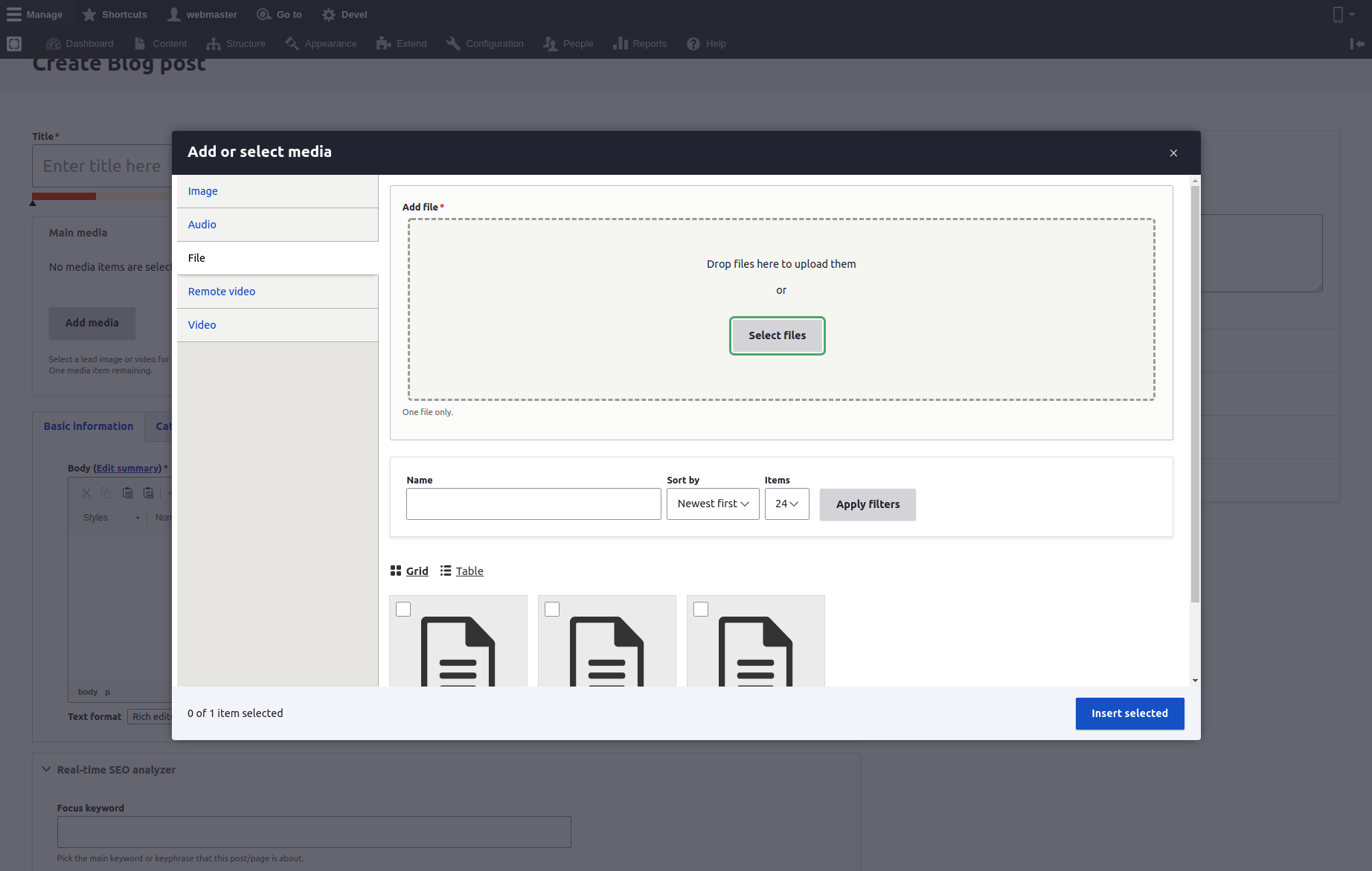
saschaeggiThe patch from #37 seems to work with me as well. Only issue is with the scroll position when the modal opens.
Focus is on the "Select files" button but somehow the modal content is a bit scrolled (see screenshot):
Comment #42
volkerk commentedThe problem mentioned in #39ff seems to be a core issue, see #3267599: Arbitrary scroll on dialog open.
I tested this and it looks good
Comment #44
chr.fritschThx, committed it
Comment #45
joao.ramos.costa commentedHi everyone, thanks for the changes they seem very useful. But I tend to agree with @Rajab Natshah #34, I think it should be configurable. I added this option at https://www.drupal.org/project/dropzonejs/issues/3171110 .
Thank you !