I am using drupal 6. I have a content type called "order" which has a multigroup field with a node reference field and a numeric field. Each row represents a product and its quantity.
When you Preview the node all prices are calculated and the total amount.
When I removed (=hide) a row from the multigroup the total amount remains the same because the row is not really removed but only hidden using javascript.
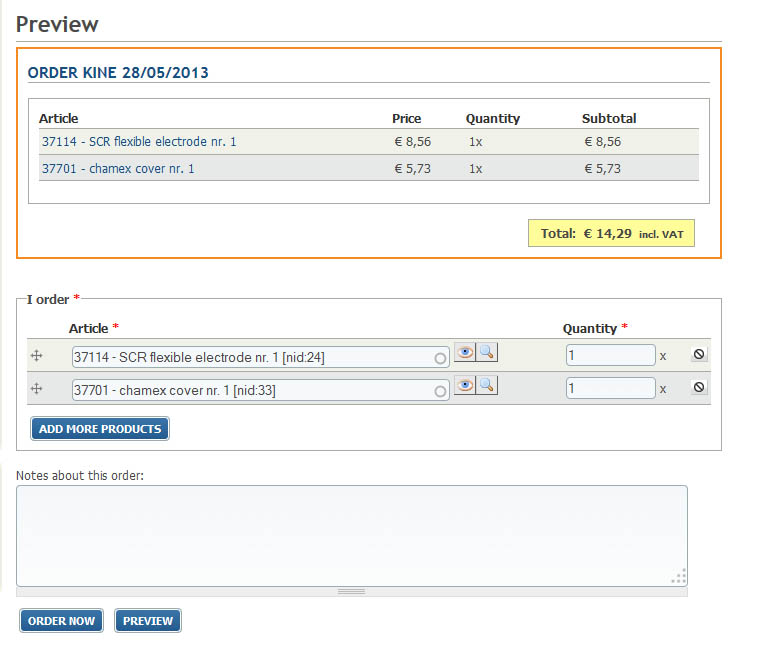
I have included 2 screenshots:
The first screenshot shows 2 products being ordered with a correct total.
In the other screenshot I removed the 2nd product, now the preview show 1 product but the total remains the same.
My question: How can my computed field determine if a row of the multigroup is removed so that the total amount is correct?
Or is it possible to change the action of the remove button so that it also clears the quantity field?
Thanks for your help!


Comments
Comment #1
tomsm commentedI have found a solution. I check if the _remove attribute of the quantity field is set:
$node->field_amount3[$delta]['_remove'] == 0This is the code of my computed field: