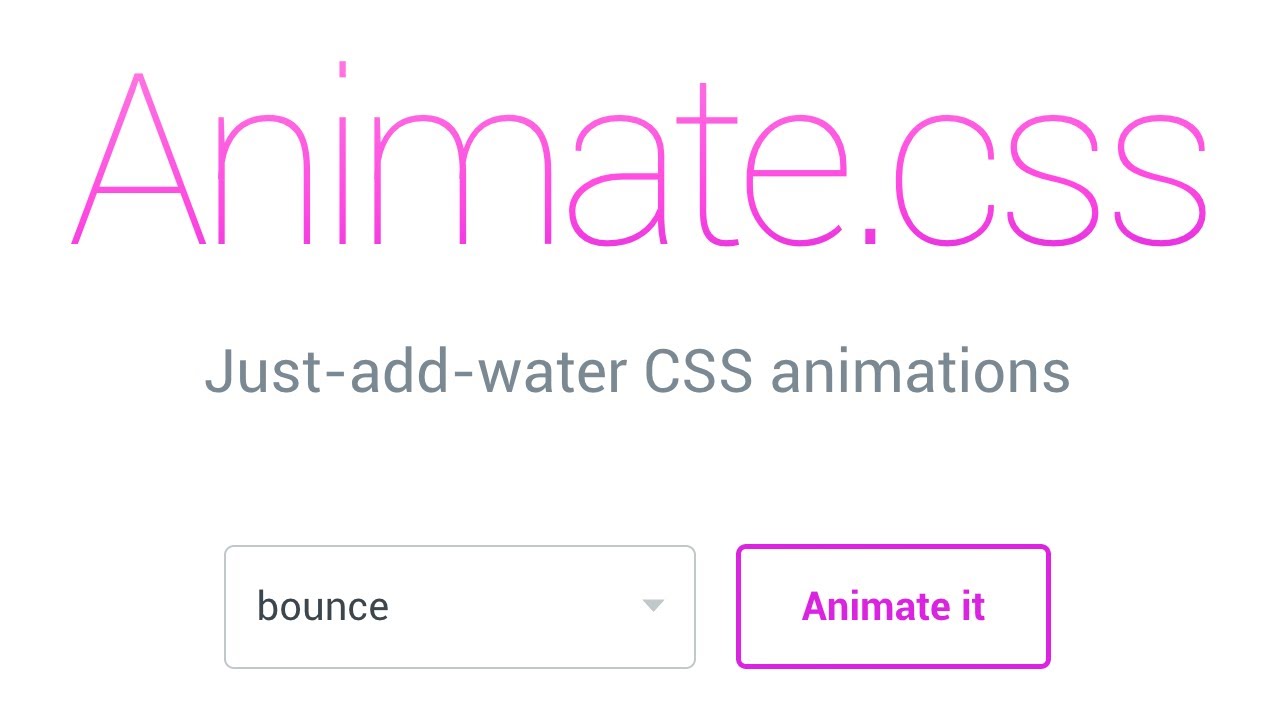


This module integrates the Animate.css library with Drupal which allows you to makes cross-browser animations for use in your web projects. Great for emphasis, home pages, sliders, blocks.
Animations can improve the UX of an interface, but keep in mind that they can also get in the way of your users!
Basic usage
This module allows you to implement CSS animations in your Drupal modules and themes. Once enabled and the library is added, you can use any animation available in Animate.css.
Example
Add jQuery in your module/theme JS file:
$('.exampleSelector').addClass('animate__animated animate__bounceIn');
Features
- AnimateCSS module is very lightweight for using minified Animate.css library for better performance.
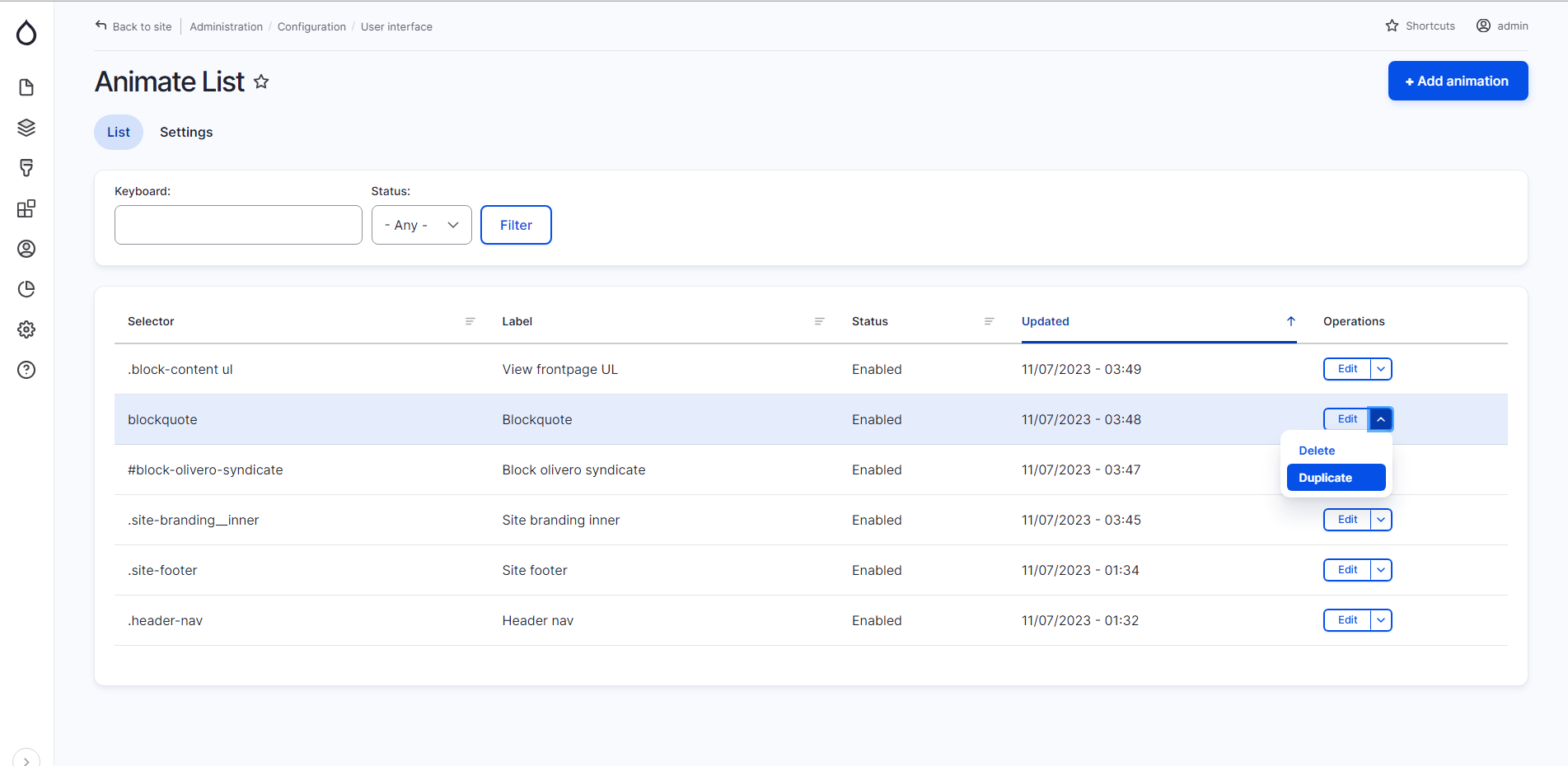
- AnimateCSS UI Sub-module for user interface configuration.
- No Coding Required: Add and edit element selectors and choose animations without writing any code.
- Global and Specific Animation Options: Set options such as Delay, Speed, Duration, and Repeat times globally or for specific elements.
- Live preview when you choose animation and options.
- Version Flexibility: Compatible with Animate.css version 4.x and version 3.x.
- Loading Options: Load from local or CDN sources, and choose between minified or source versions.
- Event-Based Triggers: Trigger animations on events like click, mouseover, scroll, and more.
- Display Fix Option: Automatically change the display property from inline to inline-block to ensure proper animation rendering.
- Custom Delays and Durations: Enhanced functionality for setting custom delay and duration times.
- Improved Support for AOS.js and WOW.js: Better integration for scroll animations using these libraries.
Installation
Please view the project's README.md for detailed installation instructions.
Requirements
Download the Animate.css Library Latest Version from GitHub.
Recommended modules
- Textimate (Text + Animate): Provides text animation, enhancing site interactivity with awesome effects. Effortlessly transform static text into mesmerizing animations.
- Splitting.js: Creates elements and adds CSS variables for split words & characters (lines, items, grids, images, more!), unlocking amazing possibilities for styling and animating text, grids, and more.
- Vivus: Integrates Vivus.js library with Drupal, providing SVG animation and improving site interactivity with awesome animations.
- Bootstrap UI: Integrates the Bootstrap CSS framework along with a user interface for configuring and customizing components, variables, and plugins.
Supporting
Please let me know if a new feature is needed or if there are any issues or feedback. You can announce it in the AnimateCSS Issues section.
Related modules
- AnimateCSS On Scroll: Provides AOS options in the AnimateCSS UI, allowing you to animate on scroll using the AOS.js library.
- AOS JS: A small and lightweight JavaScript library (with no dependencies) that allows you to animate elements as you scroll down and up. If you scroll back to the top, elements will return to their previous state and be ready to animate again if you scroll down.
- WOW JS: Integrates WOW.js library with Drupal, providing animations when you scroll and improving site interactivity with awesome animations.
- Hover CSS: A collection of CSS3 powered hover effects to be applied to links, buttons, logos, SVGs, featured images, and more.
- Pattern CSS: A CSS-only library to fill your empty backgrounds with beautiful patterns.
AnimateCSS module is different from other Animate CSS modules. This module can add a minified version to the page for better performance and provides functions for other modules to call animation names and options.
AnimateCSS UI module is different from other modules. It allows you to add various types of animations anywhere in your Drupal website using CSS selectors (class/id) without coding. It also offers more configuration options, such as choosing which version of the Animate.css library to use (4.x or 3.x), loading from CDN, limiting to specific pages, and more.
Project information
- Project categories: Content display, Developer tools, Media
 533 sites report using this module
- Created by mahyarsbt on , updated
 Stable releases for this project are covered by the security advisory policy.
Look for the shield icon below.
Releases
released 9 July 2024
Introducing event-based animation triggers, display fix enhancements. This release also includes improved support for AOS.js and WOW.js for animate on scroll, providing users with more control and interactivity.
Development version: 1.1.x-dev updated 9 Jul 2024 at 15:54 UTC