

 Come together with the global Drupal community in Rotterdam, 28 Sept – 1 Oct 2026. Sessions, contribution, connection, and Early Bird savings until 8 June.


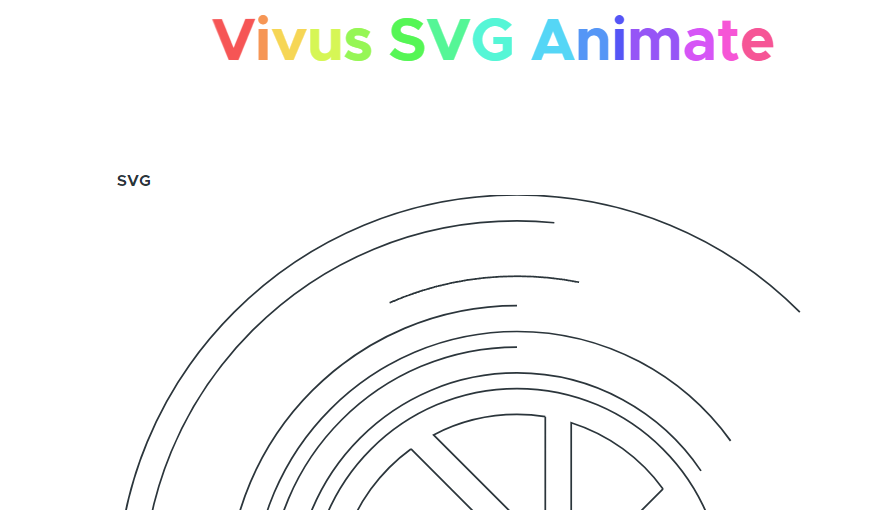
The Vivus is a module that aims to integrate Vivus.js library with Drupal. Provides SVG animate, Improve site interactivity with awesome animations.
Overview
Vivus module, bringing your Drupal SVGs to life!
Vivus is a lightweight JavaScript class (with no dependencies) that allows you to animate SVGs, giving them the appearance of being drawn. There are a variety of different animations available, as well as the option to create a custom script to draw your SVG in whatever way you like.
Features
- Scenarize feature allows you to script the animation of your SVG
- It's possible to override the animation of each path and/or the entire SVG
- Every path element is drawn at the same time with a small delay at the start
- Each line is drawn synchronously
- Each path element is drawn one after the other
- Vivus will provide a warning in the console when it detects stroke scaling
Usage
Enable Vivus module for code usage.
Example SVG:
<svg id="my-svg">
  <path...>
  <path...>
  <path...>
</svg>
Add Javascript in your module/theme JS file:
<script>
  new Vivus('my-svg', {duration: 200}, myCallback);
</script>
Enable Vivus UI module for user interface.
Go to "admin/structure/vivus" to add animation and manage few options.
How to set the SVG ID in Illustrator
https://www.drupal.org/project/vivus/issues/3405063
Installation
Please view the project's README.md for detailed installation instruction.
Requirements
Download Vivus.js Library Latest Version from Github.
Recommended modules
- Textimate ( Text + Animate )
Provides text animation, enhancing site interactivity with awesome effects. Effortlessly transform static text into mesmerizing animations. - Splitting.js
Allows you to creates elements and adds CSS Variables for split words & characters! (lines, items, grids, images, more!) to unlock amazing possibilities for style and animating text, grids, and more!. - Animate CSS
Allows you to makes cross-browser animations for use in your web projects. Great for emphasis, home pages, sliders, blocks with cool animation effects.
Supporting
Please let me know if a new feature is needed or is there any issue and feedback. You can announce it in the Vivus Issues section.
Animations can improve the UX of an interface, but keep in mind that they can also get in the way of your users!
Project information
- Project categories: Content display, Developer tools, Media
 14 sites report using this module
- Created by mahyarsbt on , updated
 Stable releases for this project are covered by the security advisory policy.
Look for the shield icon below.

