Summary
At the moment, CKE5 textarea do not respect any configurable sizes, although as a site builder I am provided with a UI to configure so.
MIN and MAX are both problematic. This issue focuses on the MINIMAL aspect here. The following issue focusses the max usability issues :
#3273755: CKEditor 5 should not grow to infinite height
Problem/Motivation
Using the standard install profile as an example here, you are provided a UI to configure a number of rows for your textarea. Example is shown here with the default body field of the default article node type available at /admin/structure/types/manage/article/form-display
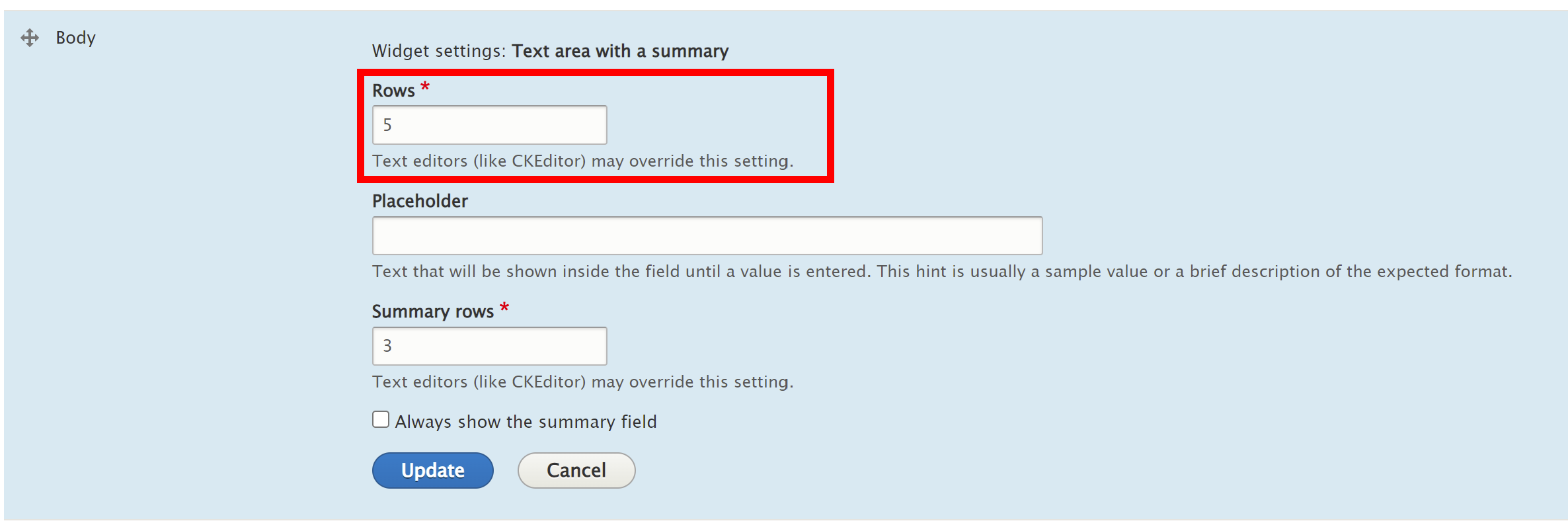
Enter 9 here for instance : on CKE4 this is not respected, but the default size is hardcoded (within CKEditor I suppose) to 5 :
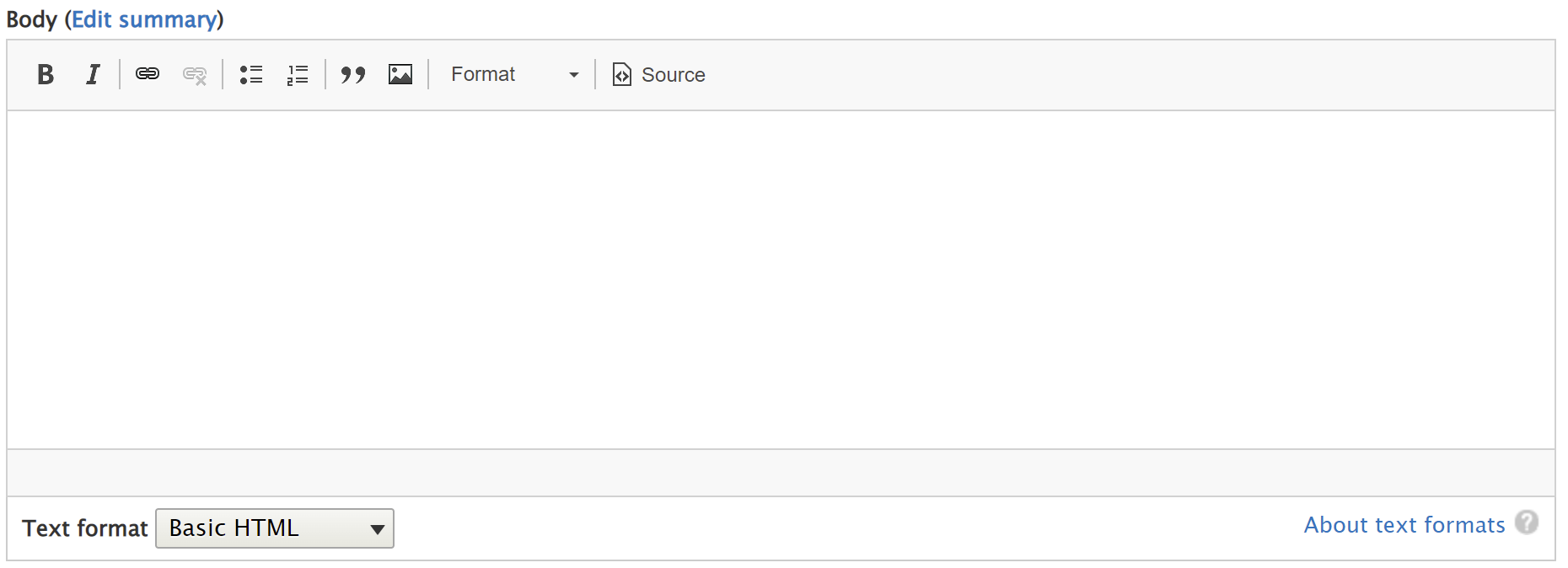
After conversion to CKE5, this very same field as a size of 1 which make it weird to people used to Drupal.

Proposed resolution
A site builder building a content type with multiple textarea should be able to visually prioritize his content by deciding a size for his fields. It does not sound a crazy use case to have a main field of 10 rows and another less important section of 5.
Currently, this is not possible to do it.
The solution should be to follow the UI configuration available as being the default minimum size of the CKEditor field.





Comments
Comment #2
dom. commentedComment #3
dom. commentedClosed as duplicate of #3241295: CKEditor 5 isn't respecting field widgets row settings