

Closed (duplicate)
Project:
Business
Version:
8.x-1.x-dev
Component:
Code
Priority:
Critical
Category:
Bug report
Assigned:
Unassigned
Reporter:
Created:
26 Dec 2017 at 15:32 UTC
Updated:
23 May 2021 at 11:09 UTC
Jump to comment: Most recent, Most recent file

Comments
Comment #2
tibezh commentedHi @verhoevc, I've tested a slideshow on homepage in the Drupal 8.4.2 and 8.4.3, I don't have any problems.
Can you provide more details please. Did you look at developer console?
Comment #3
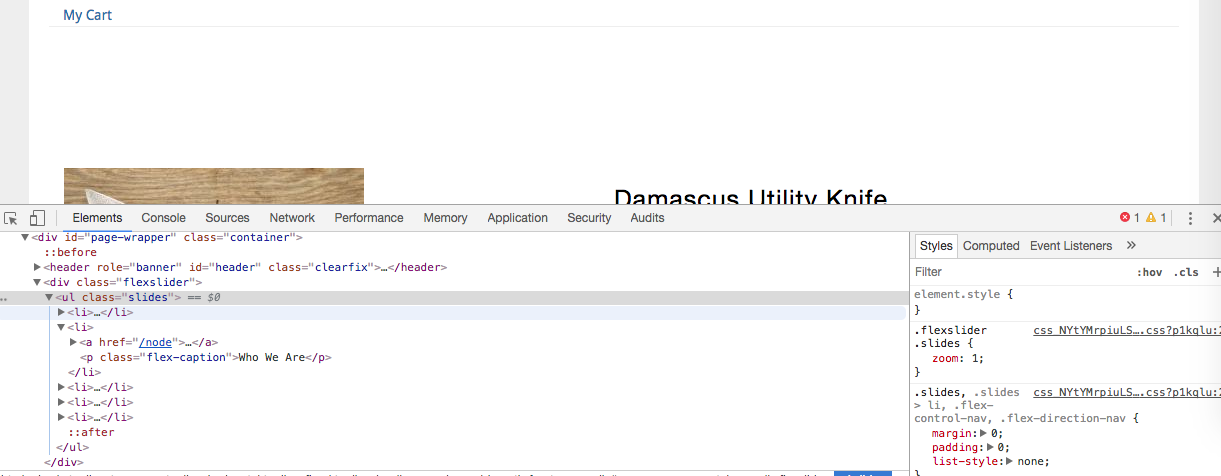
verhoevc commentedThis is what I'm seeing.
Comment #4
verhoevc commentedComment #5
verhoevc commentedComment #6
kncrabtree commentedI am having the same issue on version 8.x-1.7 of the theme, and I believe this is related to the jQuery version change from 8.3->8.4. In my production site (8.3.x), the slideshow works properly with jQuery2, but my development site broke upon updating to 8.4.x and jQuery3.
There is an uncaught typeError "a.indexOf is not a function" that triggers on:
This code needs to use the .on('load',...) method to work in jQuery3.
Comment #7
crispiatico commentedI have the same problem :-(
Theme Business 8.x-1.7 (
Drupal 8.4.5
Comment #8
anks commentedYes, there is an issue with the jquery code.
As kncrabtree suggested need to replace the code of custom.js with following.
This will resolve the issue.
Thanks,
Ankit
Comment #9
bmatthewshea commented(delete this)
Comment #10
bmatthewshea commentedPlease patch your code. It's 1 line to fix slider under 8.x.x.
The problem is you are trying to use a deprecated load from newer jquery. Console will tell you it cannot load them as-is:
Comment #11
bmatthewshea commentedComment #12
vojta commentedSame problem with Drupal 8.6.15, the suggested fix works well.
Comment #13
avpadernoComment #14
bhumikavarshney commentedYes, the above suggestion works good for me.
Comment #15
arborrow commentedI agree that the patch worked for me as well. Kindly update the package.
Comment #16
gauravvvv commentedThis patch doesn't work anymore
Comment #17
gauravvvv commentedComment #18
avpadernoThe patch needs to be created from the directory containing the module. From that directory, the custom.js file is in js/custom.js.
Comment #19
avpadernoFurthermore, the content of the custom.js file is the following.
The code has been fixed in commit 84cdd33, as result of #2920983: Slideshow disappeared out of nowhere, created on November 4, 2017. This issue is a duplicate of that issue.