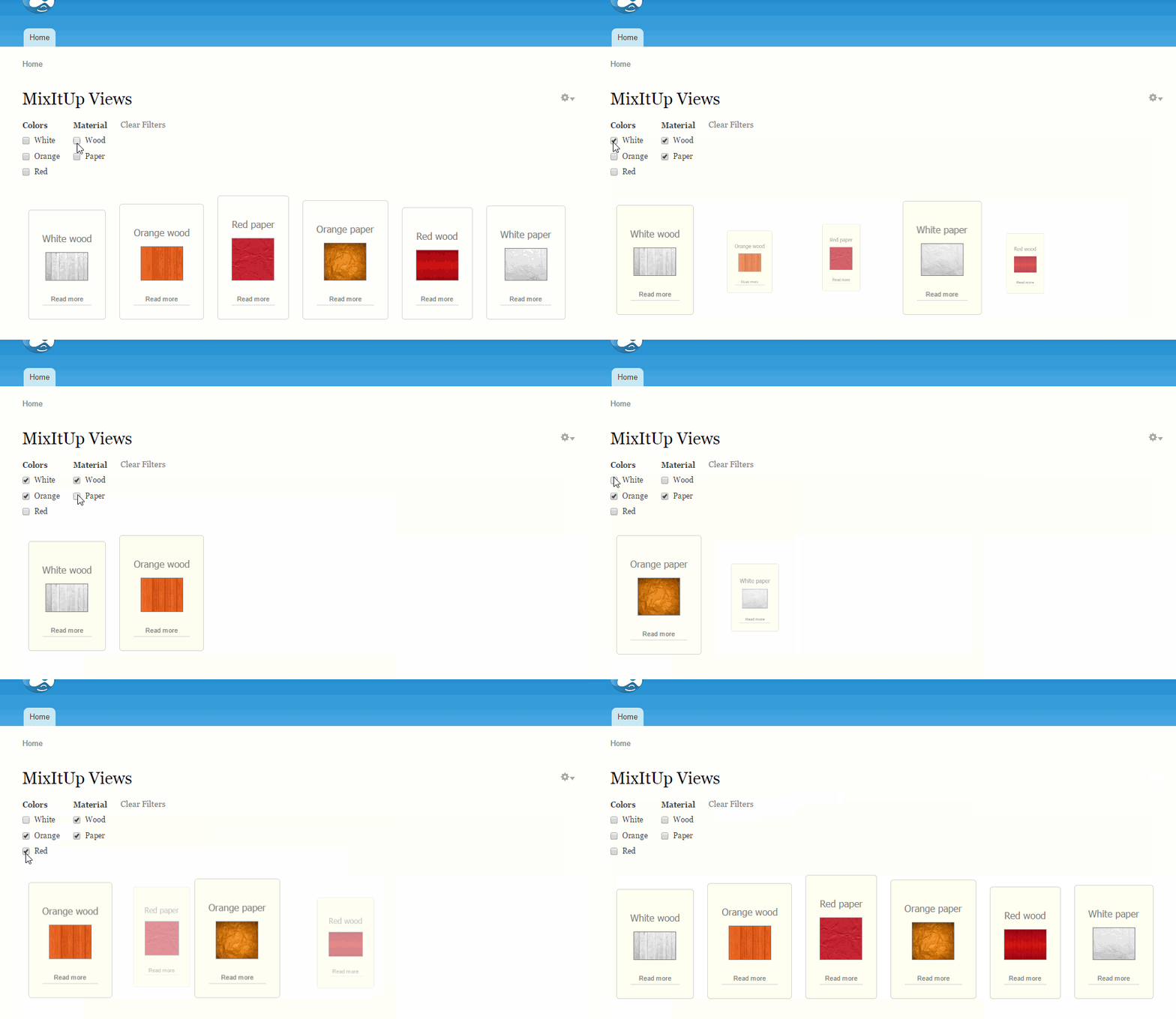
This module implements ability to use MixItUp filtering for Views.
From https://mixitup.kunkalabs.com/:
MixItUp is a jQuery plugin providing animated filtering and sorting.
Great for managing any categorised or ordered content like portfolios, galleries and blogs, MixItUp can also function as a powerful tool for engaging application UI and data-visualisation.
jQuery Compatibility
MixItUp plugin requires jQuery v1.7 or greater.
Required Modules
Libraries API
jQuery Update
Views
Installation
- Download and enable all required modules listed above
- Download MixItUp plugin jquery.mixitup.min.js to your libraries directory. So, file should be available under /sites/.../libraries/mixitup/jquery.mixitup.min.js. For now, used MixItUp v2.1.7.
- Download and enable MixItUp Views module.
Configuration
- Go to edit view page
- Select MixItUp at format section
- Go to MixItUp format settings and change default animation settings to your own settings, if needed. All animation settings available here
- Select Display all items at Pager section for making all items available.
- You don't need to add any filters manually. Filters will be displayed automatically, if taxonomy terms attached to the nodes.
Project page
https://www.drupal.org/sandbox/alexandross/2419247
Git Repository
git clone --branch 7.x-1.x http://git.drupal.org/sandbox/ALEXANDROSS/2419247.git mixitup_views
pareview.sh
http://pareview.sh/pareview/httpgitdrupalorgsandboxalexandross2419247git
There are some issues related with Views API class naming. I guess we could skip them.



Comments
Comment #1
Oleks Iv commentedComment #2
Oleks Iv commentedComment #3
PA robot commentedProject 1: https://www.drupal.org/node/2419367
Project 2: https://www.drupal.org/node/2413889
As successful completion of the project application process results in the applicant being granted the 'Create Full Projects' permission, there is no need to take multiple applications through the process. Once the first application has been successfully approved, then the applicant can promote other projects without review. Because of this, posting multiple applications is not necessary, and results in additional workload for reviewers ... which in turn results in longer wait times for everyone in the queue. With this in mind, your secondary applications have been marked as 'closed(duplicate)', with only one application left open (chosen at random).
If you prefer that we proceed through this review process with a different application than the one which was left open, then feel free to close the 'open' application as a duplicate, and re-open one of the project applications which had been closed.
I'm a robot and this is an automated message from Project Applications Scraper.
Comment #4
PA robot commentedWe are currently quite busy with all the project applications and we prefer projects with a review bonus. Please help reviewing and put yourself on the high priority list, then we will take a look at your project right away :-)
Also, you should get your friends, colleagues or other community members involved to review this application. Let them go through the review checklist and post a comment that sets this issue to "needs work" (they found some problems with the project) or "reviewed & tested by the community" (they found no major flaws).
I'm a robot and this is an automated message from Project Applications Scraper.
Comment #5
Oleks Iv commentedComment #6
avpaderno