

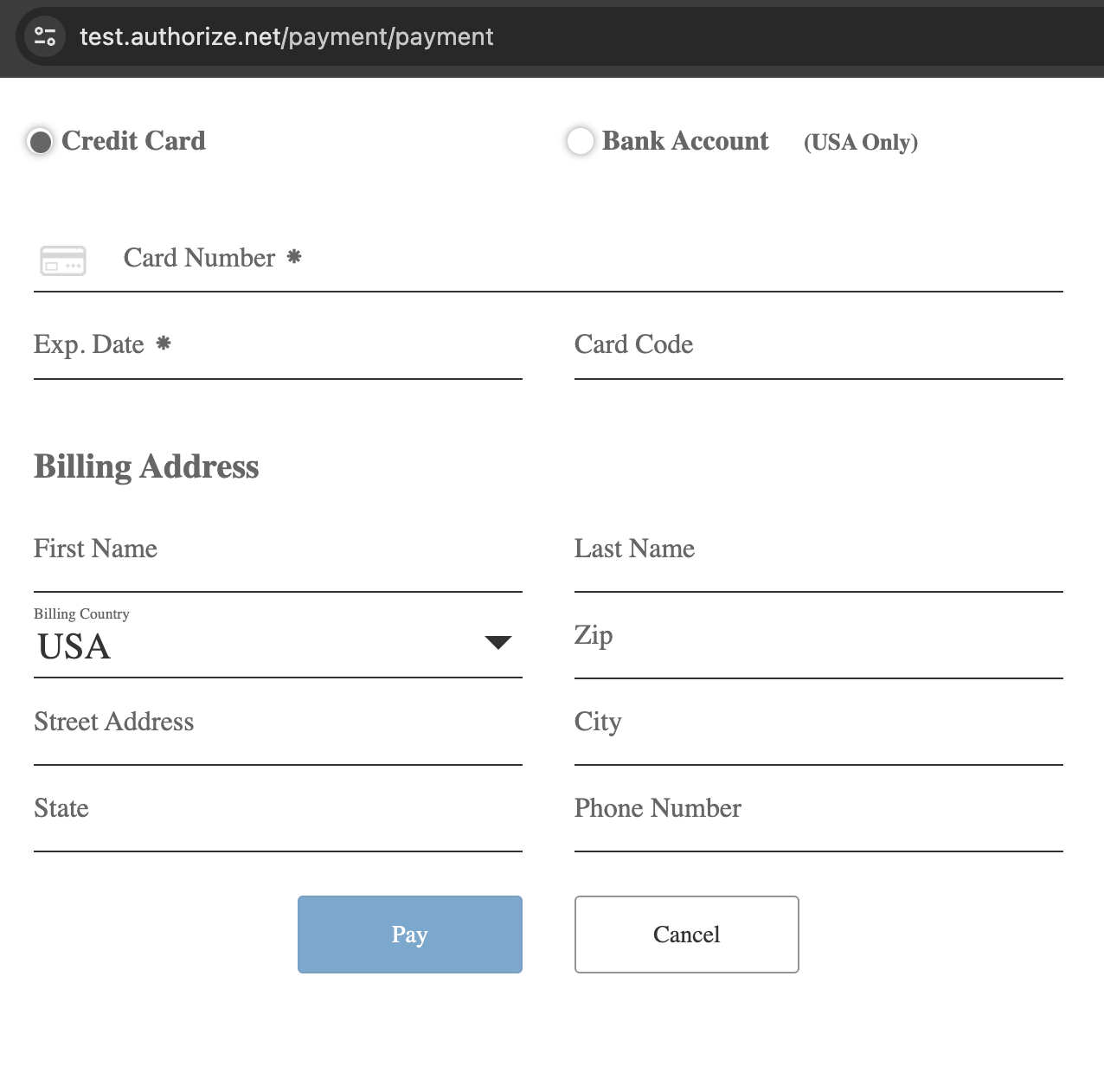
This module enables a site administrator to allow payments through a Webform submission through Authorize.Net. It provides a handler and integration to make payments using Authorize.Net. Utilizes Accept Hosted, a mobile-optimized payment form hosted by Authorize.Net.
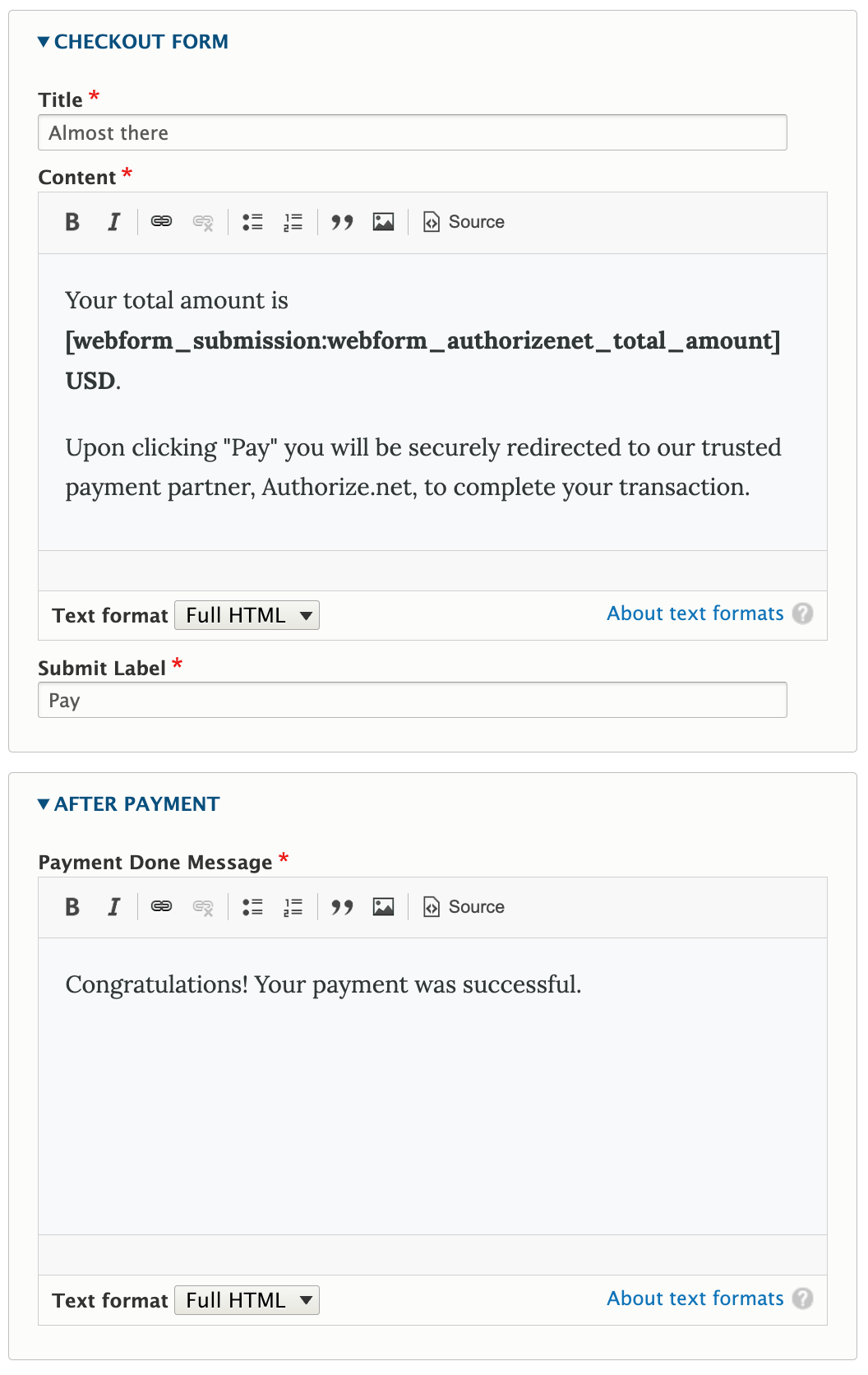
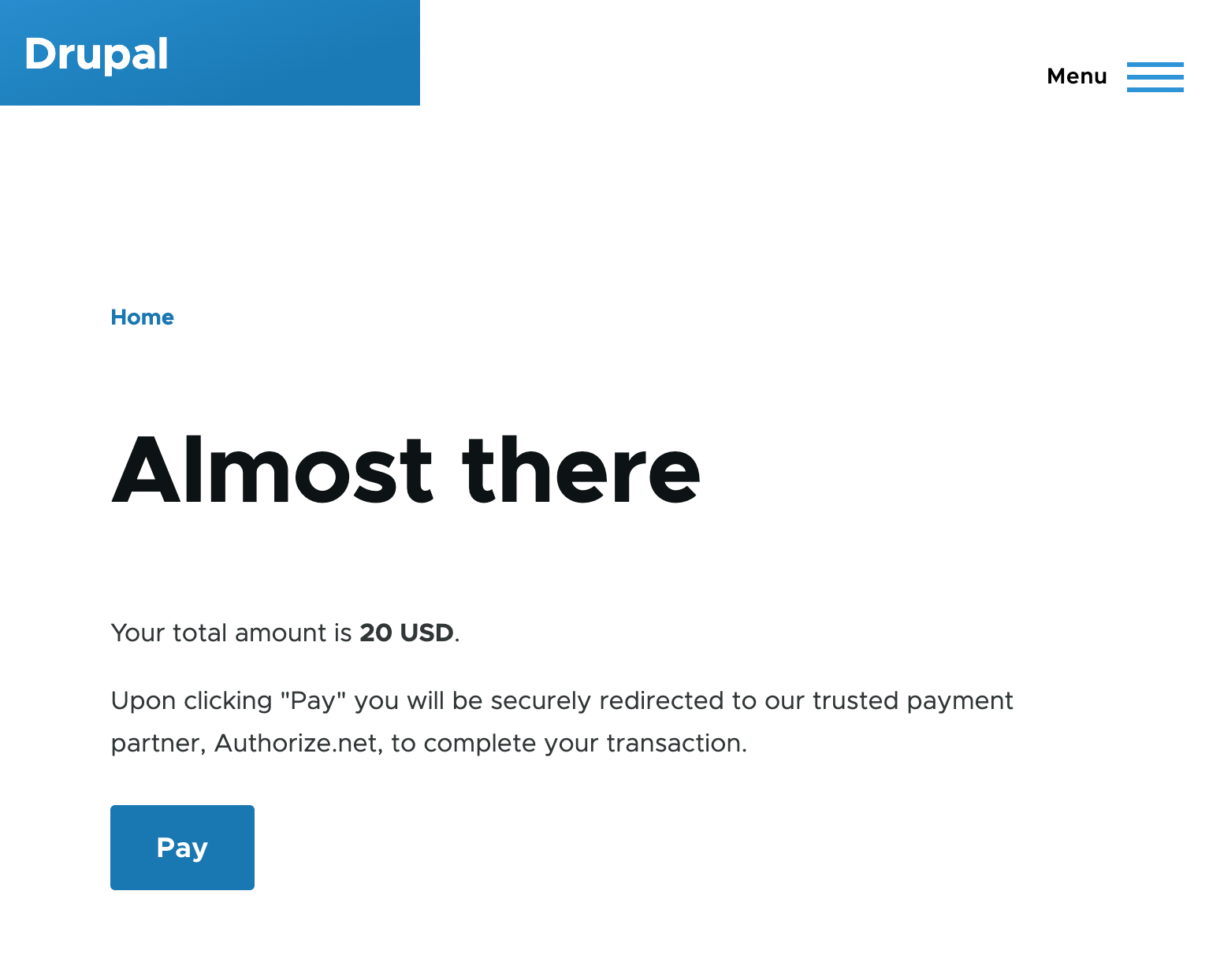
After submitting the webform, the user will be redirected to a straightforward checkout form to review payment information such as the number of items and total amount. Upon confirmation, the user will proceed to Authorize.Net for payment processing.
Installation
- Install the module using composer
- Make sure you have the webform module enabled
- Activate the module via admin/modules
Usage
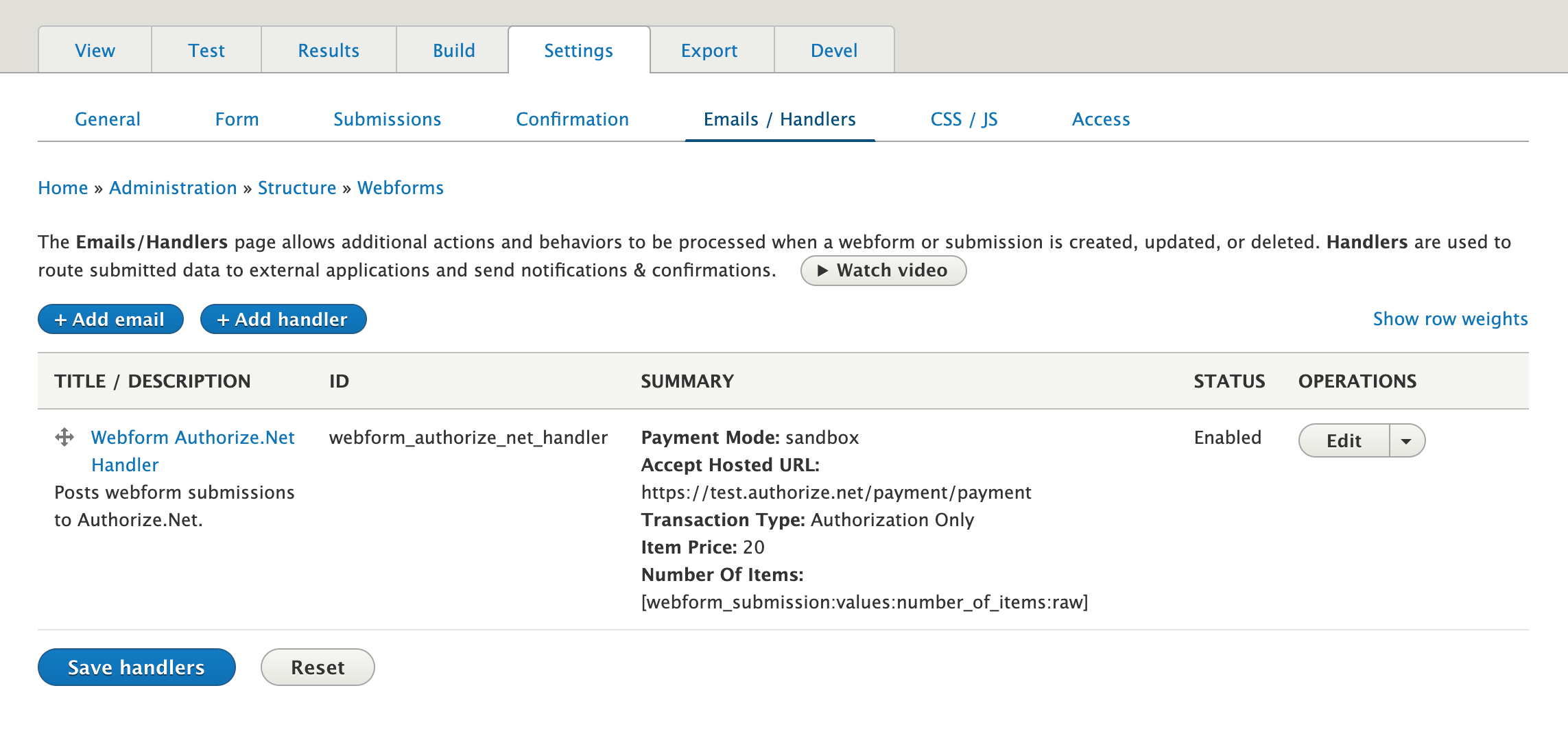
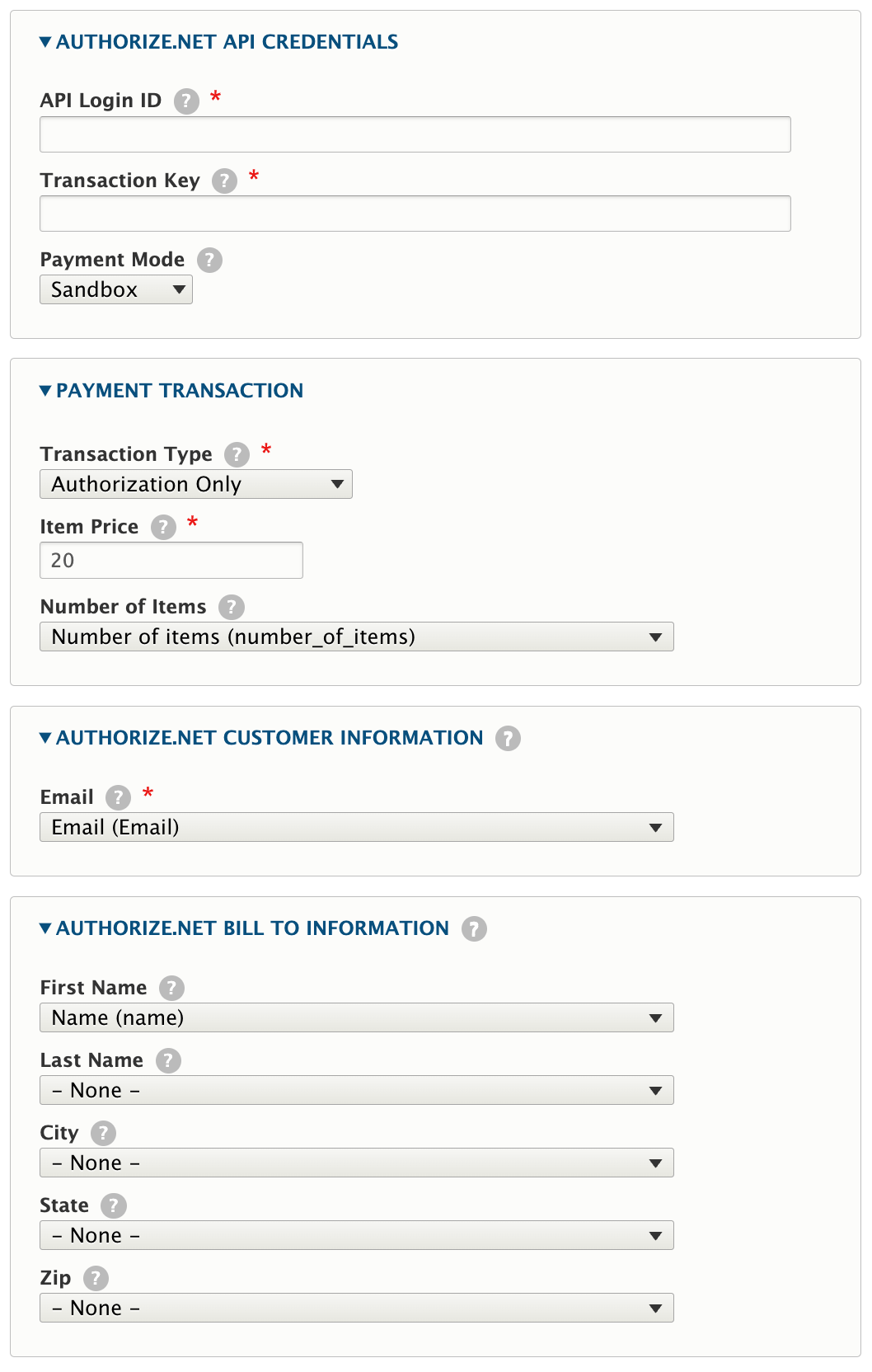
Once you have installed the module, an extra webform handler should be available. This extra handler is labeled "Webform Authorize.Net Handler".
Before adding the handler, you have to ensure that the webform has the fields with the following machine names: anet_payment_status, anet_transaction_reference. These fields must be able to store string values for transaction processing by the handler. Make sure these fields are not changeable by users. For instance, you can use webform element "Text field" with disabled Create and Update accesses and View access for admin only. These fields should be added manually by administrator.
Origin
The module is the successor of
Author
🇺🇦 |
This module is maintained by Ukrainian developers. Please consider supporting Ukraine in a fight for their freedom and safety of Europe. |
Project information
- Project categories: E-commerce
- Ecosystem: Webform
 7 sites report using this module
- Created by knyshuk.vova on , updated
 Stable releases for this project are covered by the security advisory policy.
Look for the shield icon below.


