

 The 2026 Drupal Business Survey is open. Your response will help shape the future of the Drupal business ecosystem.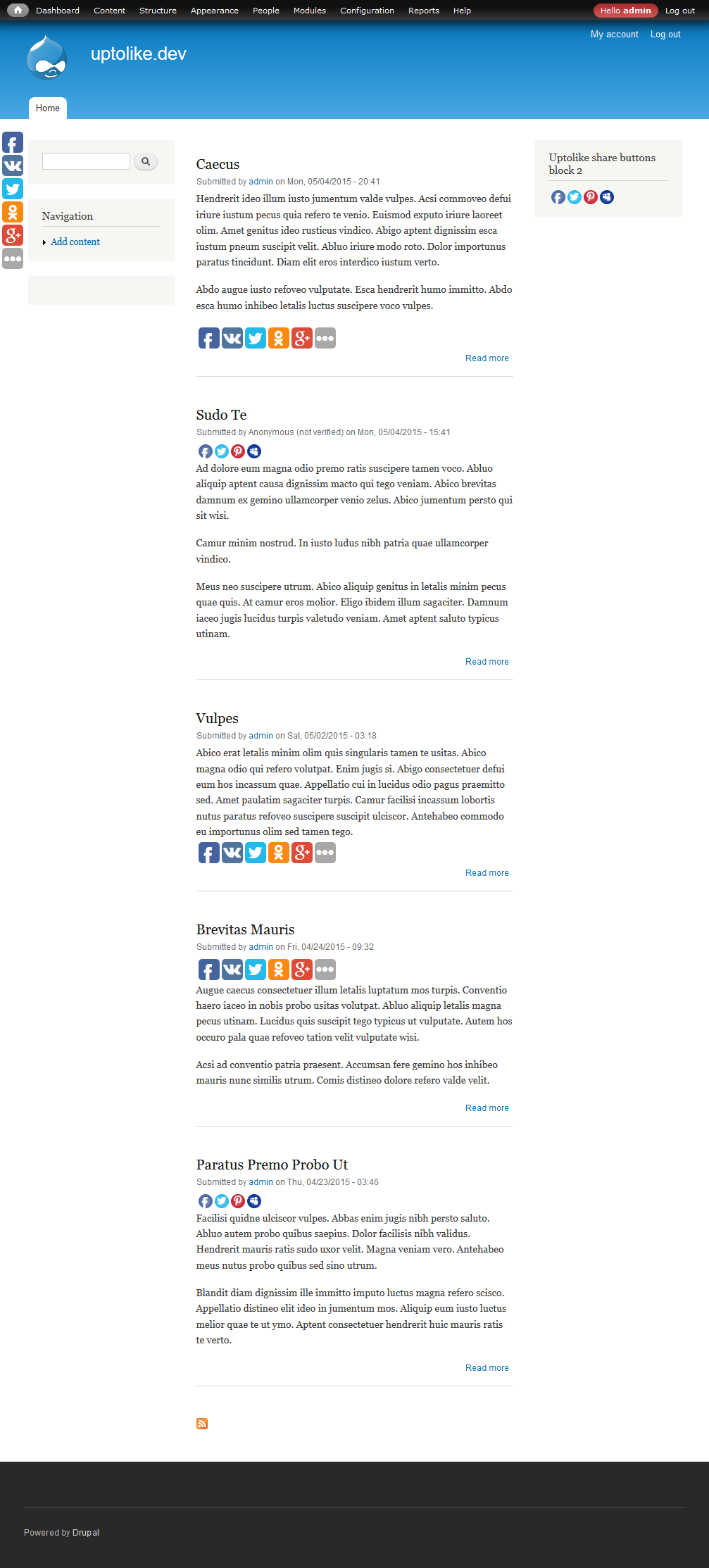
English version below
Russian version
Описание
Интеграция социальных кнопок от uptolike.ru.
Возможности
- Создание пресетов с настройками социальных кнопок.
- До 10 блоков социальных кнопок.
- Вставка кнопок в любое место у сущности (ноды, таксономии, пользователей).
- Фильтр контента:
[uptolike]и[uptolike:preset]будут заменены на социальные кнопки. - Просмотр статистики кнопок прямо на сайте.
Зависимости
Установка и настройка
- Скачайте этот модуль и распакуйте его в папку sites/all/modules/contrib. Смотрите справку для подробностей.
- Включите этот модуль.
- На странице
admin/config/system/uptolikeотредактируйте или добавьте новый пресет с настройками кнопок. - На странице
admin/config/system/uptolike/settingsвыберите количество блоков социальных кнопок и отображение у сущностей. - На странице управления блоков выберите "Uptolike share buttons block 1" и кликните "настроить". Укажите нужный пресет настроек и выберите регион отображения блока. При необходимости проделайте тоже самое для других блоков.
- На странице "Управление отображением" (например
admin/structure/types/manage/article/display) включите поле "Uptolike" и укажите престет с настройками.
Спонсированно
Разработка этого модуля спонсирована Uptolike.ru.
English version
Introduction
Integration of uptolike.ru social sharing buttons widget.
Features
- Create presets with the settings of the social buttons.
- Up to 10 blocks of the social share buttons.
- Insert the buttons to any place of the entity (nodes, taxonomy, users).
- Content filter:
[uptolike]and[uptolike:preset]will be replaced with share buttons. - View share buttons statistics directly on the website.
Dependencies
Installation and configuration
- Download this module and unpack into sites/all/modules/contrib. See help page for details.
- Enable this module.
- On the page
admin/config/system/uptolikeedit or add a new preset with the social share buttons settings. - On the page
admin/config/system/uptolike/settingsselect the number of blocks of the social buttons and display on the entities. - On the block manage page, select block "Uptolike share buttons block 1" and click "settings". Select the desired preset and select the region to display. If necessary do the same for other blocks.
- On the "Manage display" (for example
admin/structure/types/manage/article/display) enable field "Uptolike and specify preset.
Sponsored by
The development of this module is sponsored by Uptolike.ru.
Project information
 Minimally maintained
Maintainers monitor issues, but fast responses are not guaranteed.- Maintenance fixes only
Considered feature-complete by its maintainers. - Project categories: Integrations
 109 sites report using this module
- Created by plazik on , updated
 Stable releases for this project are covered by the security advisory policy.
There are currently no supported stable releases.


