

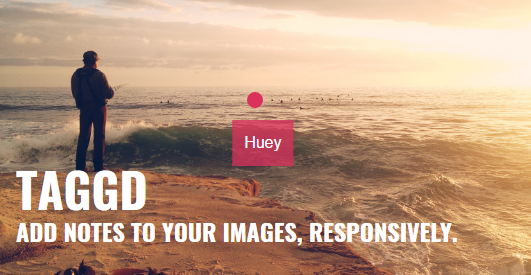
The Taggd module integrates the Taggd javascript library with Drupal.
Taggd allows you to add tooltips to your image. That sounds way less exciting than it is, though...
Installation
To install this module, do the following:
- Download the Taggd library (version 3.x) and place the resulting directory into the libraries directory. Ensure `libraries/taggd/dist/taggd.min.js` and `libraries/taggd/dist/taggd.css` exist.
- Clear the cache
- Download the Taggd module and follow the instruction for installing contributed modules.
Usage
- Add new field of type "Taggd image" to your entity.
- Set the form Display of the image to preview image style (Large) to make it easy to tag
- Create new content and add one or more images.
- Click on the image to add a tag.
- Click on a tag to edit the label.
Sponsors

Supporting organizations:
Project information
- Project categories: Content display, Content editing experience, Site structure
 10 sites report using this module
- Created by f0ns on , updated
 Stable releases for this project are covered by the security advisory policy.
Look for the shield icon below.


