

This project is not covered by Drupal’s security advisory policy.
This module adds SSH client functionality to Drupal and Drupal Rules. Once configured, you may execute arbitrary calls to pre-defined remote hosts directly from within Drupal, either by your own supplementary module or e. g. by defining rules.


Features
- Set global defaults (binary path, key file paths, port)
- Per-host presets for remote username and port
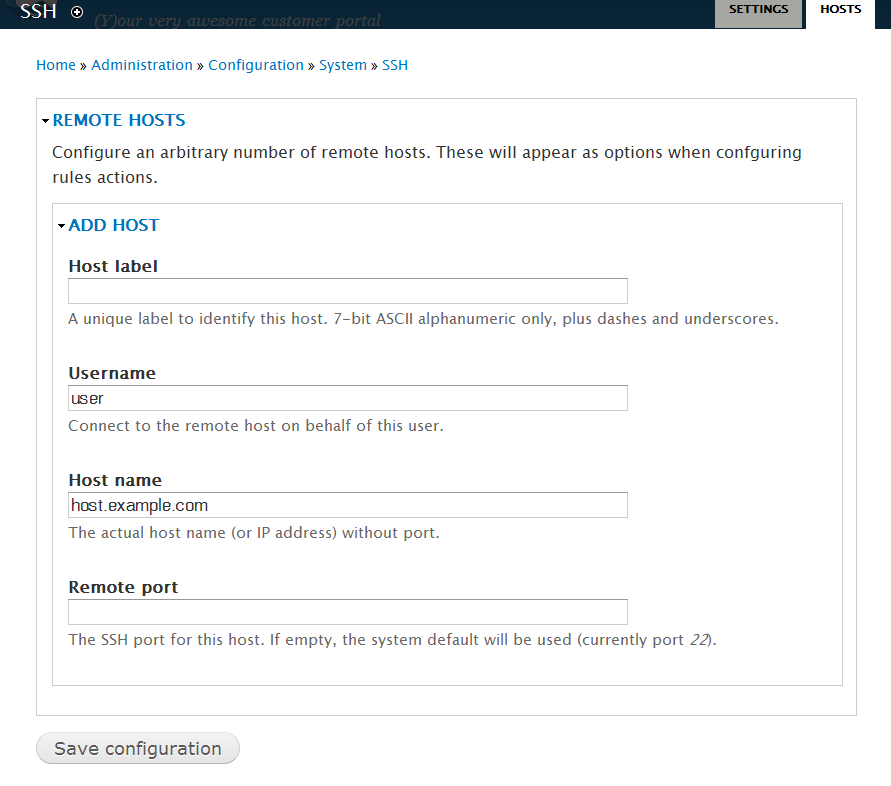
- Predefine an arbitrary number of remote hosts
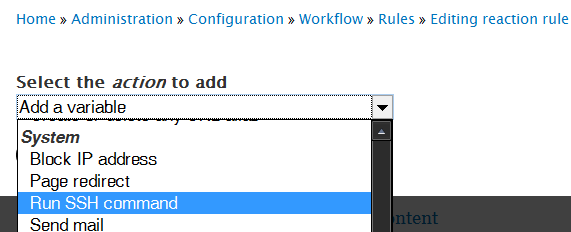
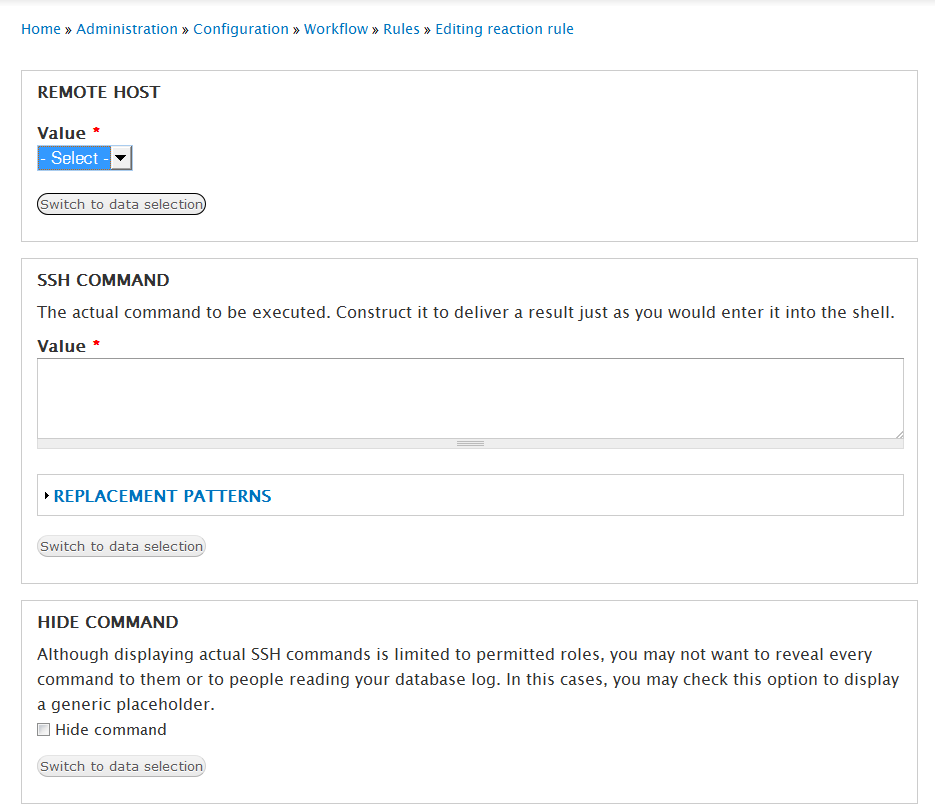
- Construct Rules actions to execute predefined SSH commands (including token support)
- Per-Rules-action disabling of database logging and informational messages.
- Permission sets for administration and status messages.
Prerequisites
- Linux (so far; any of your testing results with Windows or Mac and giving feedback are appreciated!)
- PHP 5.3
- Variable module
How to
- Install
- Create a public/private key pair for your web server (a dedicated one is recommended; also make sure you read the related notes in the README file)
- Configure SSH at admin/config/system/ssh
- Add remote hosts at admin/config/system/ssh/hosts
- Create your own module code or any rule you like.
Does not work?
Note, that this is no pure site-builder, but rather a "dev-ops" module and thus assumes a certain routine in cross-system terms. There may be situations where you may want to consult an expert.
For those willing and able to debug on their own, there are:
- Status messages at admin/reports/status
- Database log messages ("watchdog")
- Real-time status messages for users with the explicit permission set (see admin/people/roles).
- Per-host shell code examples. Login in to your Drupal host's shell, switch your ID to become www-data (or the user actually serving your Drupal site), paste the example code and see potential error messages not covered by the above Drupal tools. Find the examples at admin/config/ssh/hosts below each of your configured hosts.
Open to useful suggestions and issues, however, please be understandable.
Hope you are going to find some benefit in this module.
Credits
This module was kindly sponsered by HiRN GmbH.
Project information
 Unsupported
Not supported (i.e. abandoned), and no longer being developed. Learn more about dealing with unsupported (abandoned) projects- Obsolete
Use of this project is deprecated. - Project categories: Developer tools, Integrations
 4 sites report using this module
- Created by skwashd on , updated
 This project is not covered by the security advisory policy.
Use at your own risk! It may have publicly disclosed vulnerabilities.


