

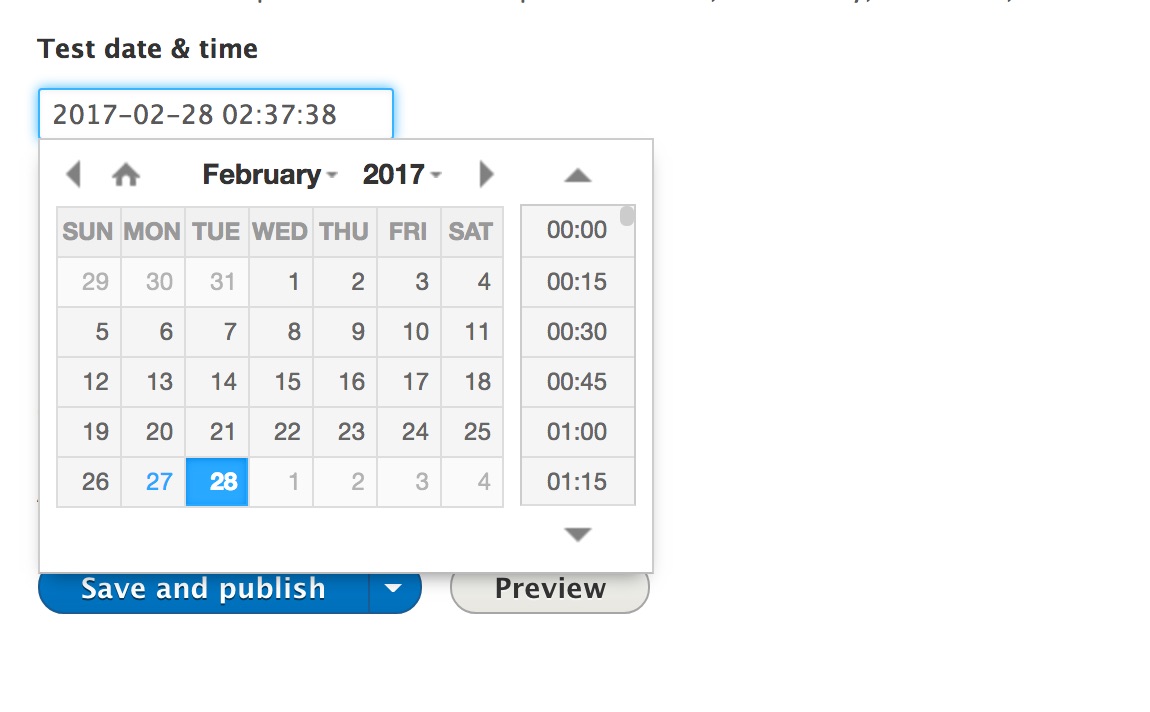

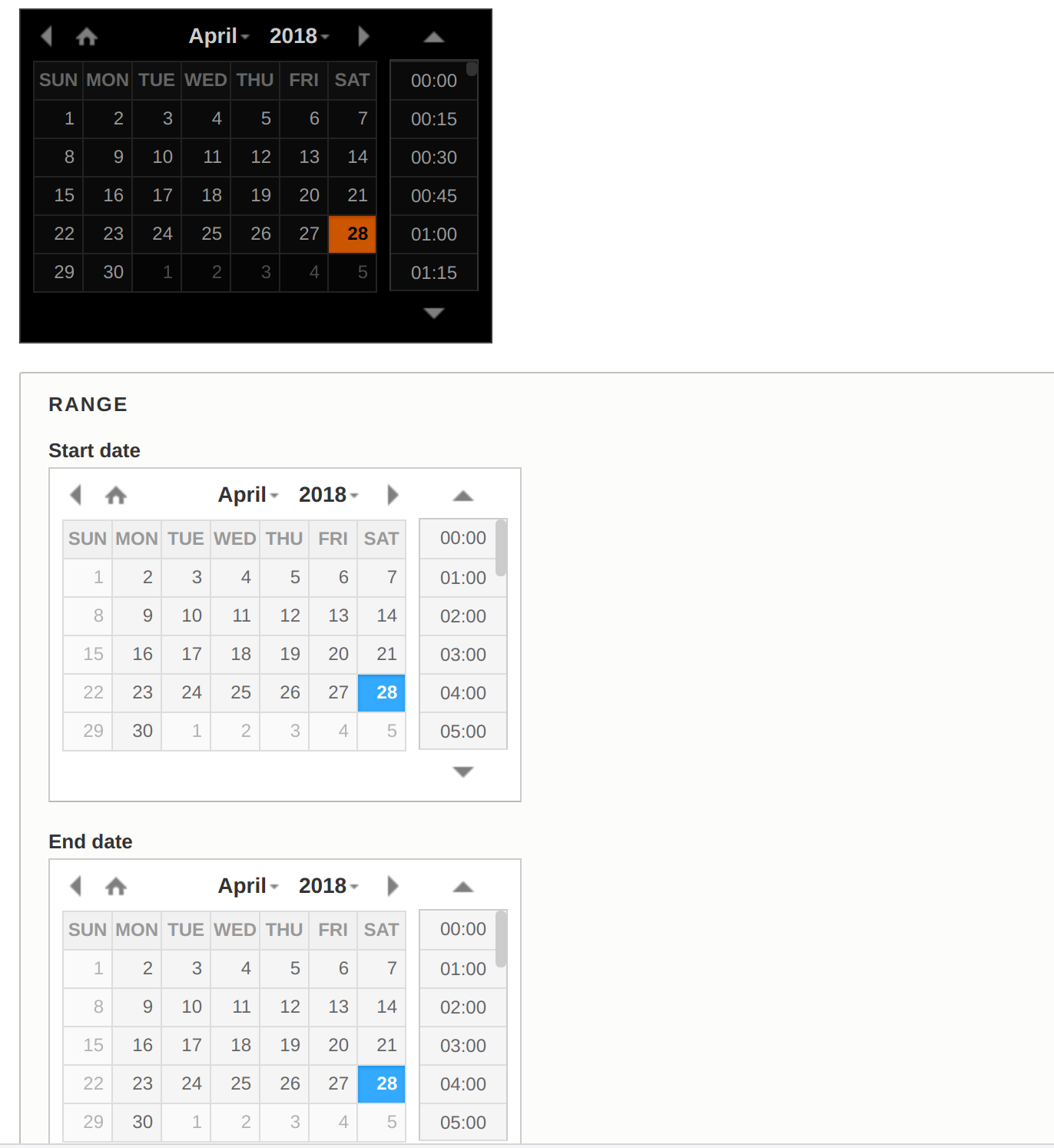
Date time picker form element using the xdan jQuery Plugin Date and Time Picker library.
It supports date/time and date fields. You can use it on Datetime and Datetime Range fields.
MODULE INSTALLATION
Install the Drupal module as usual.
LIBRARY INSTALLATION
For this module to be operational you need to install 3rd party plugin (DateTimePicker - jQuery plugin select date and time).
See the module's README.md for further details on how to install the library.
USAGE
On content type go under “Manage form display” and
for date field select Single Date Time Picker.
FEATURES
- Support Datetime and Datetime Range field types
- 12/24 hour format display
- Option to choose granularity for minutes
- Option to disable specific days global (etc. Saturday)
- Option to disable specific dates, useful for holidays, working days, etc..
- Choose between light and black theme
- Display date and time picker inline
Supporting organizations:
Development
Project information
 Minimally maintained
Maintainers monitor issues, but fast responses are not guaranteed.- Maintenance fixes only
Considered feature-complete by its maintainers. - Project categories: Administration tools, Developer tools, Site structure
 4,730 sites report using this module
- Created by valic on , updated
 Stable releases for this project are covered by the security advisory policy.
There are currently no supported stable releases.
Releases
2.0.0-beta2
released 1 June 2024
Works with Drupal: ^9.2 || ^10 || ^11
Drupal 11 support
Install:
Development version: 2.x-dev updated 21 Sep 2024 at 15:03 UTC


