

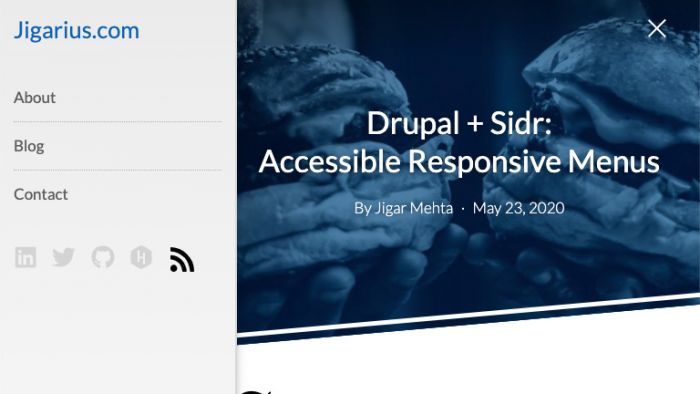

The Sidr integration for Drupal allows you to create "trigger" blocks. Clicking on these triggers use jQuery Sidr libraries to slide in/slide out a specified target element. This is very useful for implementing responsive menus and for other things like search filters. All you have to do is create one or more dedicated regions in your theme, say, mobile_menu and then configure a sidr trigger block to toggle it.
Installation
- Install this module;
composer require drupal/sidr. - Install the JS libraries as instructed in the README.
- Enable this module on your Drupal site;
drush en sidr - From the
admin/structure/blockpage in your Drupal site, click on the Place block button for the region in which you want to place the trigger for your Sidr. This trigger will open/close your Sidr panel. Configure the block as per your needs and save your changes. - The Sidr trigger should be visible on your site and if you click on the trigger, you should see a Sidr menu sliding out as per your configuration.
Resources
- Drupal + Sidr: Getting Started: A detailed tutorial (article).
- Drupal + Sidr: An introduction: A video tutorial.
- Sidr plugin issue queue for jQuery Sidr plugin issues.
- Sidr module issue queue for Sidr module issues.
Supporting organizations:
Financed initial development
Supported new features and bug fixes
Project information
- Project categories: Developer tools, Security, Site structure
 554 sites report using this module
- Created by jigarius on , updated
 Stable releases for this project are covered by the security advisory policy.
There are currently no supported stable releases.

