


This is a configuration-only module that creates a system for managing links with SVG icons, designed to be shown in a block on the home page (or wherever you like). They are saved as Storage Entities to reduce clutter in the content system, and can be managed directly from the home page, within the settings tray (see screen captures below).
An optional submodule provides some interface improvements when used with the Olivero theme, and places the block onto the home page when installed.
If not using the submodule, you will need to add the quick_links block to your layout (ideally in the content prefix or equivalent), set to display only on the home page.
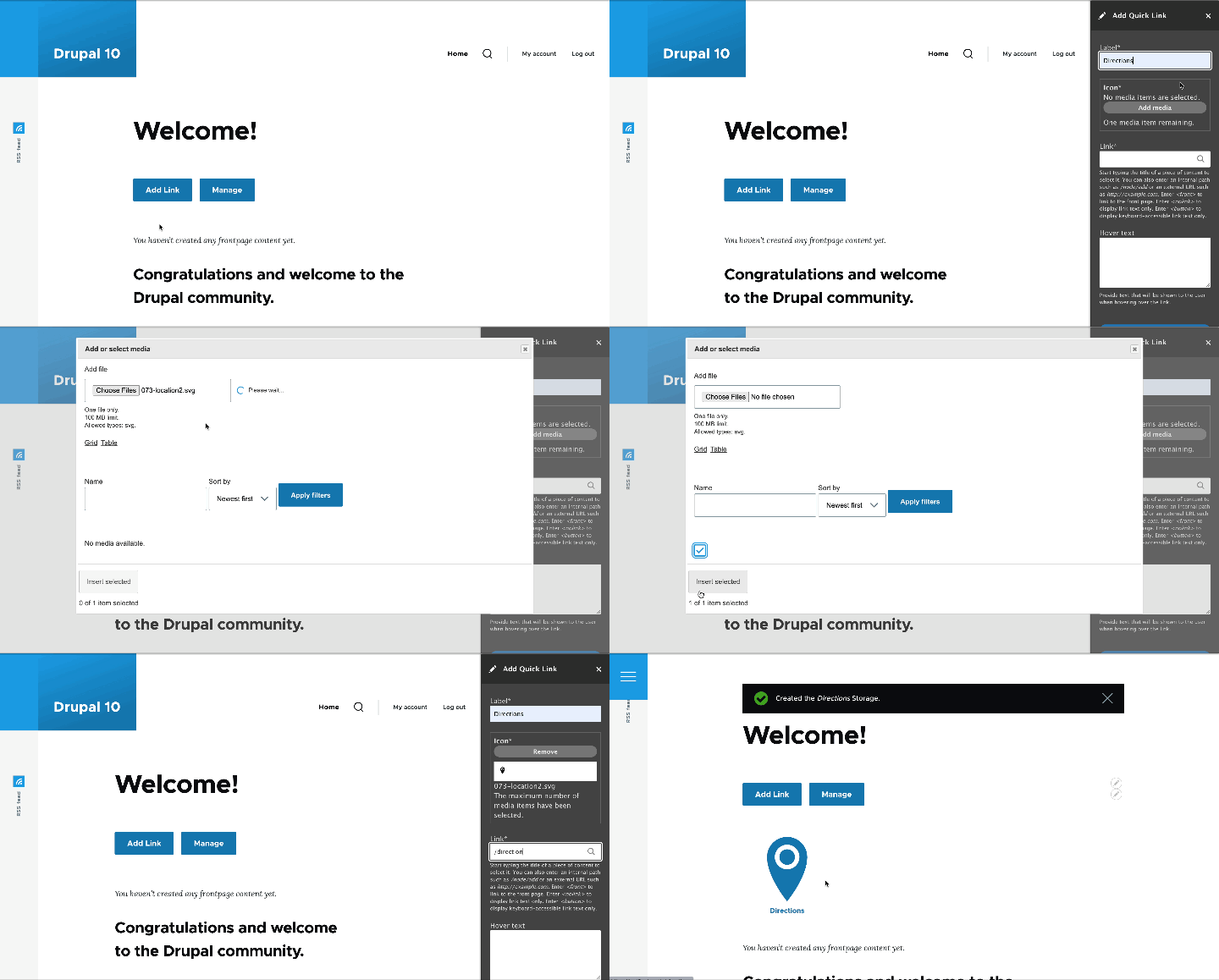
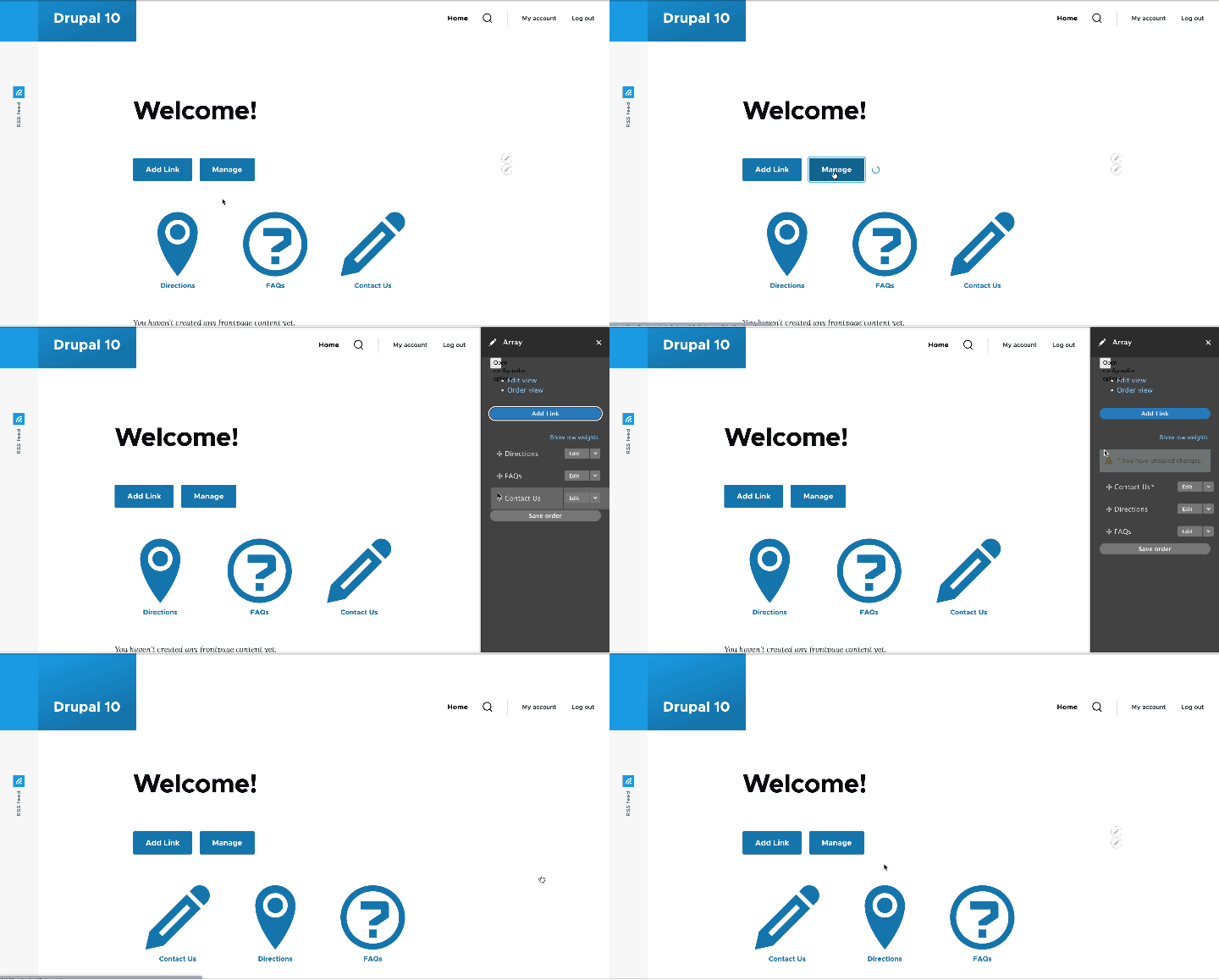
Note for Drupal 10: The 2.x branch uses the new Responsive Grid view display introduced in Drupal 10. All the sophisticated options available for this display can be used to adjust the formatting to suit your needs.
Version 3: Now a recipe!
The 3.0.x branch of this module has converted the code so the provided configuration can be installed as a recipe. Note that you will likely want to also install the Quick Links Format Olivero module to enhance the formatting, or add equivalent code to your custom theme.
Project information
- Project categories: Administration tools, Content editing experience
- Ecosystem: Configuration Kits
 6 sites report using this module
- Created by mandclu on , updated
 Stable releases for this project are covered by the security advisory policy.
Look for the shield icon below.
Releases
Improved configuration
Development version: 3.0.x-dev updated 14 Aug 2024 at 14:09 UTC

