

The PDFer module provides adding, saving, editing HTML-templates or simple data and then downloading it like PDF file. Create your own templates, use tokens, attach these PFD files to your emails, you only need to install the module, add a new template and use one function!
How to use:
- Download PDFer module.
- Install module and all necessary dependencies. Info can be found here: https://www.drupal.org/docs/7/extending-drupal/installing-modules .
- Enable module on go to module templates page.
- Add new template and fill all required fields.
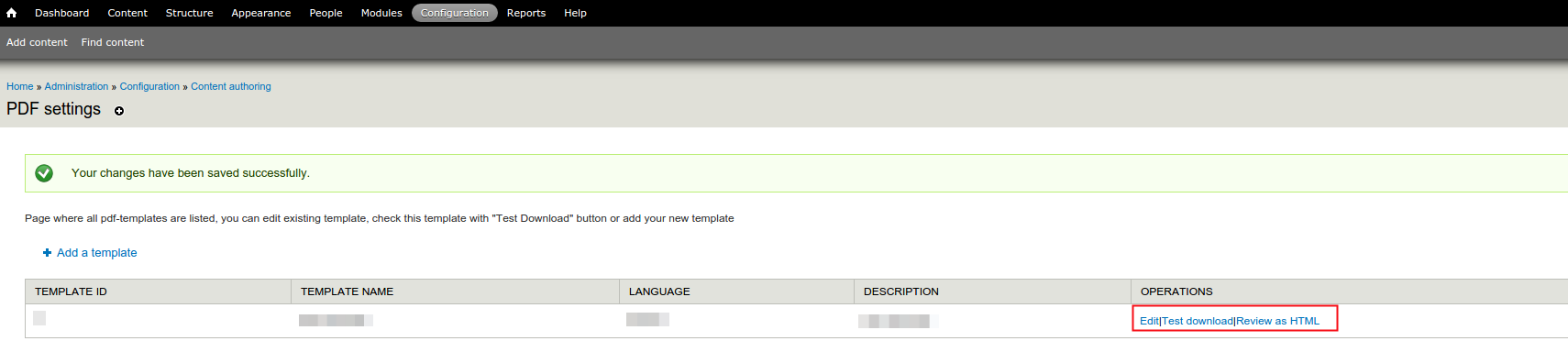
- Edit, test and review your template.
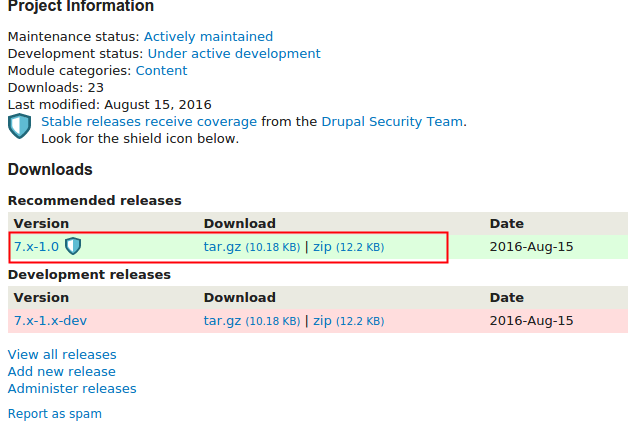
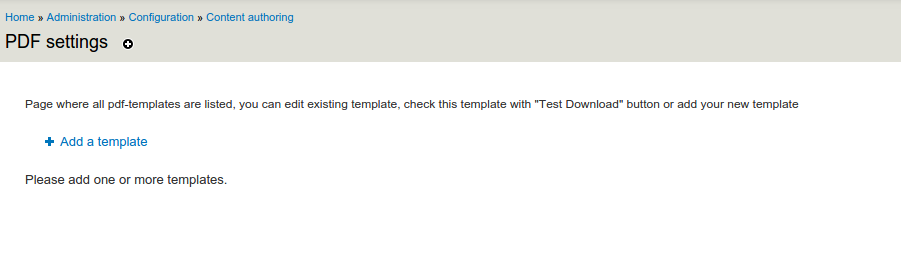
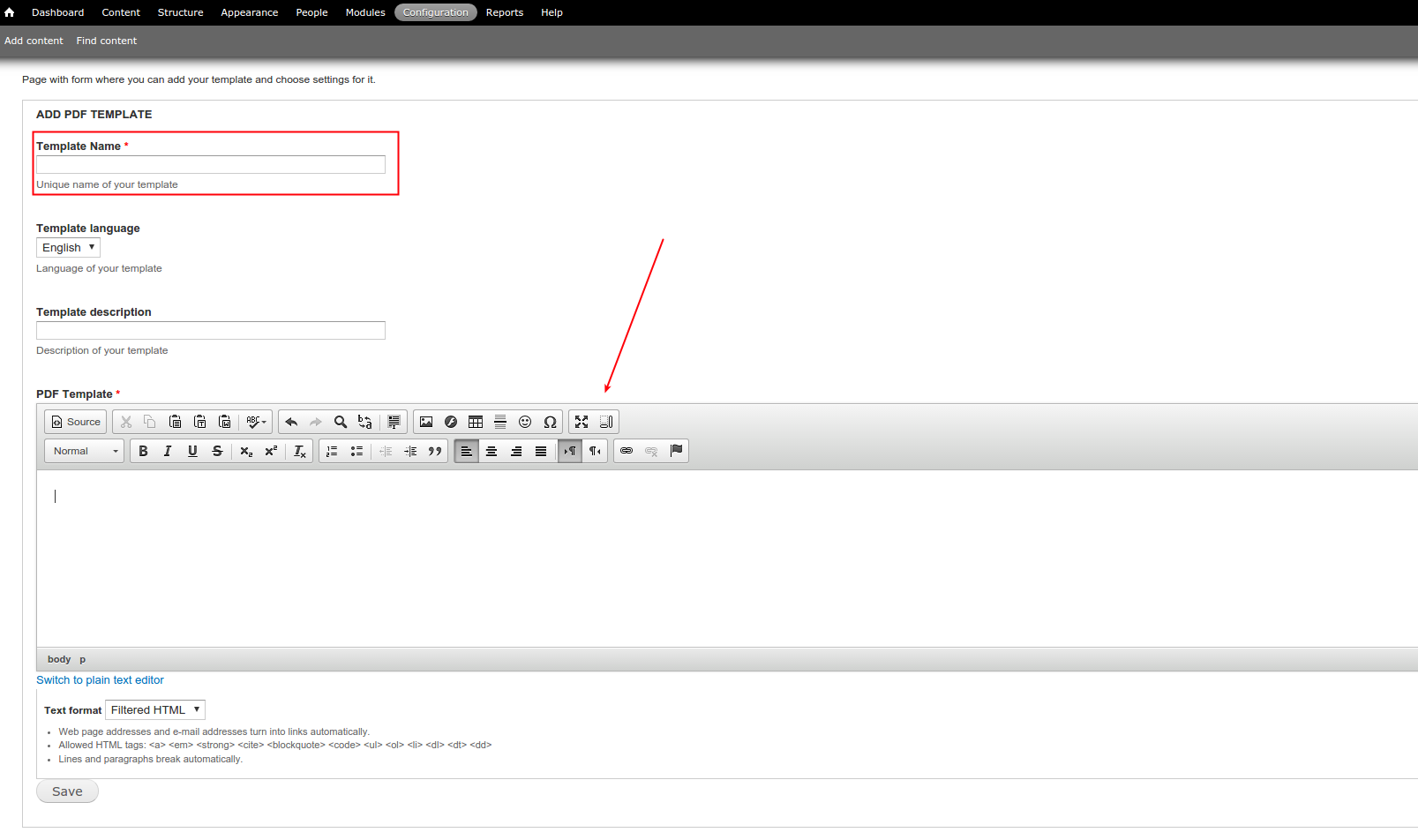
You can also read instructions in PDF file below, which was generated with the help of this module :)
Supporting organizations:
| Attachment | Size |
|---|---|
| instructions.pdf | 152.48 KB |
Project information
- Project categories: Content editing experience
 4 sites report using this module
- Created by andrtroe on , updated
 Stable releases for this project are covered by the security advisory policy.
There are currently no supported stable releases.

