

 The 2026 Drupal Business Survey is open. Your response will help shape the future of the Drupal business ecosystem.
This project serves as a quickstart profile for integrating Drupal and Nuxt 3, allowing them to communicate with each other. It provides a foundation for building dynamic and interactive web applications.
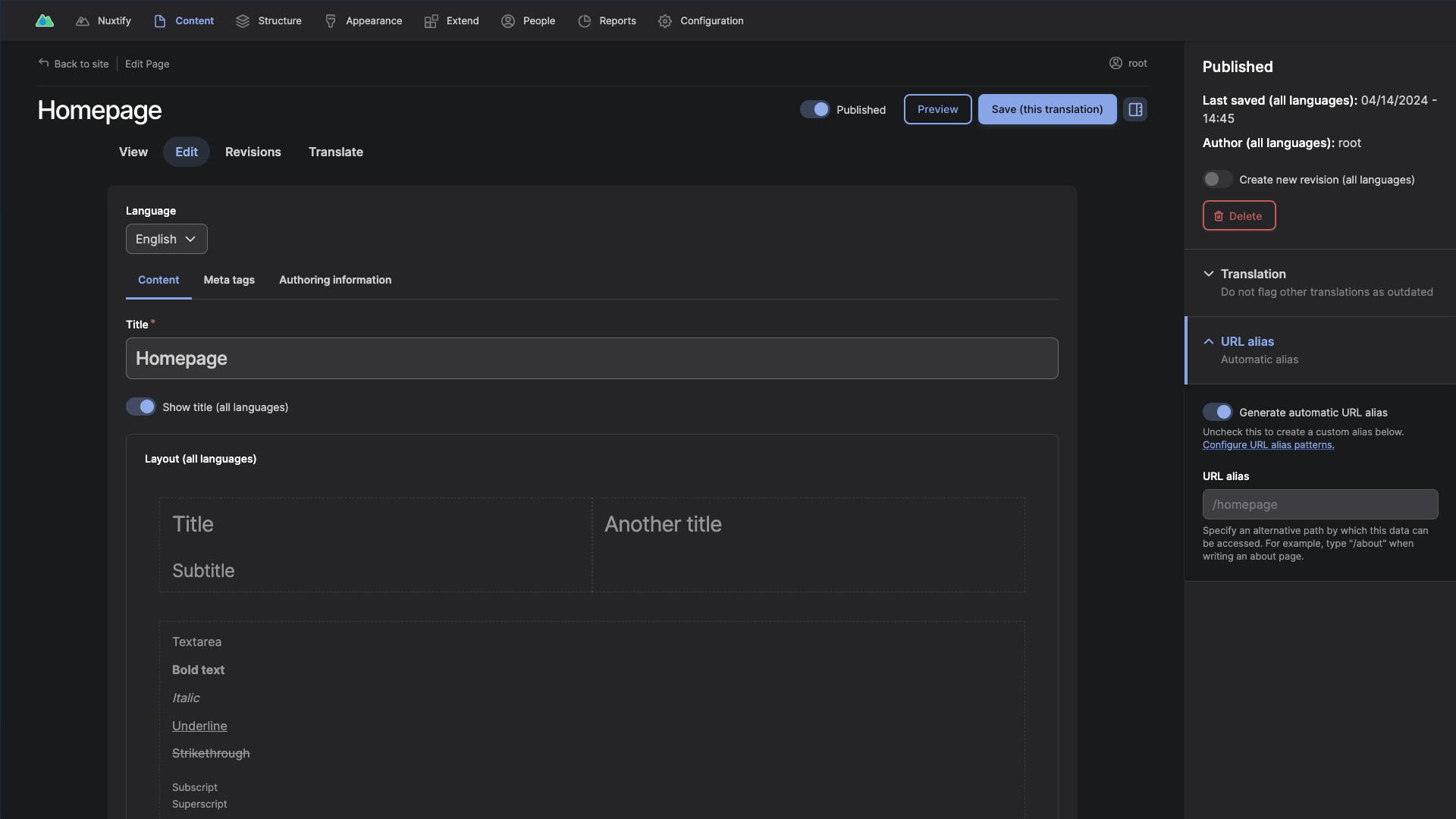
The goal of this project is to allow for easy decoupling, whilst not compromising on the editor experience in the slightest. To facilitate this, Nuxtify includes a visual page editor, and decoupled content previews.
Installation
Backend (Drupal)
To install the Drupal backend for this project, you can use DDEV, a local development environment tool. Follow the steps below:
-
Make sure you have DDEV installed on your system. If not, you can install it by following the instructions in the DDEV documentation.
-
Create a new Composer project using the profile:
composer create-project "dobefu/nuxtify:^1.0.0@beta" -
Navigate to the directory:
cd nuxtify -
Run the following commands to start DDEV and install the Drupal backend:
ddev start
ddev install -y
This command will automatically set up the necessary dependencies and configurations for the Drupal backend.
-
After the installation is complete, you can launch the local website with the following command:
ddev launch
Frontend (Nuxt)
To set up the frontend (Nuxt) for this project, you will need to have Node.js installed on your system. Make sure to use the version that is in the .nvmrc file.
NVM can be used to manage Node.js versions. Install NVM by following the instructions in the NVM GitHub repository. Once NVM is installed, you can run nvm use in the frontend directory to use the correct version automatically.
-
Navigate to the frontend directory:
cd frontend -
Run the following command to install dependencies:
make install
Usage
To run the frontend locally, run the following command:
make watchTo check the frontend code for linting errors, run the following command:
make lintTo build the project, run the following command:
make| Attachment | Size |
|---|---|
| Nuxtify content editing experience | 100.61 KB |
Project information
- Created by dobefu on , updated
 Stable releases for this project are covered by the security advisory policy.
There are currently no supported stable releases.


