

 Come together with the global Drupal community in Rotterdam, 28 Sept – 1 Oct 2026. Sessions, contribution, connection, and Early Bird savings until 8 June.
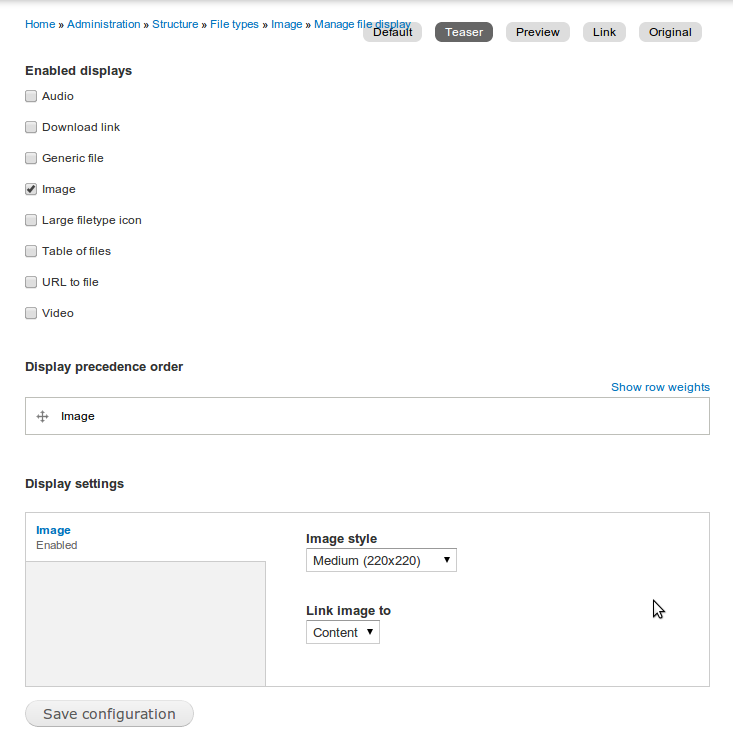
Here is my setting for teaser on Image file type.
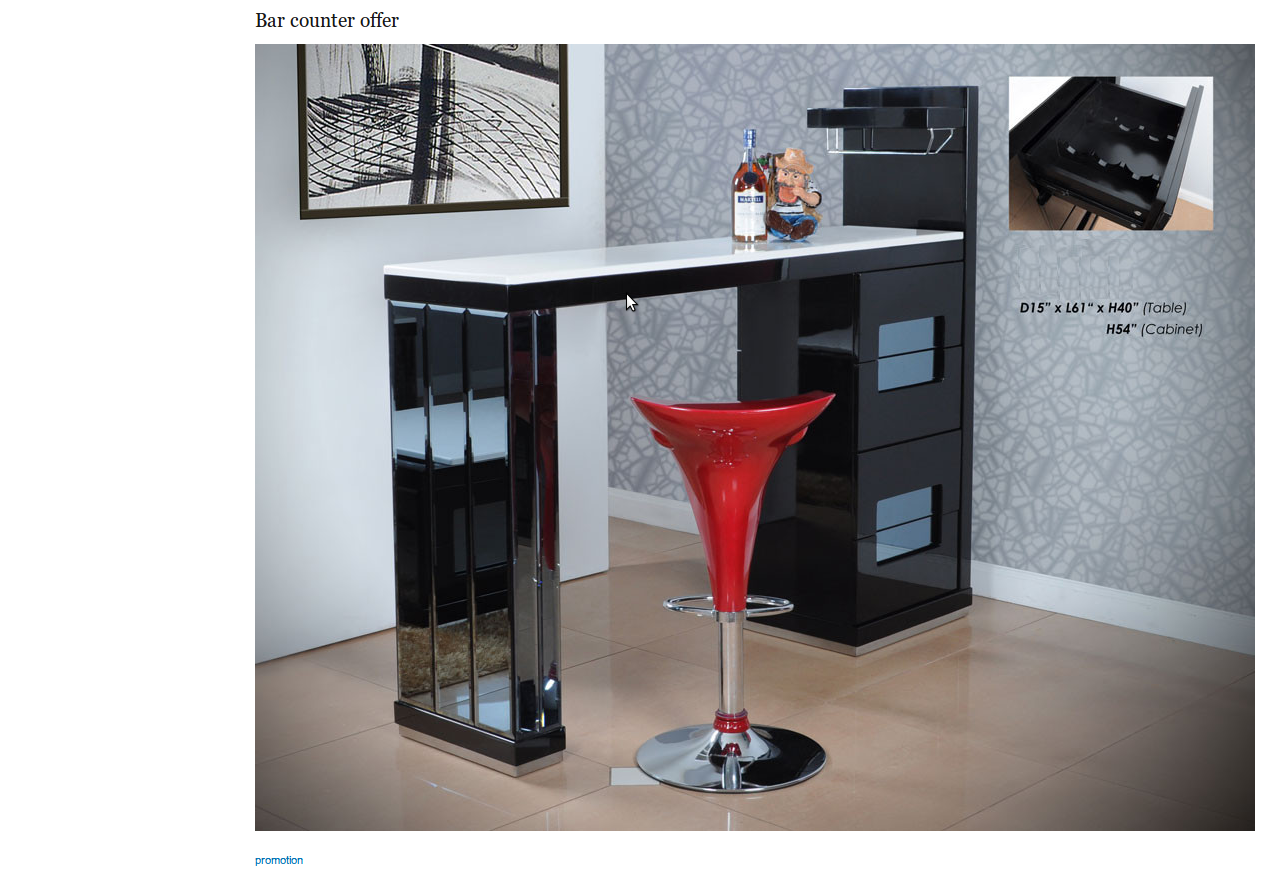
but on the front page, it still display original size image as in "Default" settings..
| Comment | File | Size | Author |
|---|---|---|---|
| Selection_055.png | 671.21 KB | maxchock | |
| Selection_054.png | 31.79 KB | maxchock |



Comments
Comment #1
devin carlson commentedIf you're embedding files in a textarea with a WYSIWYG editor, the file will always display using whatever view mode you selected when embedding the file. It won't display as a "teaser" just because it's being displayed on the front page.
When embedding files in a long text with summary field, you can embed the file in the summary using a different view mode (i.e. "teaser") to accomplish what you want.
Comment #2
maxchock commentedI see, but I think in that case we can't allow our site user to embedding files using WYSIWYG editor, because that give us no way to control what will display on the teaser right?