This project is not covered by Drupal’s security advisory policy.
This module is intended to quickly change the category of material in terms of taxonomy.
Youtube — How to settings view for Light Category Block ?!
Youtube — global settings light category block
Goal:
- Convenient change of the product output by category for the client
- Reducing the number of displays of the type
- Reuse one a block view
What you need to do before using:
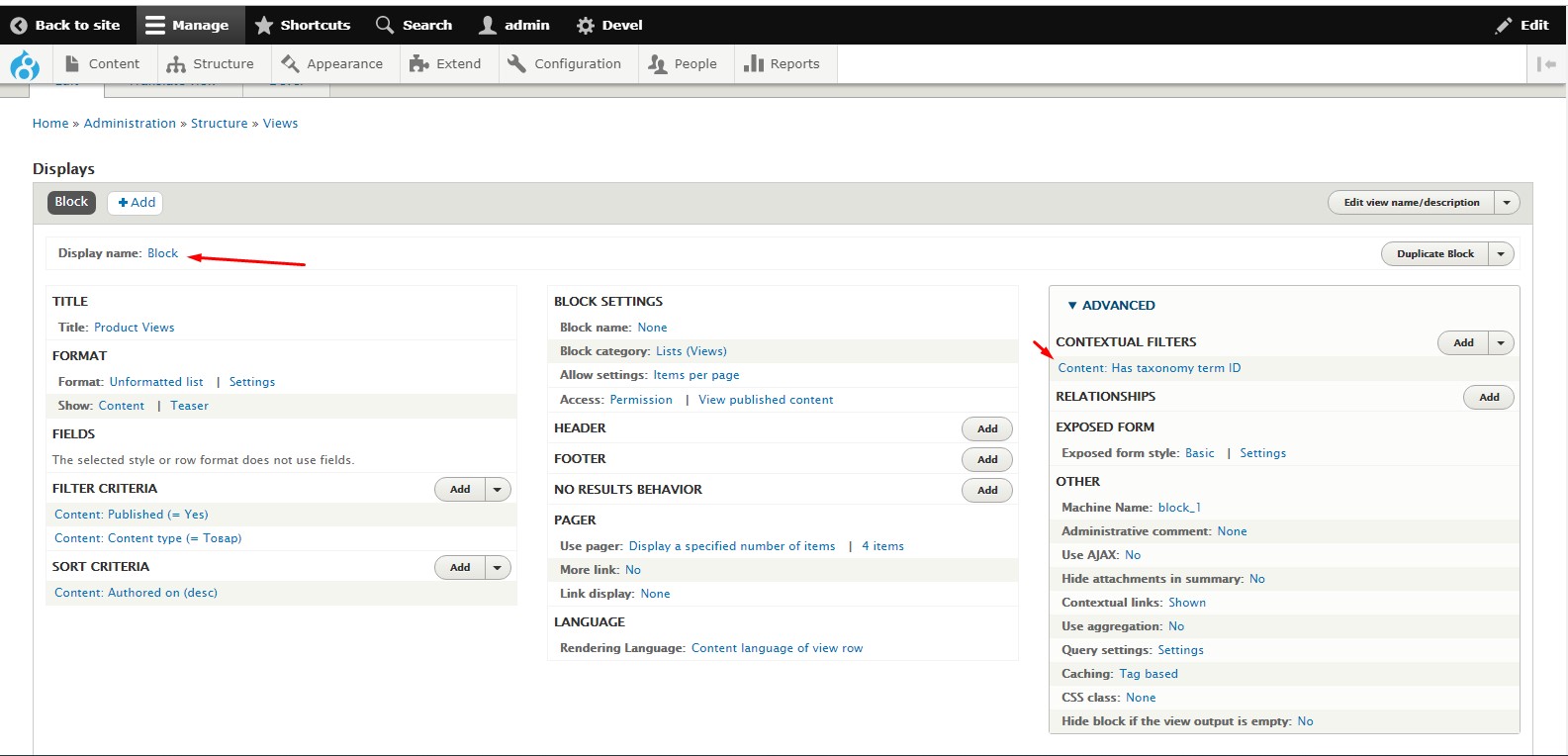
- Create a view of the material
- Create a taxonomy filter
- Go to block layout exampleSiteName.com/admin/structure/block
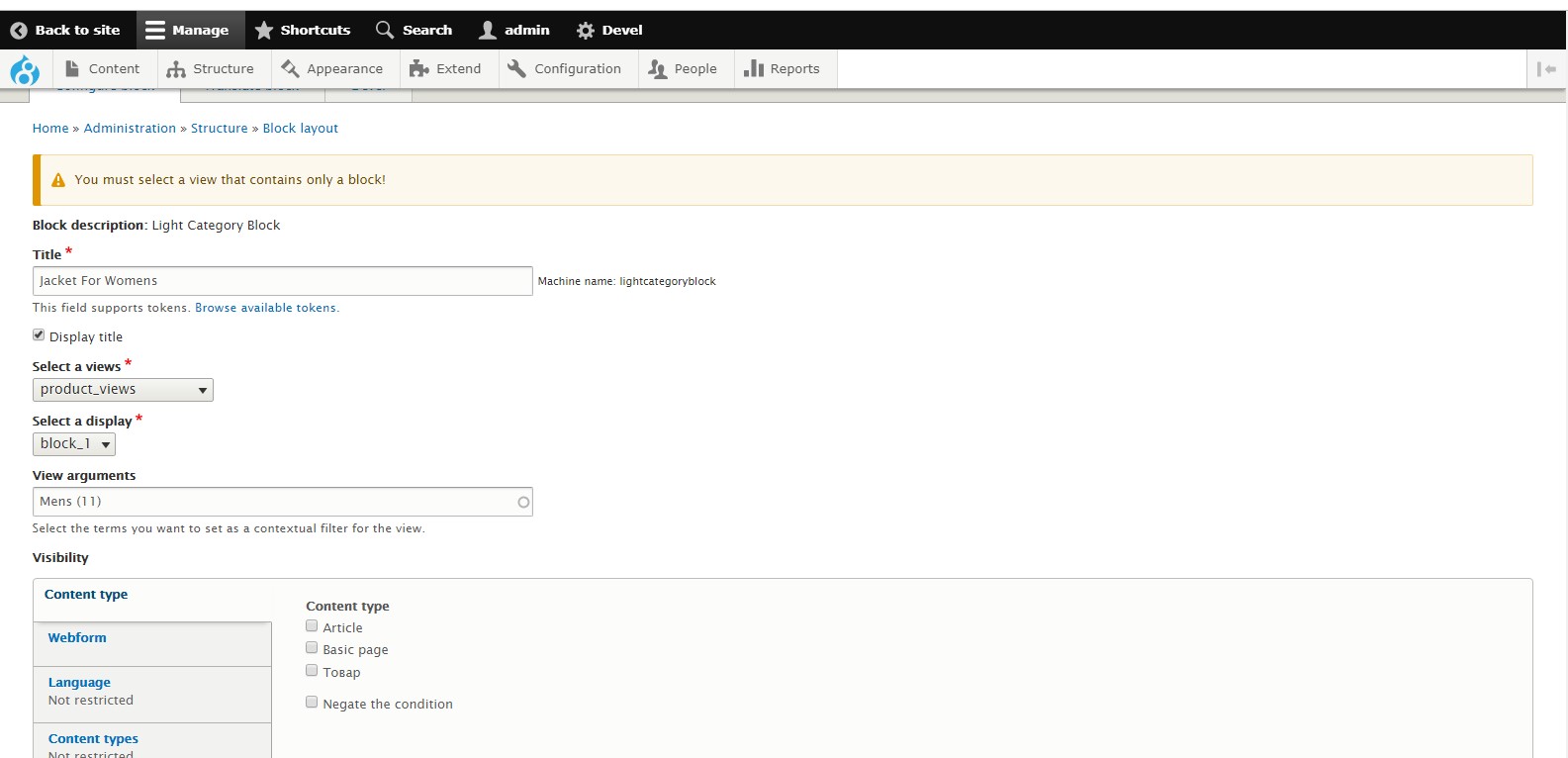
- Select the region and place the block you are looking for under the name "Light Category Block"
- In the first field, select the created view
- In the first 2 fields, select a display - CAUTION only BLOCKS are available
- Select the appropriate term in the autocomplete
- Save. All done :-)
| Attachment | Size |
|---|---|
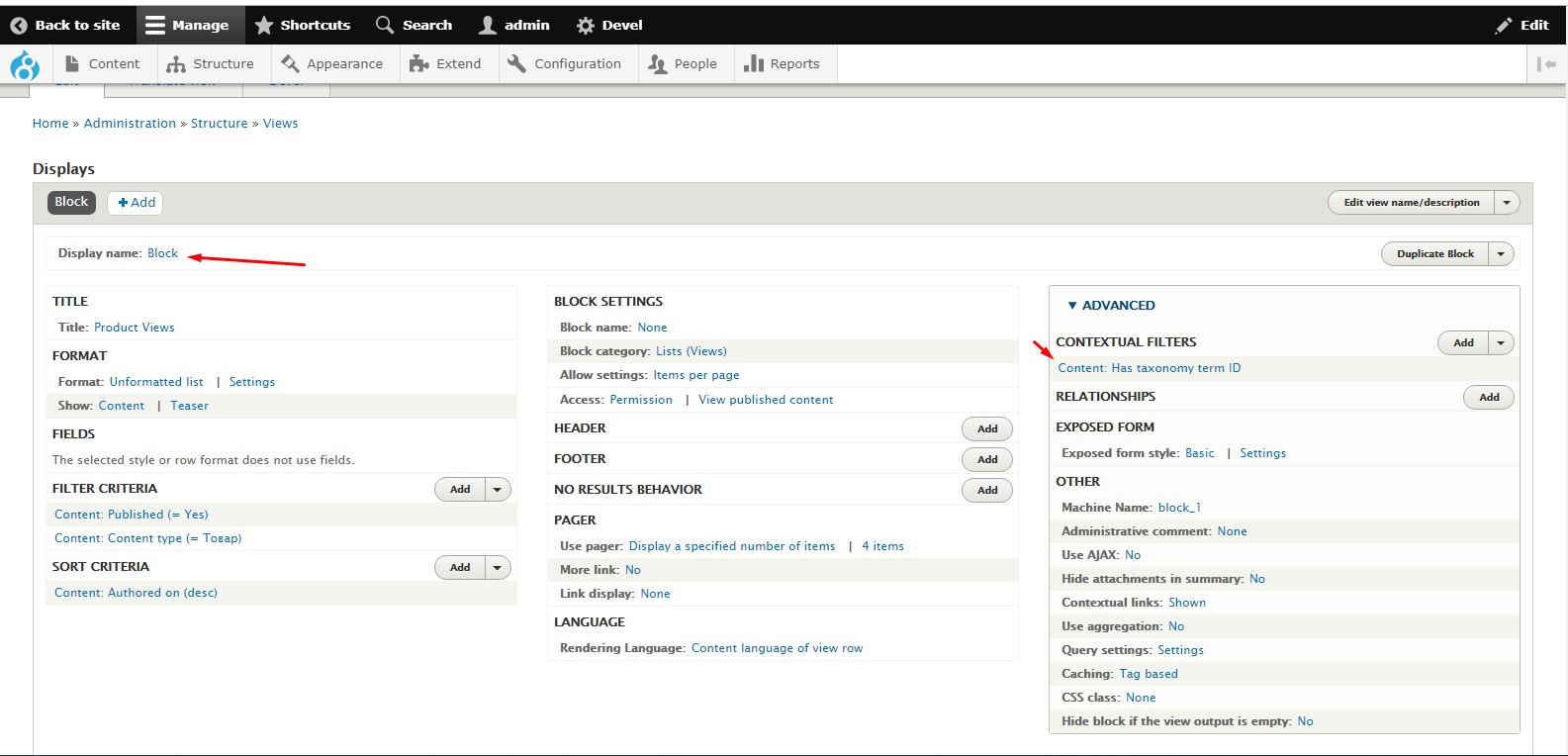
| Settings view | 171.34 KB |
| Settings block | 105.29 KB |
Project information
 Unsupported
Not supported (i.e. abandoned), and no longer being developed. Learn more about dealing with unsupported (abandoned) projects- Obsolete
Use of this project is deprecated. - Project categories: Content editing experience, Content display
 4 sites report using this module
- Created by usingsession on , updated
 This project is not covered by the security advisory policy.
Use at your own risk! It may have publicly disclosed vulnerabilities.