

Closed (outdated)
Project:
Insert
Version:
8.x-1.x-dev
Component:
Code
Priority:
Normal
Category:
Support request
Assigned:
Unassigned
Reporter:
Created:
26 May 2017 at 20:50 UTC
Updated:
12 Jul 2017 at 07:45 UTC
Jump to comment: Most recent, Most recent file

Comments
Comment #2
dkrockville commentedComment #3
snater commentedThe Insert module should work on existing image fields just like on new image fields. If your intention is to insert a styled image (instead of a plain link), you would need to select the style in the Insert Image field widget configuration on the content type's Manage form display tab.
Did a quick test and it works as expected in my plain test instance:
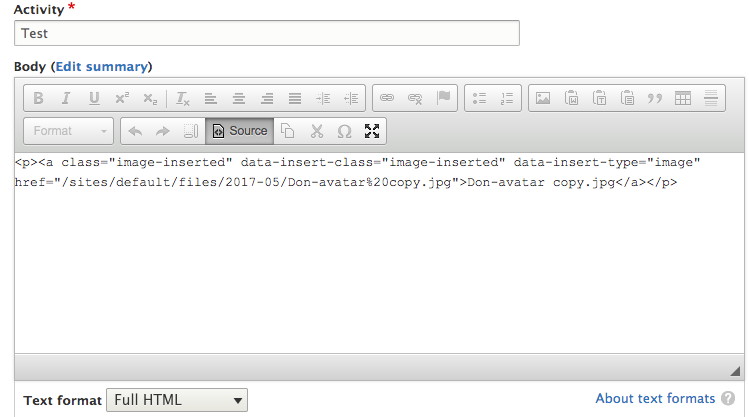
Without setting any image style(s) on the image field the Insert Image widget is applied to, the image will be inserted as link. So, the content of your after screenshot seems to be correct in terms of what I would expect. Yet I noticed a minor bug: The plain link's title should of course be the image's title, if provided, instead of the file name.
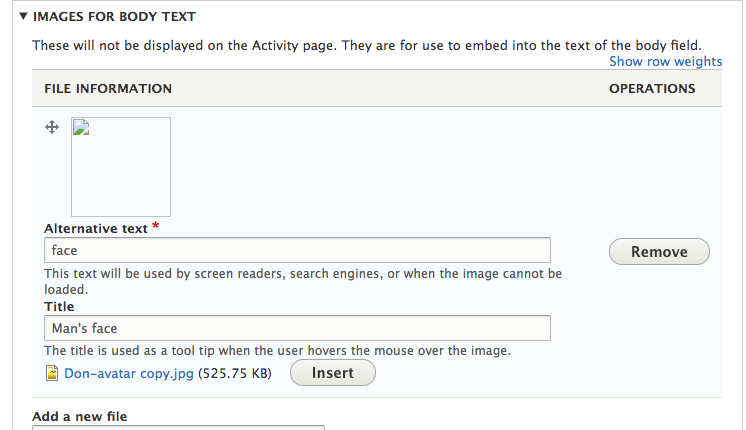
It is a bit distracting that the preview image in your before screenshot is broken, I guess that is by prupose as I did not experience a broken image when testing.
Comment #4
snater commented