Drupal Core Version: 7.37
Symptoms: when language is toggled on a page which has a translation a temp directory error is thrown (in French in my case). The resulting page does render correctly but a notice-level message is shown (even with show all errors turned off):
"Le fichier spécifié temporary://file7kdLzY n'a pas pu être copié car le répertoire de destination n'est pas correctement configuré. Cela peut être dû à un problème de permissions sur le fichier ou le répertoire. Plus d'informations sont disponibles dans la journalisation du système."
- Effectively this is saying "there was a problem copying the temp file to its destination.
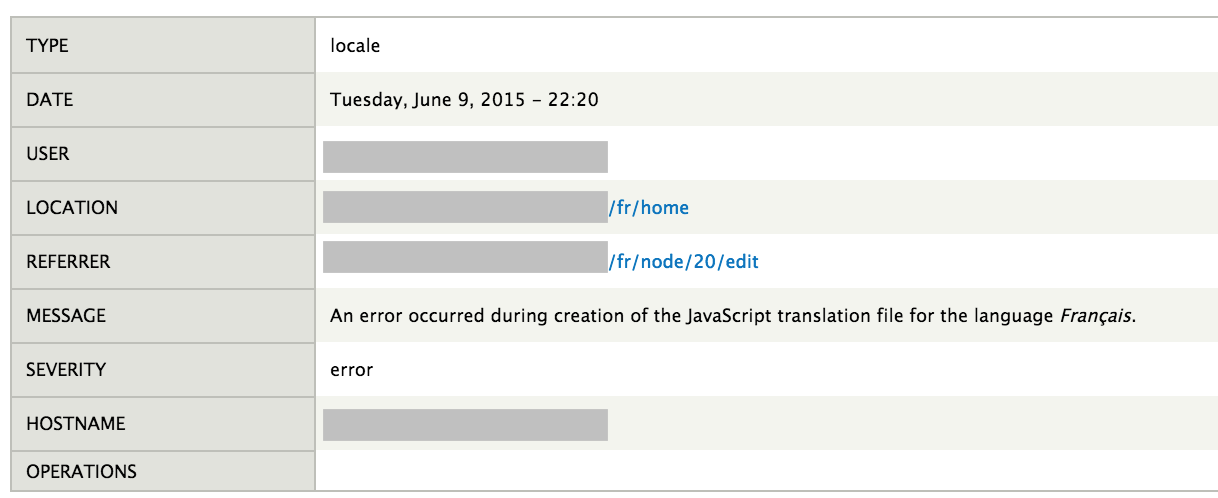
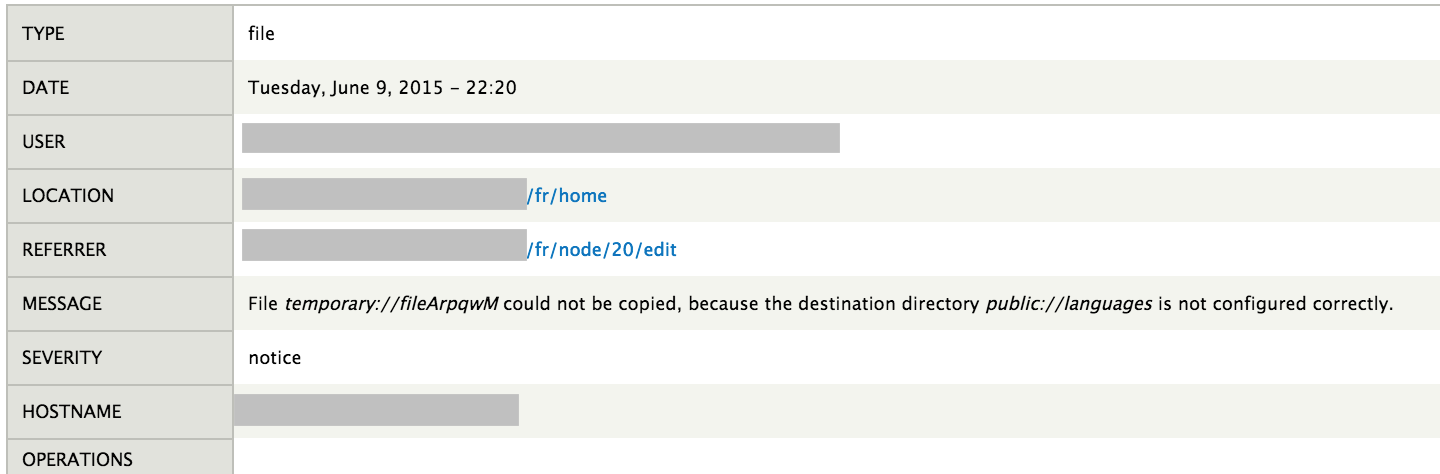
In the database log, there are two entries associated with this error, that reveals the likely cause:
1: "An error occurred during creation of the JavaScript translation file for the language Français."
2: "File temporary://fileArpqwM could not be copied, because the destination directory public://languages is not configured correctly."
I have a directory: /sites/all/languages which I created and assigned open/public permissions to.
It seems that I am missing something in my setup/configuration?
(see attached screenshots for specific messages/log entries)



Comments
Comment #1
claudio_s commentedComment #2
claudio_s commentedThis error was corrected by creating a "translations" directory within sites/default/files and setting permissions to allow the server to read/write. I had either missed this in my installation and config of the locale/multilingual modules or the instructions were unclear.
I located other instructions which incorrectly described creating the "translations" folder under sites/all .
Comment #3
claudio_s commented