Dynamic Dislplay Block is not working in my website. Can you tell me whats i am missing
I am giving you the full scenario of what I have done so far.
I have downloaded Dynamic Dislplay Block from the following link http://drupal.org/project/ddblock and jQuery update from http://drupal.org/project/jquery_update
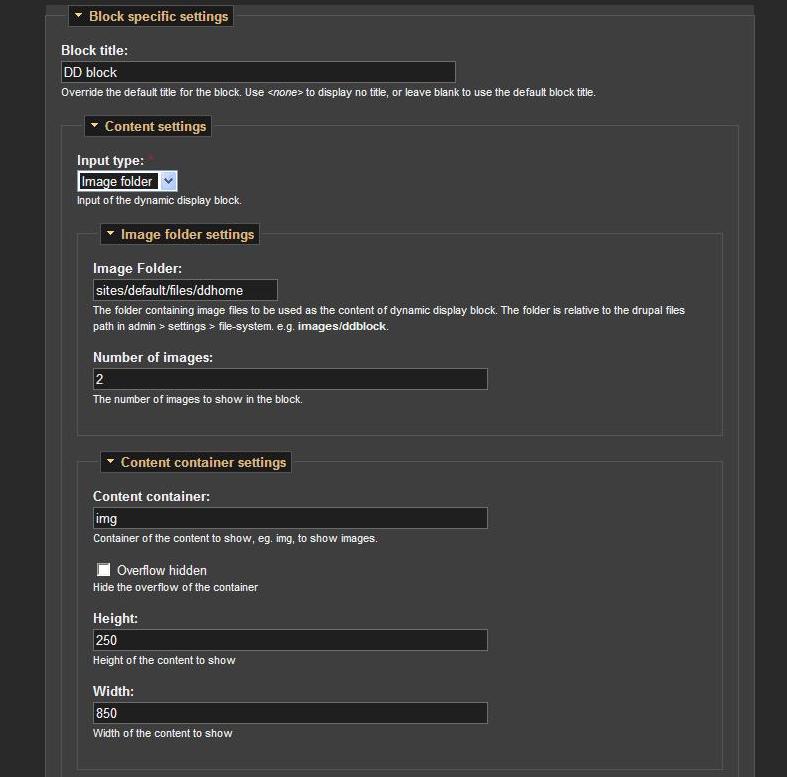
I stored them in modules folder and enabled them. I configured dynamic display block and placed the block in different region of the theme. I am using Aqua Slate Theme under Fusion. I have placed two image under \sites\default\files\ddhome
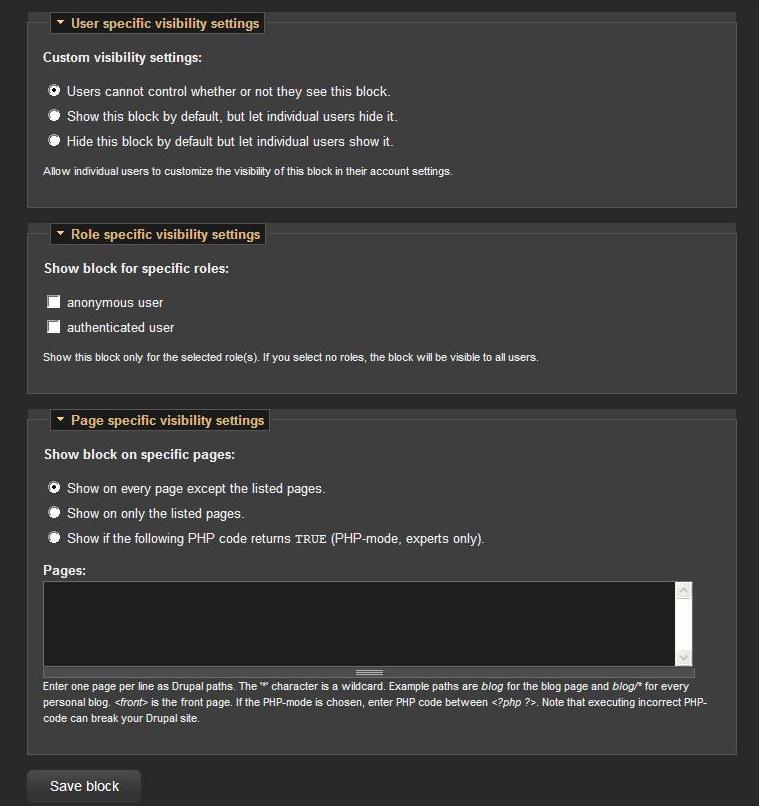
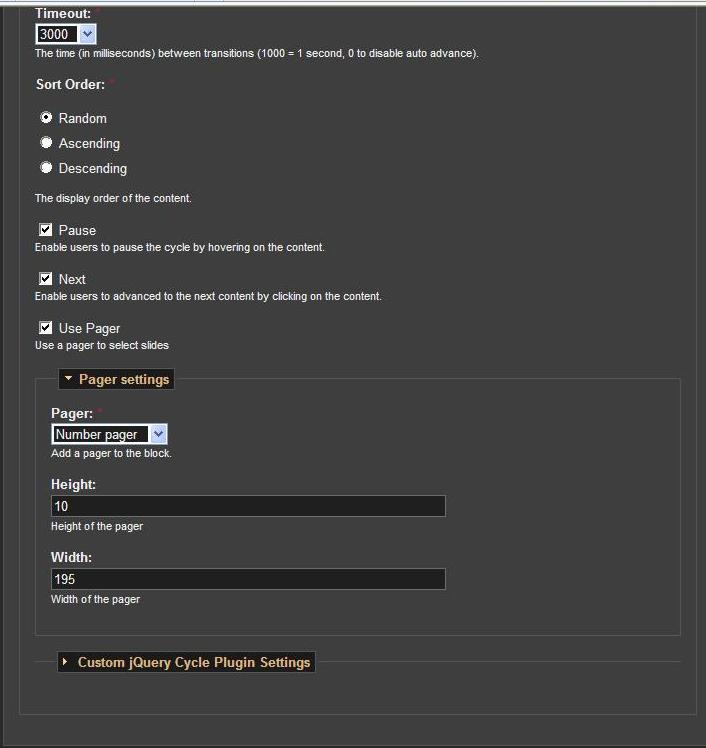
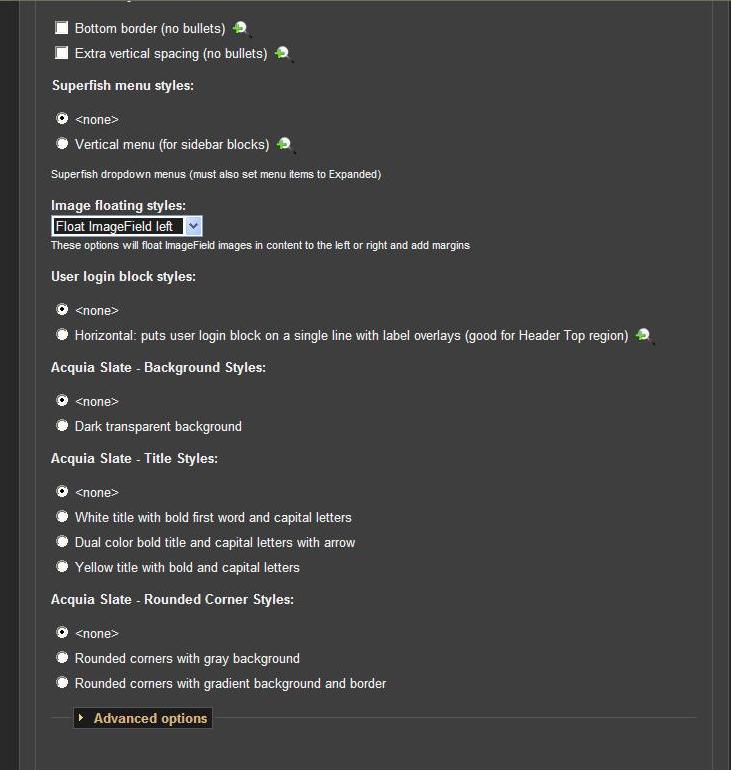
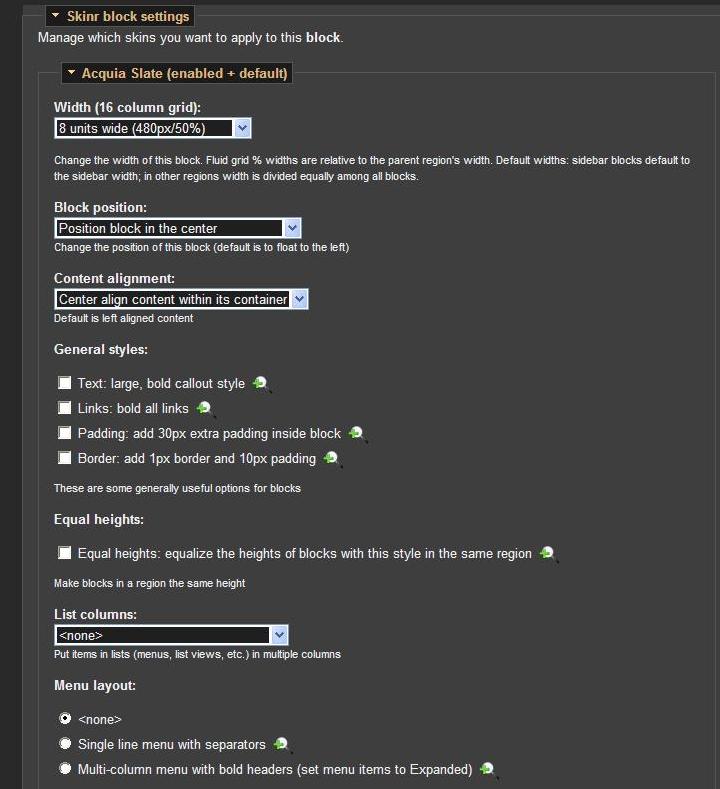
I am attaching all the screen shots of the block configuration page.
I am building my website in my local machine in wamp server.
I appreciate your help.
Thanks
--------------------------------------------------------
For your Information:
The list of enabled modules in the
Core optional section
Color; Comment; Database logging; Help; Menu; Taxonomy; Update status
Other
Dynamic display Block(6.x-1.0-rc6); Skinr (6.x-1.6); jQuery Update(6.x-2.0-alpha1)
I am using Drupal 6.22
My wamp version is 2.1;
Apache version 2.2.11;
My SQL version 5.1.36;
PHP version 5.3.0
operating system is windows xp proffessional.
Internet explorer 8
Firefox version 5.0.1


Comments
Comment #1
ppblaauw commentedThe image folder setting should be: ddhome
It is relative to the drupal path to store files. This is by default sites/default/files.
Hope this helps you further, please let me know.
Comment #2
bashabi commentedThanks for your quick response.
Yes that solves the problem.
Comment #3
ppblaauw commentedGreat its working now!
Set status to closed (works as designed)