

Closed (fixed)
Project:
Dynamic display block
Version:
7.x-1.x-dev
Component:
Code
Priority:
Normal
Category:
Support request
Assigned:
Unassigned
Reporter:
Created:
9 Mar 2011 at 23:31 UTC
Updated:
15 Sep 2012 at 12:01 UTC
Jump to comment: Most recent file


Comments
Comment #1
ppblaauw commentedWorks fine with panels for drupal6, did not try panels for drupal7 yet.
Make sure you add the ddblock instance and not the views block display.
You have a link to the slideshow on your site?
Comment #2
Vojta314 commentedI started using it two days ago and it works fine inside panel. But I did not try to use pager as I need just plain images to be shown. I just added Dynamic Display Block, no instances. Versions: Drupal 6.19, ddblock-6.x-1.0-rc6.
Vojtech
Comment #3
HippoOnDiet commentedHi ppblaauw,
After reinstall the module and use it on different theme... DDblock module works with Panel.
I think the issue was with the theme itself instead of with this module.
Sorry about this.
Comment #4
ppblaauw commented#3 Thanks for letting me know it works with panels drupal 7
Set status to fixed
Comment #5
zkrebs commentedI am using the alpha3 panels and ctools on d7 with the dev of ddblock,
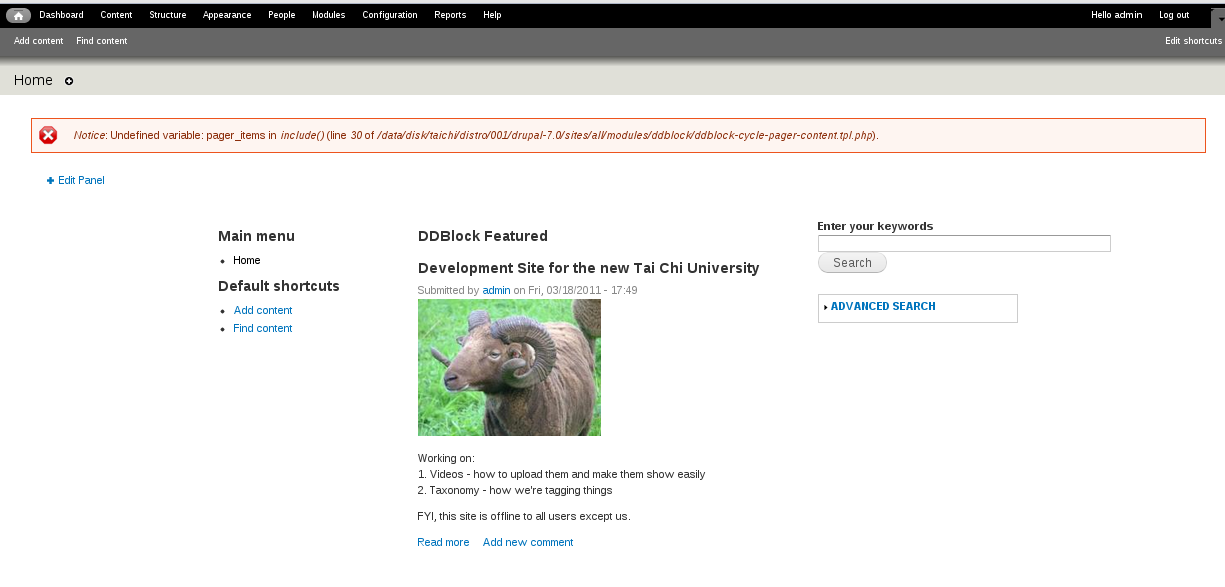
using a panel-page, inserted the ddblock instance and i get error
However, when I put the ddblock as a normal block, on a non-panel page, it works perfectly. Most definitely not using the views block as the panel content. If I remove the pager, the panel page does not throw the error, but the DDBlock does not show up or present any content. Still works on the regular non-panel node page.
the theme i'm using is Panels 960gs 7.x-1.2
trying to use ddblock layout upright50p
If it happens to be an issue with the theme, what would it be?
UPDATE: I got it to work, but the issue seems to be when one is logged in and has the panels in-context-editor enabled, its making a different version of the page for you to edit, in which DDBlock does not work. If I save my panel, log out, and view the same page, the DDBlock works. Hopefully someone more brilliant than I can explain why this is.
Comment #6
ppblaauw commented#8
The notice means you have no pager-items.
Did you map a value to the pager in the configuration page of the ddblock instance?
Comment #7
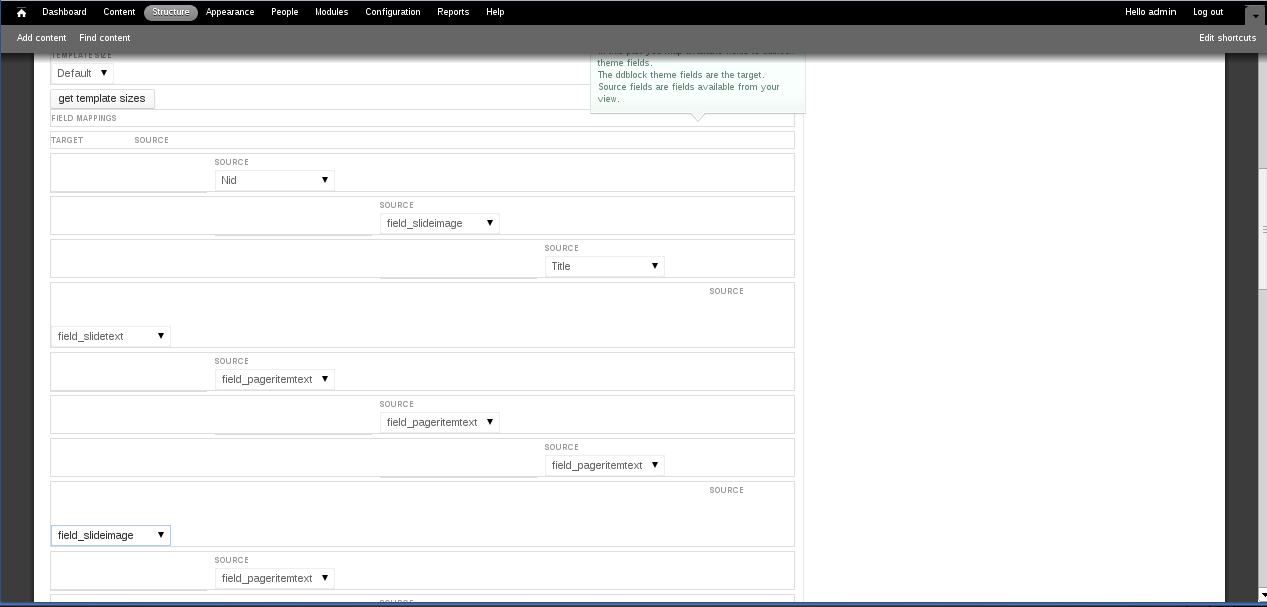
zkrebs commentedThat might be it - probably user error. However this might be completely unrelated, but the admin page looks totally screwy here - using tao/rubik as my admin theme (see attachment). Probably why I missed the pager setting. Seems to look normal if I use seven as my admin theme.
I went in and filled in the slider texts with demo data. The next screen shots show how it looks on the panel page with context editor on (logged in user), and the next shows how it looks logged out (anonymous) - and it seems to work! Why would that be?
pics in next post. cant add them here i guess.
Comment #8
zkrebs commentedComment #9
drupalycious commentedHello,
I changed theme and I was having the same issue as you,
all of this was because I forgot to copy the custom folder with slideshow theme files to the new theme folder.
After that the error message was gone and I could see my slideshow as before.
The solution comes from this issue #981920: DDB doesn work with Omega (960 Grid System) theme