Closed (fixed)
Project:
Corner
Version:
7.x-2.x-dev
Component:
Code
Priority:
Normal
Category:
Bug report
Assigned:
Unassigned
Reporter:
Created:
20 Feb 2013 at 14:17 UTC
Updated:
5 Apr 2013 at 09:00 UTC


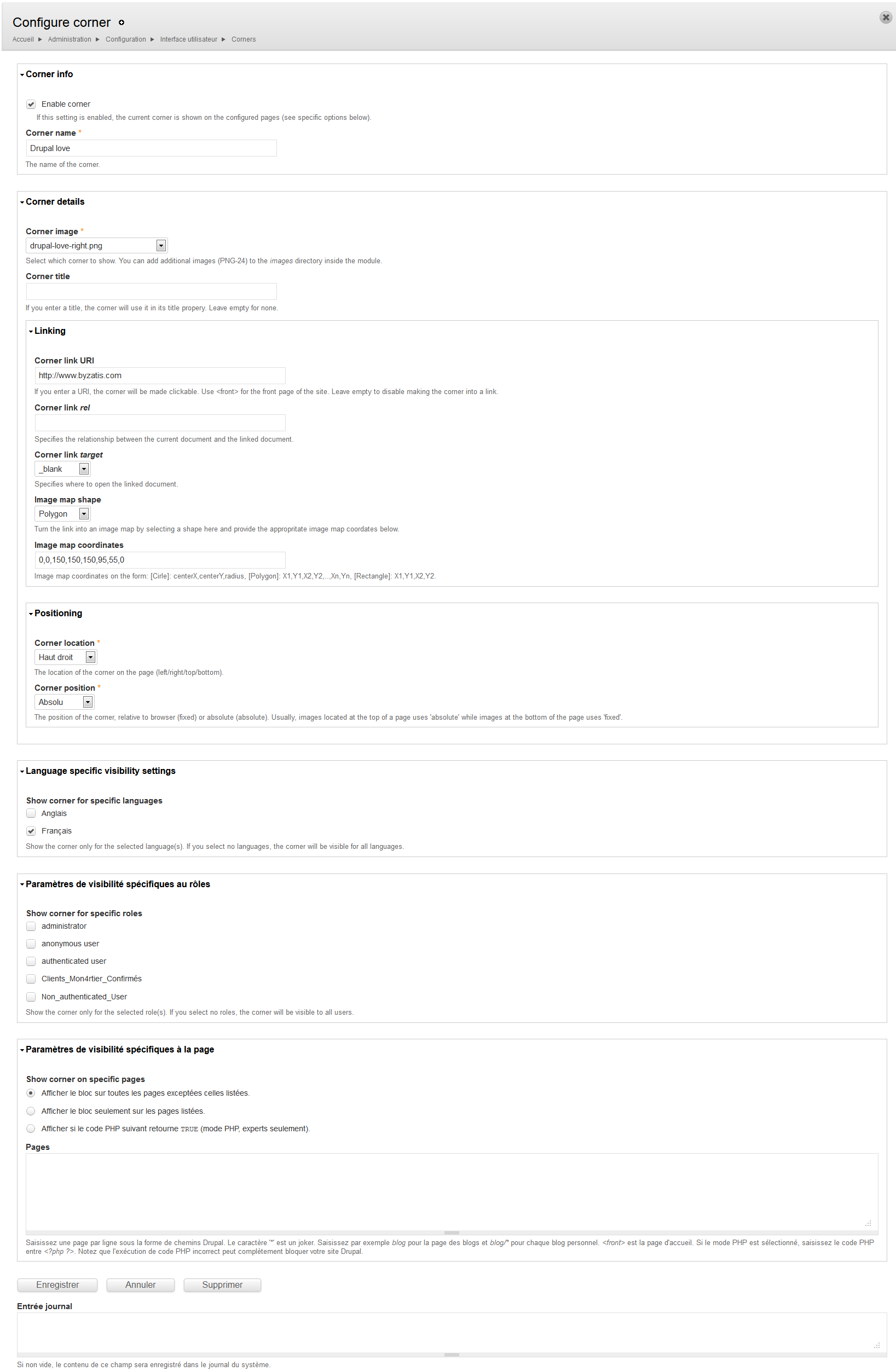
Here are enclosed some screen captures to show you how things are configured on my drupal 7.19 corner installation .
Is there something I am missing ?
What is wrong ?
Thank you for your appreciated help.
Best regards
| Comment | File | Size | Author |
|---|---|---|---|
| Corner_issue_02.png | 89.72 KB | Gyver06 | |
| Corner_issue_01.png | 17.52 KB | Gyver06 | |
| Corner_issue_00.png | 299.62 KB | Gyver06 |



Comments
Comment #1
kirie commentedHey - sorry for the very late reply! I just tested this on a clean Drupal 7.19 (and Drupal 7.21) install (with default Bartik theme) and could not reproduce your issue. There might, however, be some conflict with your theme's CSS. Is it a custom theme or one you downloaded from d.o?
Comment #2
Gyver06 commentedHi,
I have just tried with an out of the box drupal theme, Bartik, and I still have the exact same behavior.
No error message displayed.
Comment #3
kirie commentedThat is very strange - and its still the default corner which comes "pre-installed" with the module? What OS is the server running? Can you try to copy the image you are using and call it i.e. "test.png" and use that instead? If you inspect the image (or rather the enclosing div, i.e.
Comment #4
Gyver06 commentedI can see that this issue is solved with latest dev version, thank you very much for this. It works for me now.
Best regards.
Comment #5
kirie commentedAha - awesome :) More backround info here: #1945098: CSS not loaded when CSS aggregation is active