In the checkout pane setting, when you place the shipping in between the shopping cart content and the billing information, you are not able to get the last updated billing information from the full order object in your custom shipping module.
So if your shipping calculation is relying on the billing address's country, if the user changes his billing information and go straight to the checkout order review, everything else take the new address in account (Taxes, display of the billing address), but the shipping calculation is still based on the previous address. You need to go back to the checkout form then the checkout review to see your shipping amount based on the new address.
Do you have any suggestion to access the actual last billing information other than through the order object ?


Comments
Comment #1
googletorp commentedThis is untested, but should work.
Comment #2
Devline commentedIt's not delivering the right information. It seems like the address update is done after the address block is processed. So I let the shipping block below the billing address and fixed the output playing in between field display in views and some CSS. This appart, I totally agree with you that the table template is not the easiest one for that job...
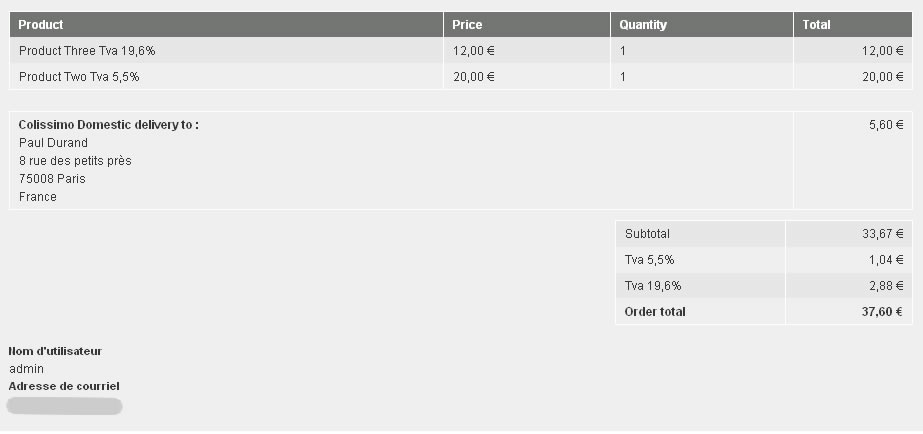
Attached the final result in order review (I added also VAT on shipping... thanks to your module!)
Comment #4
Sushil_Drupal_developer commentedI am also getting same error in my project.. Your billing information must match the billing address for the credit card entered below or we will be unable to process your payment.
Comment #5
googletorp commentedThis has been handled.