

Closed (fixed)
Project:
Business
Version:
8.x-1.x-dev
Component:
Miscellaneous
Priority:
Normal
Category:
Bug report
Assigned:
Unassigned
Issue tags:
Reporter:
Created:
17 Oct 2015 at 22:35 UTC
Updated:
2 Aug 2016 at 11:36 UTC
Jump to comment: Most recent, Most recent file




Comments
Comment #2
kwadz commentedComment #3
mmv93 commentedbut first apply this patch https://www.drupal.org/files/issues/fatal_error-2493993-3.patch
Comment #4
kwadz commentedAfter applying the two patches, admin menu is now ok. But theme CSS doesn't work properly. I tested with a clean install of Drupal 8 RC2.

Comment #5
kwadz commentedDo you have an idea where this issue can be corrected?
Comment #6
sachin.addweb commentedCan you please provide me steps/scenario for the issue? As I have installed Business (8.x-1.x-dev) theme in 'Drupal 8.0.0-rc2' and 'Drupal 8.0.0'. In both versions Business theme CSS working properly.
Please try to update your drupal version or check jQuery error in console.
Do let me know if you face any further query for the same.
Comment #7
leopathu commentedHi,
Use latest version of the theme, It would fix the issue :)
Comment #8
cbsri commentedHello,
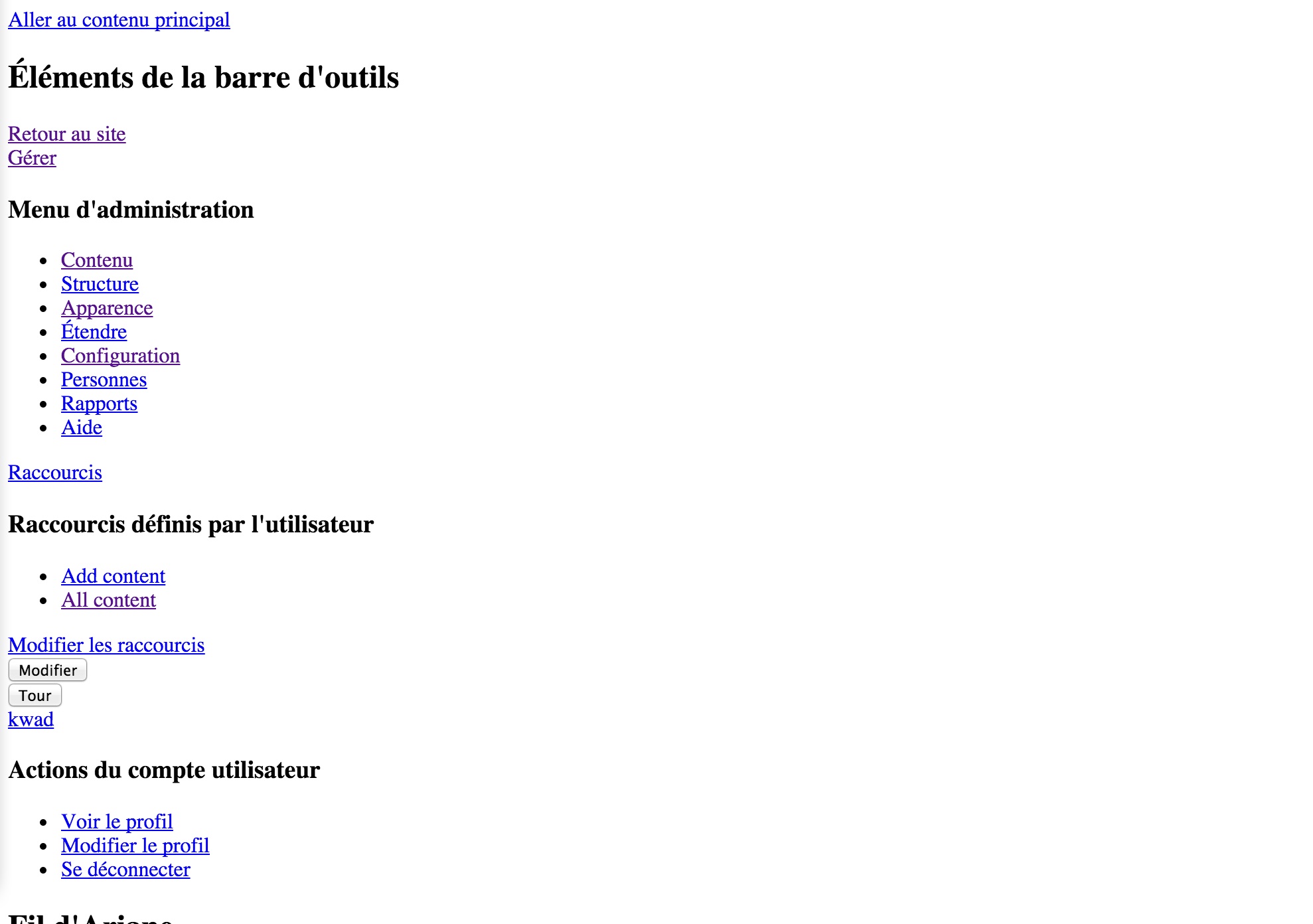
I'm very new to Drupal and have no knowledge of coding. I use drupal 8.1.6 and business theme version 8.x-1.6. It worked fine earlier until I update to drupal 8.1.7 but the problem didn't show at once after I updated. I updated drupal version in the morning and it ran great but found out the problem in the evening so I turn back to drupal 8.1.6 but the problem is still there. It shows the same as this issue --no css in front page (but other pages is ok) and sometimes it show blank page with link at the upper left "skip to the main content". What should I do? Please help. Thanks a lot in advance.
Comment #9
leopathu commentedHi,
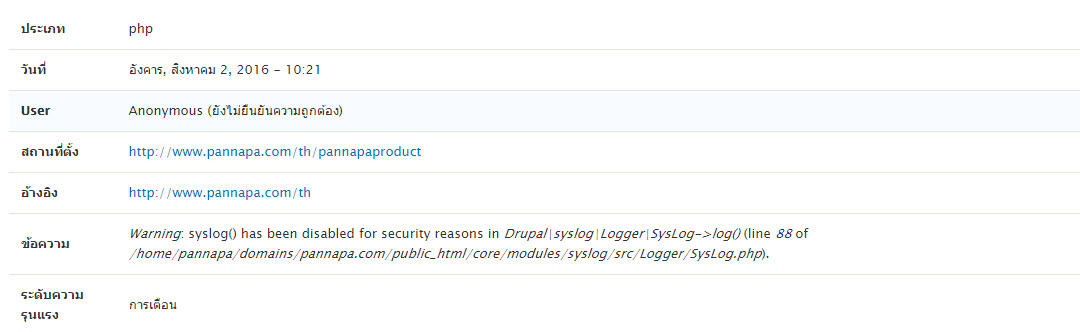
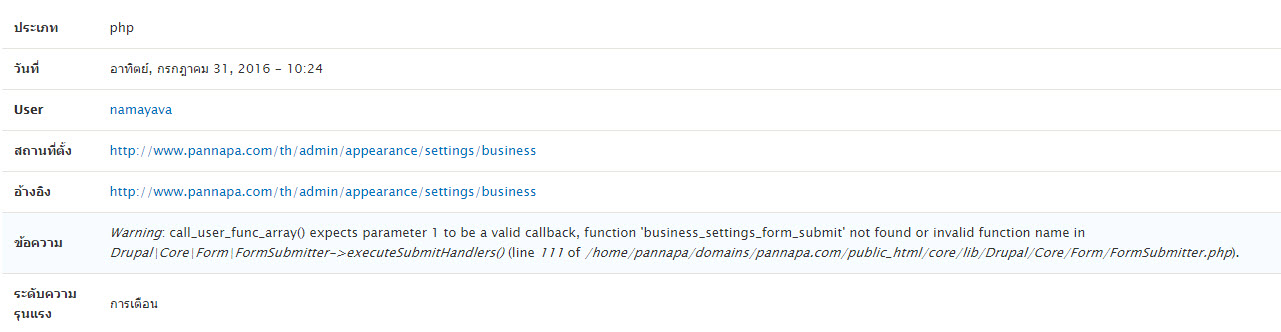
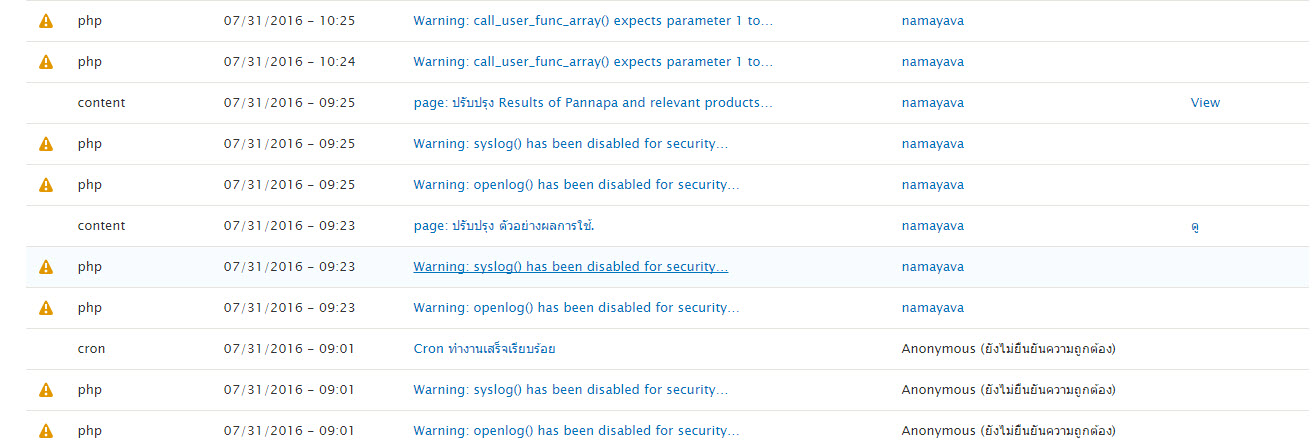
Just check, Recent Log message and let me know If you found any critical issue in that :)
Comment #10
cbsri commentedI upload the picture files of system log of the date 31/7/16 and system log for today with the details. Thank you very much. (Don't know how to attach with this comment, sorry)
Comment #11
leopathu commentedHi, Use dev version of the theme. I hope it would solve your issue :)
Comment #12
cbsri commentedI uninstalled business theme version 8.x-1.6 in admin's appearance page and tried to install the dev version but the system shows that business theme is already installed. How to completely remove the previous theme version? Sorry but I really don't know how. Thank you very much again in advance.
Comment #13
leopathu commentedHi,
Just replace the business theme folder with the new business theme folder. Its enough. Don't need to reinstall it again :)
Comment #14
cbsri commentedThank you very much. It works!! :D