

Closed (fixed)
Project:
Drupal core
Version:
9.5.x-dev
Component:
Claro theme
Priority:
Normal
Category:
Bug report
Assigned:
Unassigned
Reporter:
Created:
31 Jul 2022 at 04:56 UTC
Updated:
19 Aug 2022 at 12:34 UTC
Jump to comment: Most recent, Most recent file
 Show commands
 compare




Comments
Comment #2
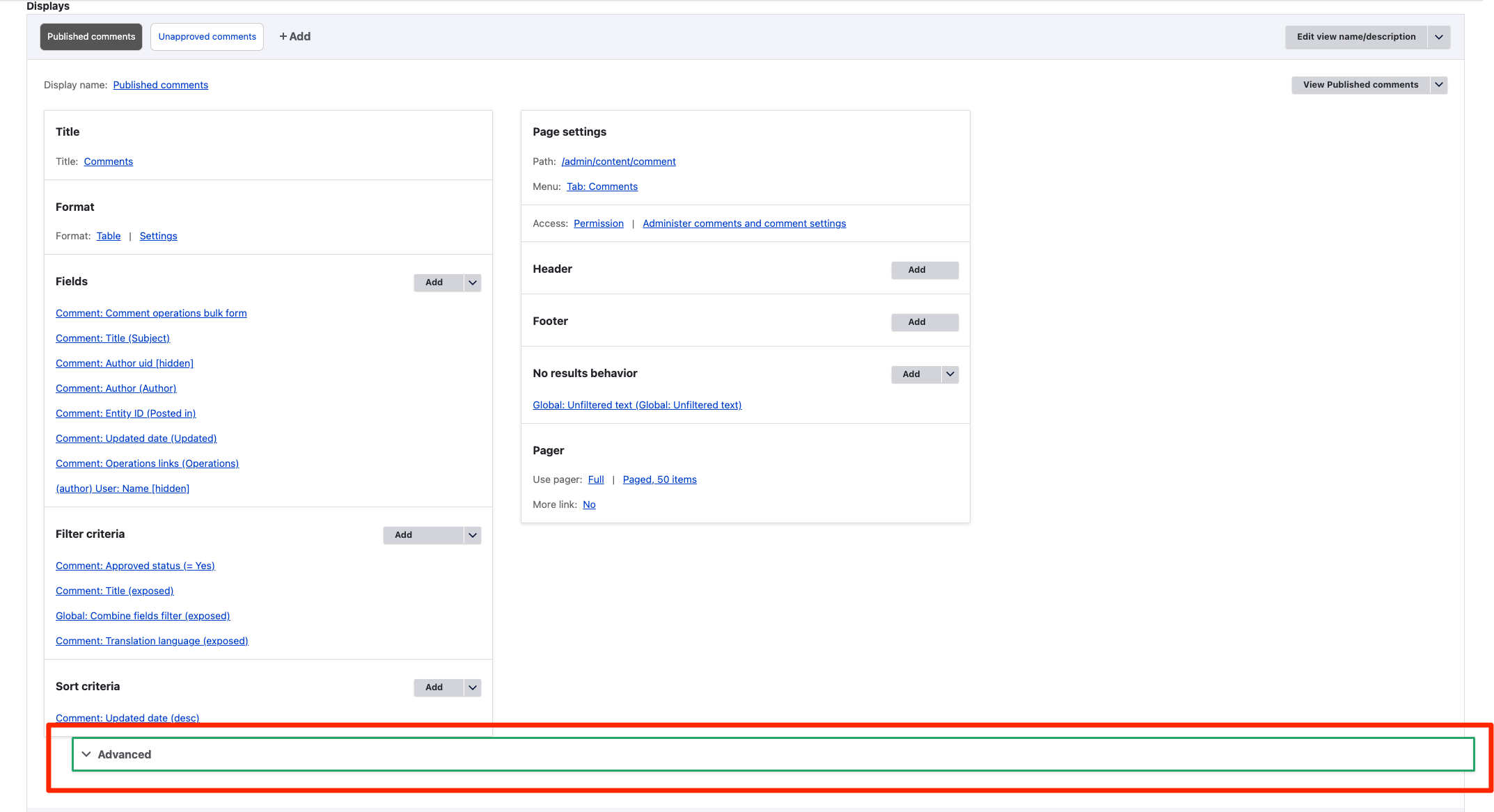
cilefen commentedWhat about this is broken. Please update the title and issue summary with information.
Comment #3
chi commentedComment #4
mherchelI can't reproduce this. I tested this in Chrome and the latest Drupal 10, and tried various different screen widths.
What else do I need to do to reproduce?
Comment #5
chi commented@mherchel DId you use dev branch for testing? I think that caused by #3291100: Nested details element within content type's "manage display" UI changes width when opened.
Comment #6
mherchelYep! I see it! I was testing against a slightly older version of 10.0.x on Tugboat.
Updating summary. Note this happens in 9.4.x and later.
Comment #7
mherchelPatches attached.
Comment #9
Manibharathi E R commentedPatch #7 Applied and tested successfully on Drupal 9.5.x.
Comment #10
mherchel@Manibharathi E R
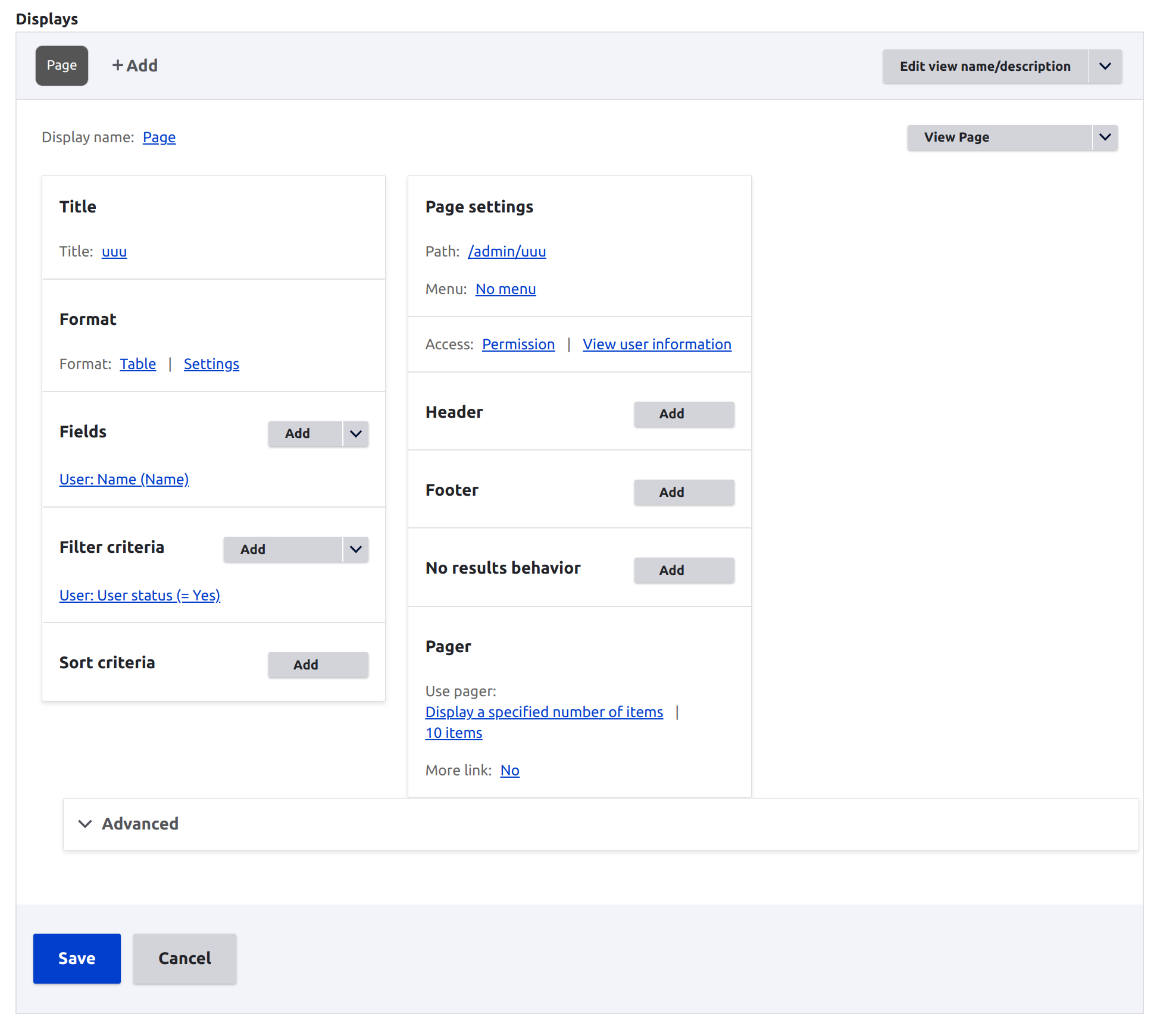
Thanks for your review! Note that your "after" screenshot has the offending
<details>element cropped out.Comment #11
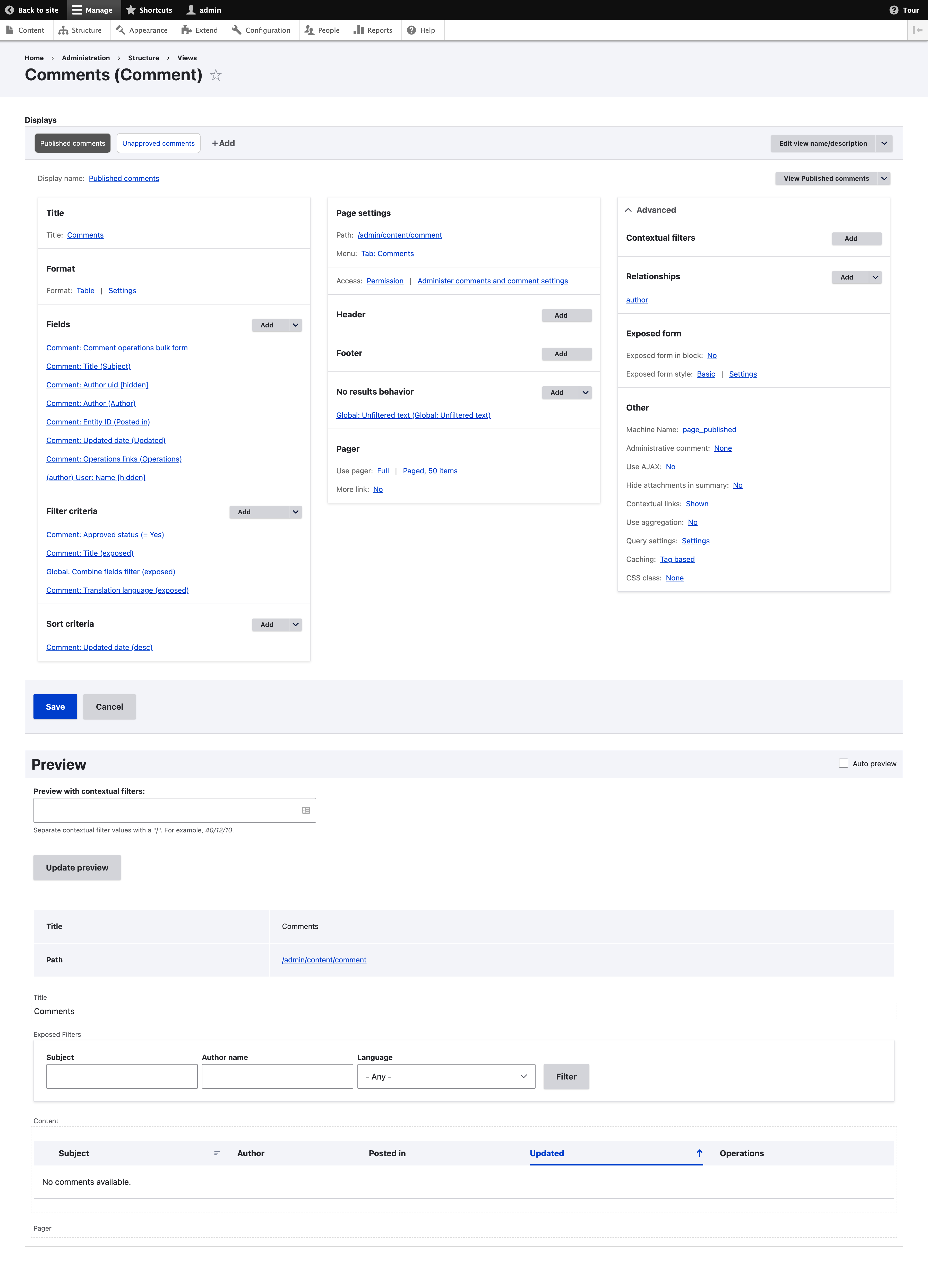
cindytwilliams commentedI tested this in Drupal 10 and it looks good to me in both Chrome and Firefox. The "Advanced" details section displays over to the right in a 3rd column on desktop (rather than being stuck at the bottom) and it stacks correctly on mobile. Screenshots attached.
Marking RTBC+1
Comment #12
chi commentedWe probably should check if the fix made for #3291100: Nested details element within content type's "manage display" UI changes width when opened is still working.
Comment #13
cindytwilliams commentedI checked issue #3291100 as well and it is still working with this patch.
Comment #16
lauriiiCommitted cde980a and pushed to 10.1.x and cherry-picked to 10.0.x. Also committed to 9.5.x. Thanks!