

 The 2026 Drupal Business Survey is open. Your response will help shape the future of the Drupal business ecosystem.
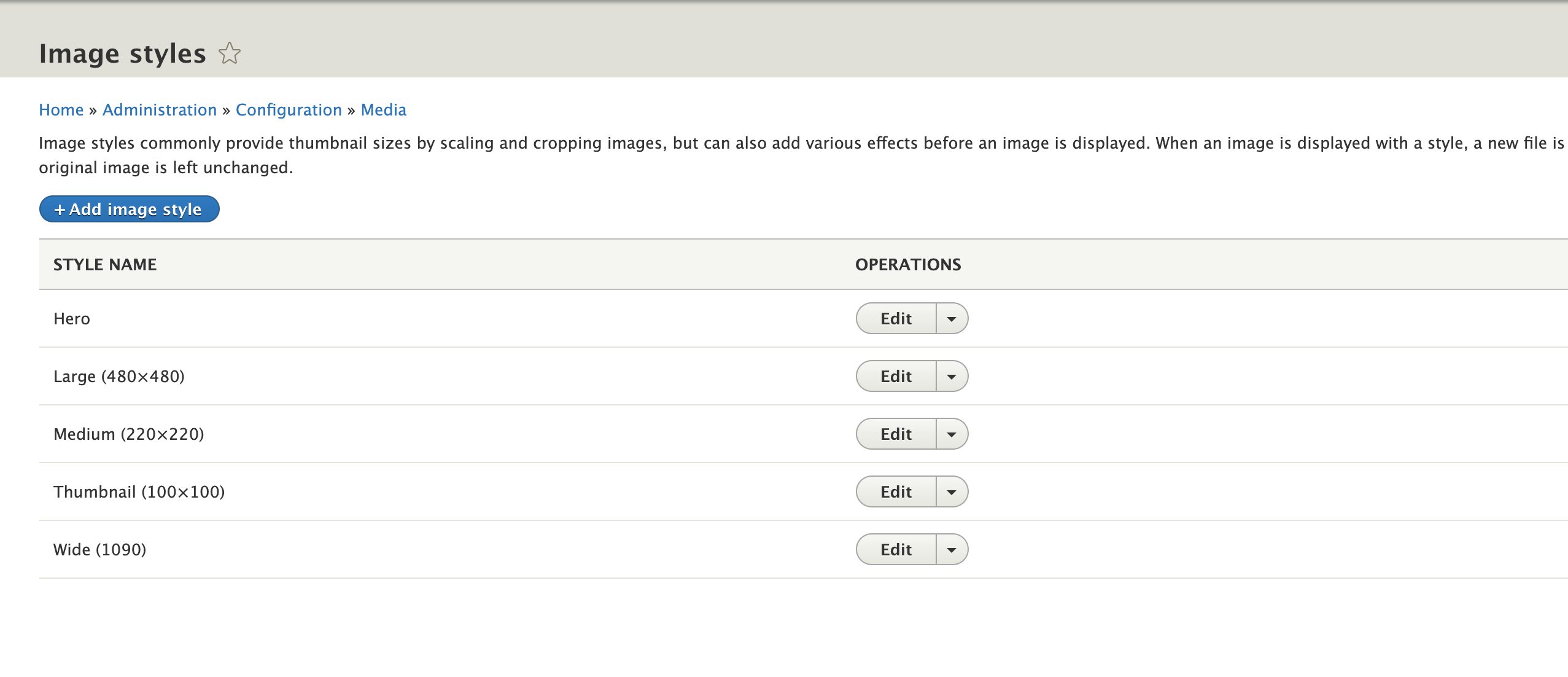
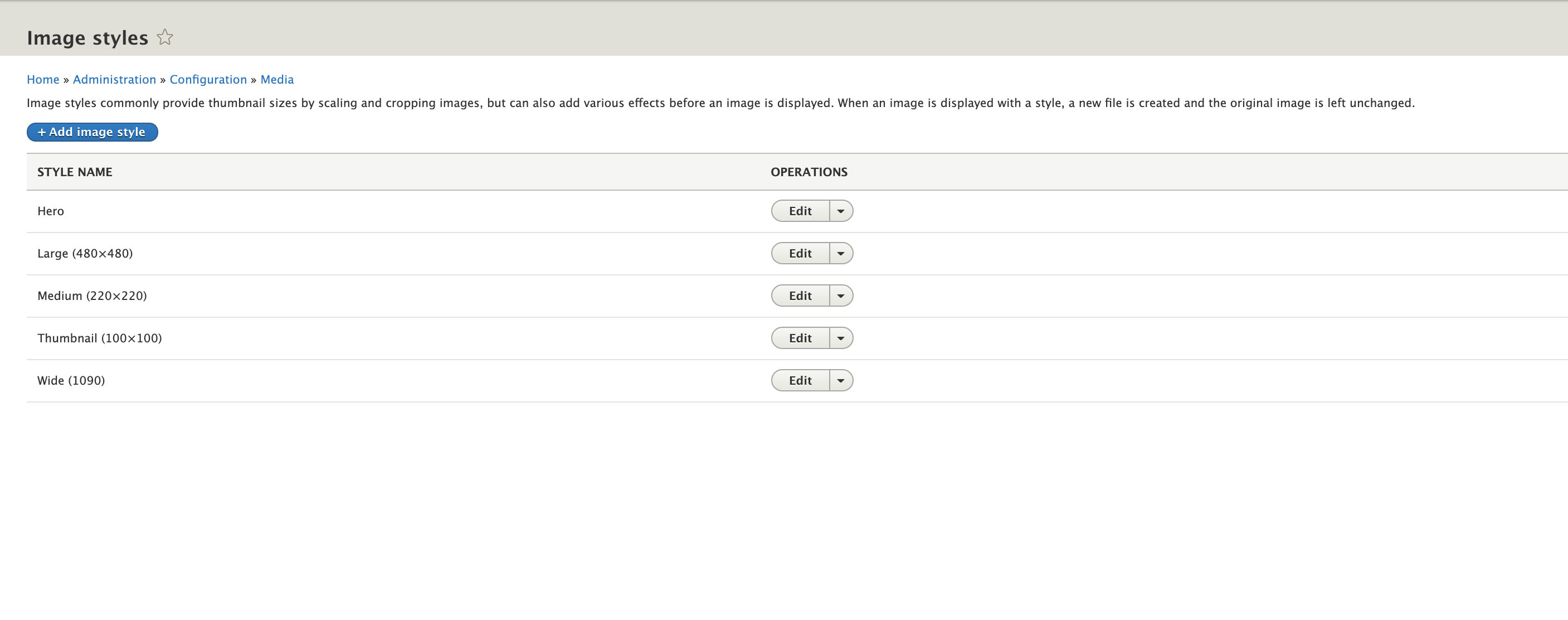
Drupal core comes with 4 image styles:
- Large (480×480)
- Media Library thumbnail (220×220)
- Medium (220×220)
- Thumbnail (100×100
This issue is to create a new image style called "wide" or "full" or something else (we're currently calling it "hero" in Olivero). The image would need to be scaled down to 1090px or larger.
This is to support the design of the new Olivero theme (#3111409: Add new Olivero frontend theme to Drupal 9.1 core as beta).
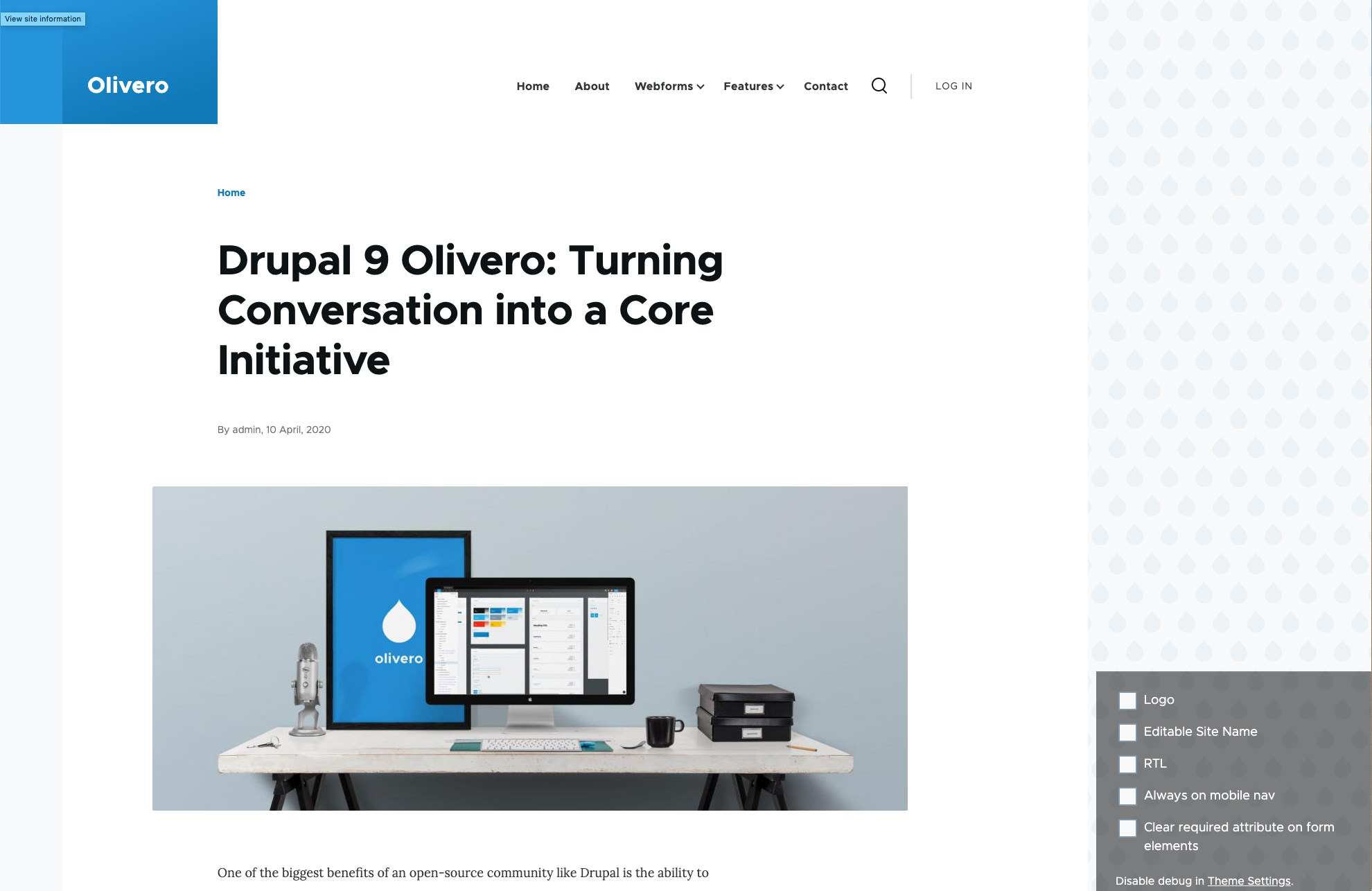
The image style is currently bundled with Olivero, but that won't be acceptable for core because if you uninstall Olivero and then attempt to reinstall it, it will fail because the image style already exists. See #3125491: Errors after installing / uninstalling / reinstalling Olivero.
| Comment | File | Size | Author |
|---|---|---|---|
| #17 | after-olivero-install.png | 186.29 KB | ambuj_gupta |
| #17 | after-patch.png | 253.77 KB | ambuj_gupta |
| #14 | interdiff_5-14.txt | 2.34 KB | himanshu_sindhwani |
| #14 | 3153009-14.patch | 3.36 KB | himanshu_sindhwani |
| #13 | 3153009-13.patch | 3.39 KB | himanshu_sindhwani |



Comments
Comment #2
mherchelComment #3
larowlanComment #4
asmita26 commentedComment #5
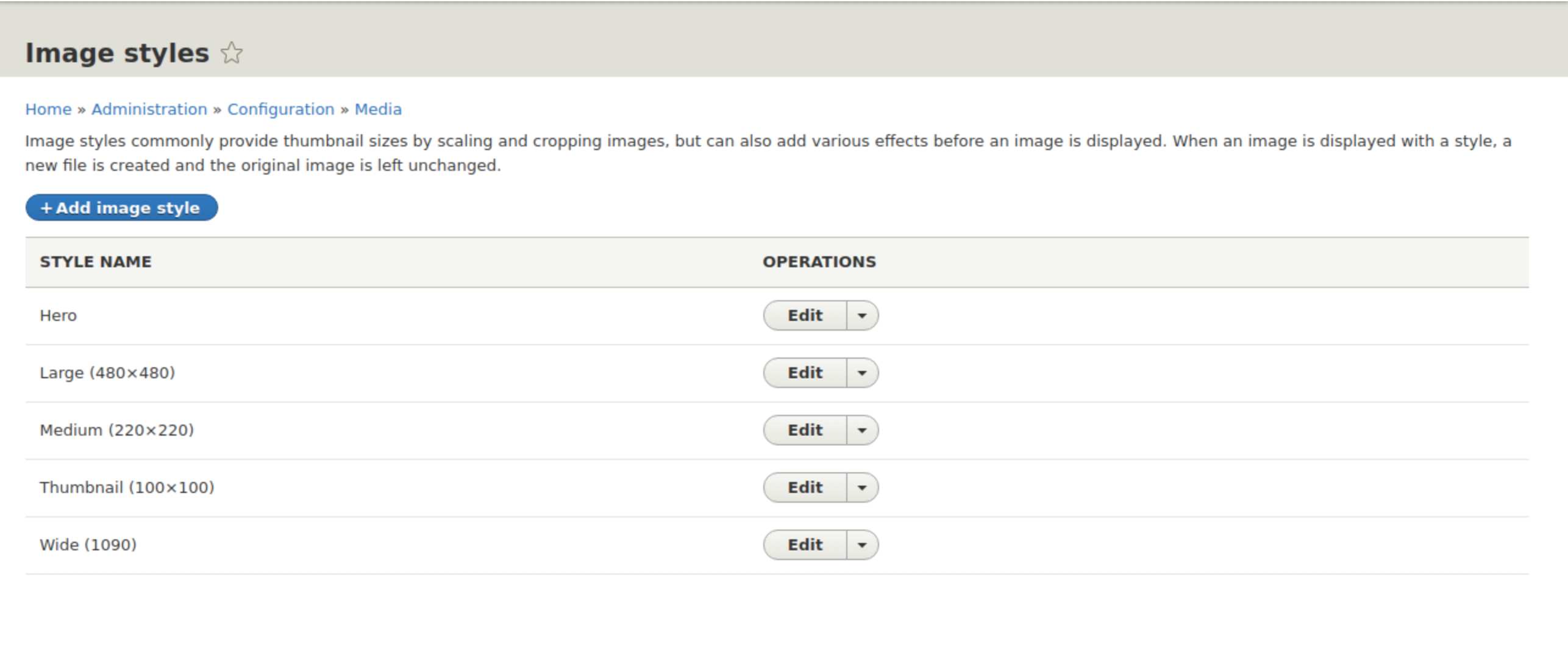
asmita26 commentedCreated a new image style in drupal core named as "Wide(1090)" which styles image to 1090px wide and scale effect so that it doesn't conflict with Olivero theme.
Comment #6
asmita26 commentedComment #7
ambuj_gupta commentedComment #9
ambuj_gupta commentedTesting Steps: This require fresh drupal Install
1. Download Drupal
2. Add the patch file to "/core/modules/image/config/install"
3. Install Drupal and login with an admin
4. Go to "/admin/config/media/image-styles". And check the image styles.
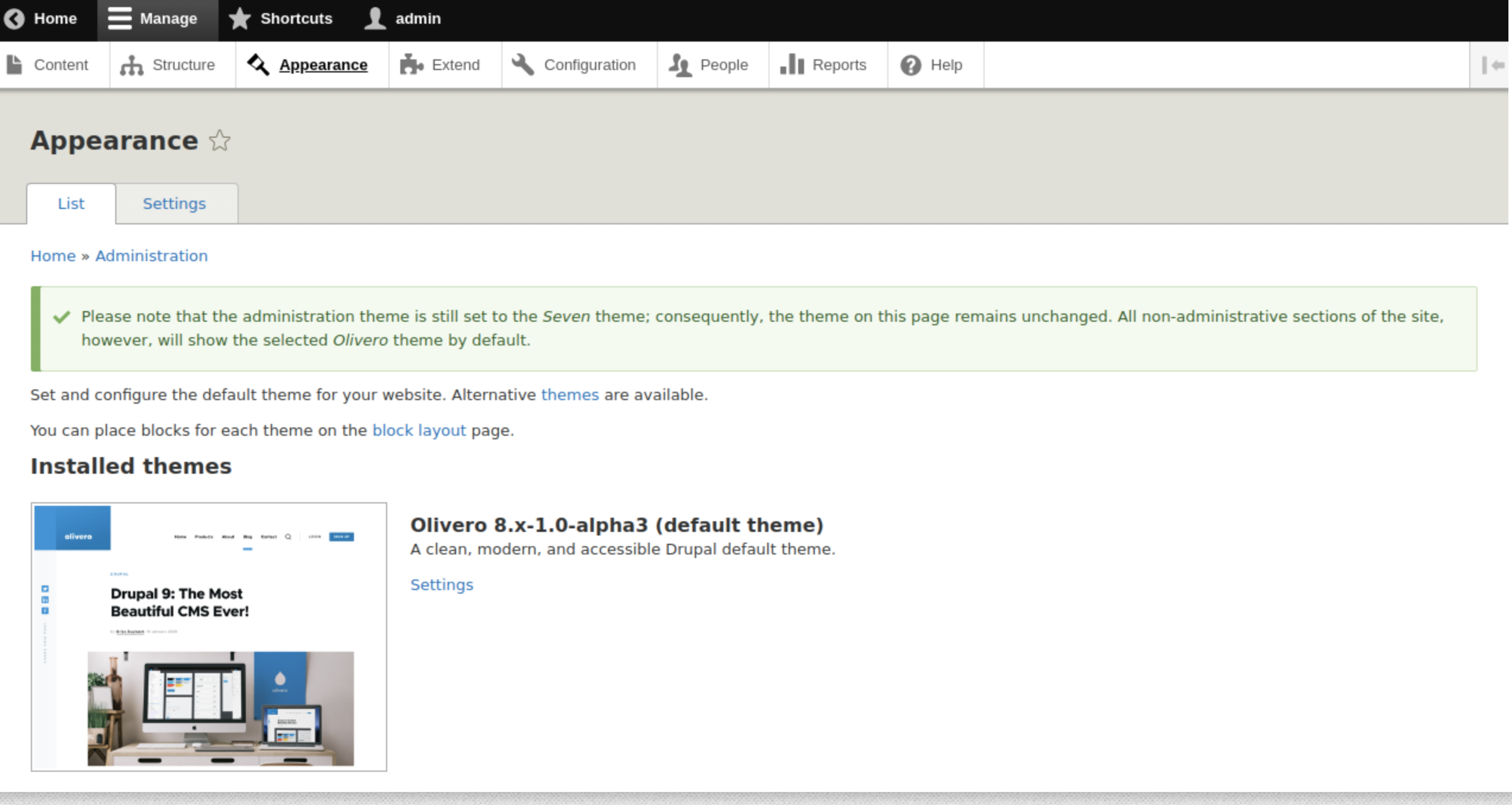
5. Install the OIivaro theme and set it as default.
5. Create a Content Type with two Image fields having different Image Style: Hero and Wide.
6. Create the node of the content type.
7. Uninstall the Oliver Theme. And check.
8. Re-Intall the Olivero Theme. And check.
Testing Results:
Tested by Applying the patch #5. And it's working as expected without any conflict with the Olivero Theme.
Comment #10
hansa11 commentedThank you @asmita26 for your contribution.
I have reviewed your patch and it works fine for me.
Comment #11
larowlanThere's some failing tests here
Comment #12
himanshu_sindhwani commentedI will try to create the patch passing the test cases.
Comment #13
himanshu_sindhwani commentedTried to fix the failing test cases.
Comment #14
himanshu_sindhwani commentedThe previous patch failed to apply. Here is a new patch with fix.
Comment #15
ambuj_gupta commentedComment #16
himanshu_sindhwani commentedhi @ambuj_gupta, It's good to unassign the issue if it is taking more time. Please check the policy here: https://www.drupal.org/node/2172049 . Moreover the doc mentions the issue should not be assigned when in needs review state. Since an issue is open to any number of reviewers.
Comment #17
ambuj_gupta commentedTested and Verified by applying patch #14. And it's working as expected without any conflict with the Olivero Theme.
Comment #18
mherchelLooked at the code, and everything looks great to me. Thanks!
Comment #20
larowlanCommitted ed4655e and pushed to 9.1.x. Thanks!
Comment #22
mherchelRelated issue: #3124339: Add new image style to Standard installation profile and update CT Article Default display
Comment #23
kristen polThanks for finding that @mherchel!
Adding the issue to the related issues field. I closed out the related issue as duplicate. This issue is already closed but, otherwise, I would ask the committers to consider issue credits for participants in the other issue as it's older. :)
Comment #24
xjm