Problem/Motivation
The error:
Uncaught TypeError: CodeMirror.runMode is not a function
    at HTMLPreElement.<anonymous> (webform.element.codemirror.js?v=8.7.6:117)
    at Function.each (jquery.min.js?v=3.2.1:2)
    at r.fn.init.each (jquery.min.js?v=3.2.1:2)
    at Object.attach (webform.element.codemirror.js?v=8.7.6:115)
    at drupal.js?v=8.7.6:25
    at Array.forEach (<anonymous>)
    at Object.Drupal.attachBehaviors (drupal.js?v=8.7.6:22)
    at drupal.init.js?v=8.7.6:16
    at HTMLDocument.t (ready.min.js?v=1.0.8:4)
is thrown in the browser console when both webform and the https://www.drupal.org/project/codemirror_editor module are installed and at least one text format is set to use the codemirror editor instead of ckeditor.
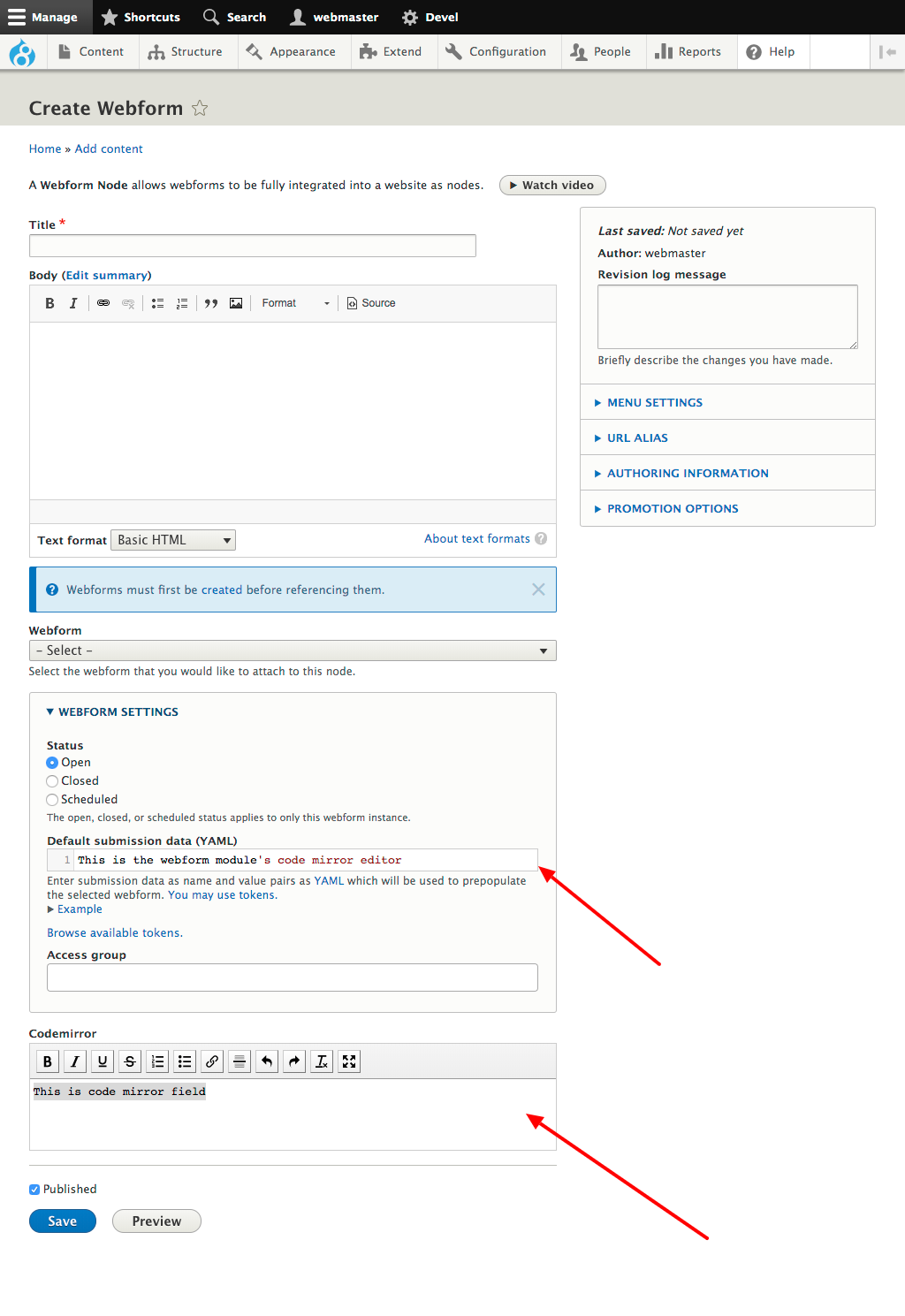
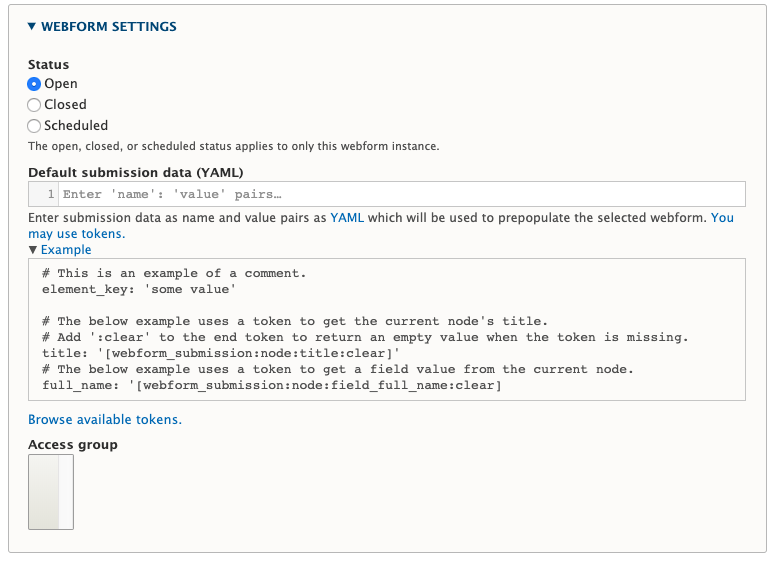
I have not checked every webform config page, but the error is happening on edit pages with the "webform settings" details/summary element (see attached screenshot) on webform node edit pages like /node/xxxx/edit
Proposed resolution
Would be best to find the root cause of the conflict, but at quick fix for the actual error being thrown would be to check if the runMode function exists before calling it.


Comments
Comment #2
jrockowitz commentedI spent an hour trying to replicate this issue. I was able to get the CodeMirror field working without any errors.
Please provide step-by-step information on how to replicate this issue.
Comment #3
jrockowitz commentedPlease make sure to install the Webform module's libraries.
Comment #4
pcate commentedSorry for taking so long to respond. I've been able to replicate the issue using https://simplytest.me/ with the following steps:
I tested it in the latest versions of FF, Safari, and Chrome, all with the same error.
Comment #5
pcate commentedComment #6
jrockowitz commentedI was able to replicate the issue. I am okay with the "quick fix for the actual error being thrown would be to check if the runMode function exists before calling it." Please review the attached patch.
The Webform module and Codemirror editor module are both loading different versions of the CodeMirror library. Right now, Drupal does not have a standard way to manage external libraries. I am not sure the Webform module needs to include a one-off fix for this specific CodeMirror related module.
Comment #8
jrockowitz commentedI committed the patch. Please download the latest dev release to review.
Comment #9
pcate commented@jrockowitz, I applied the patch and it fixes the issue.