

 The 2026 Drupal Business Survey is open. Your response will help shape the future of the Drupal business ecosystem.
Problem/Motivation
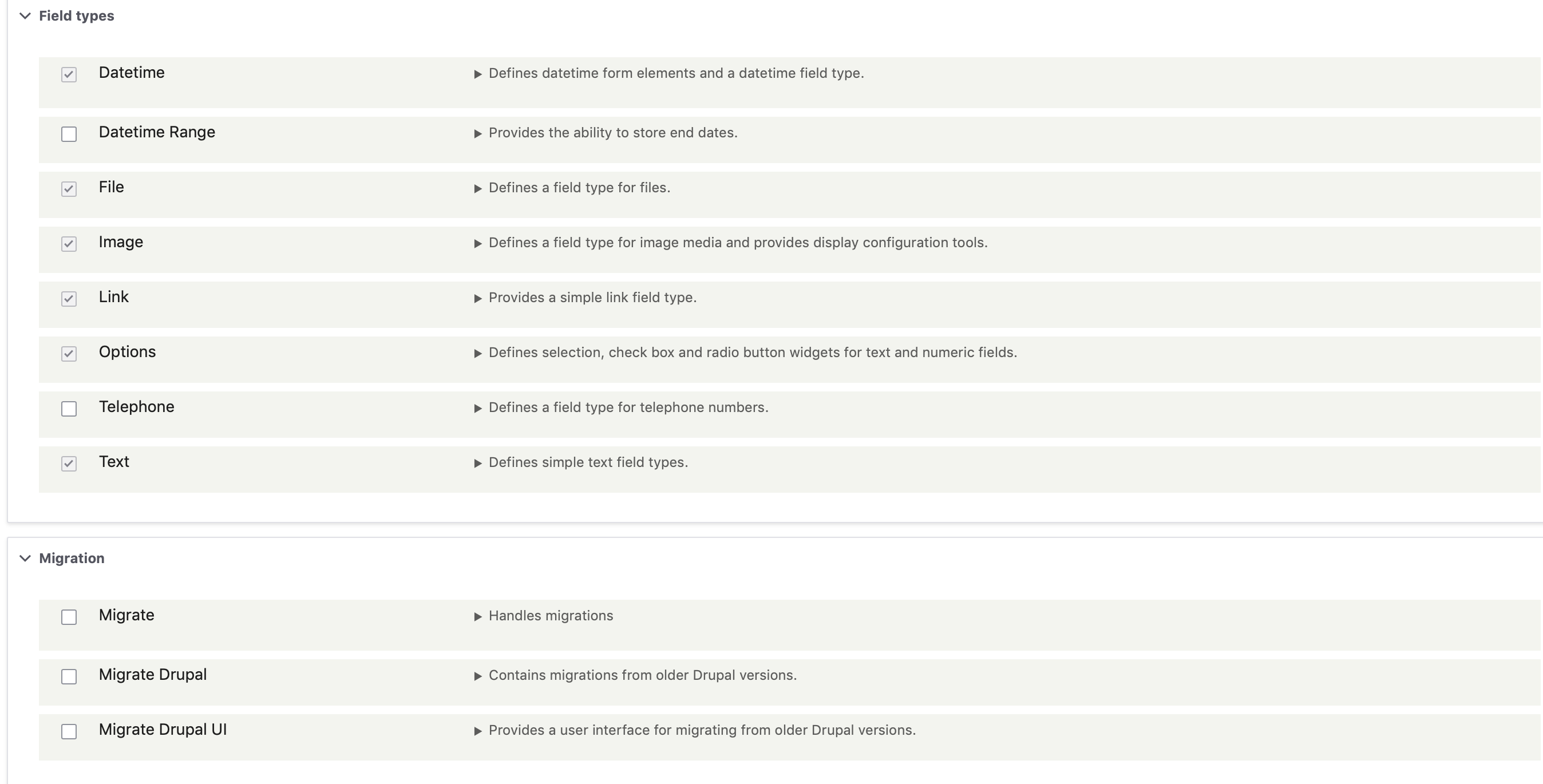
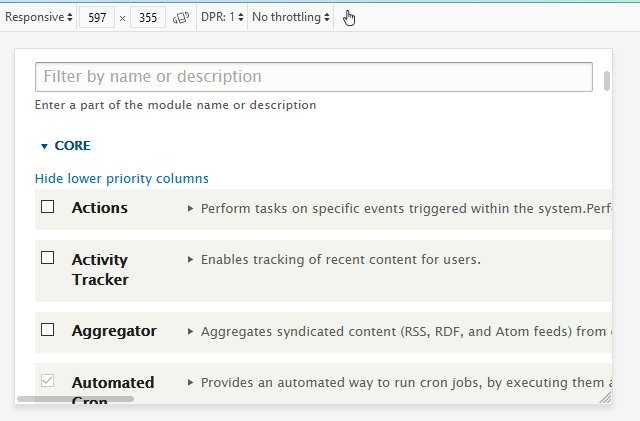
After installing Drupal Core there is a horizontal scrollbar on the Extend page at /admin/modules.
Proposed resolution
Update the css so the Extend page does not display a horizontal scrollbar.
Remaining tasks
- Write a patch
- Review
- Commit
User interface changes
Update the css so the Extend page does not display a horizontal scrollbar.
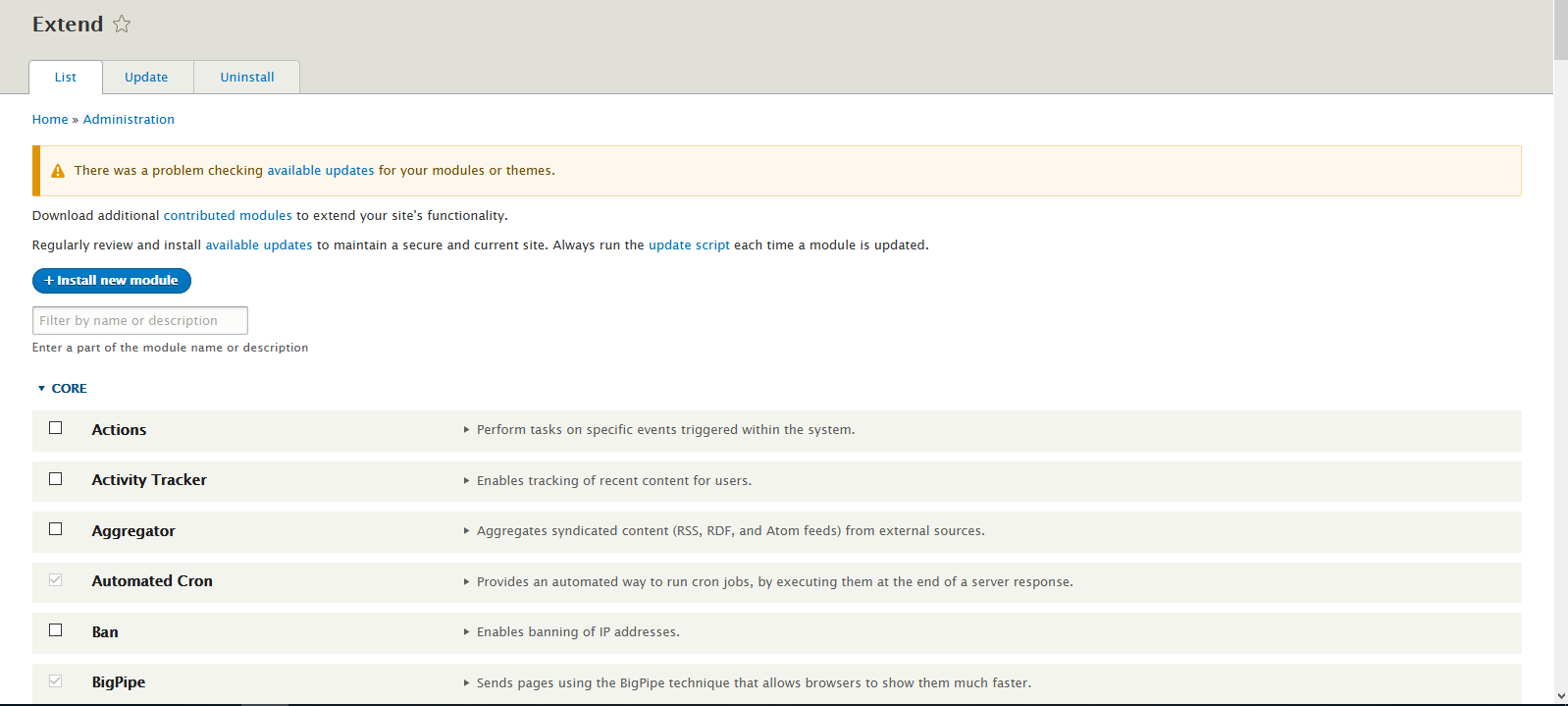
Before
Seven

Bartik

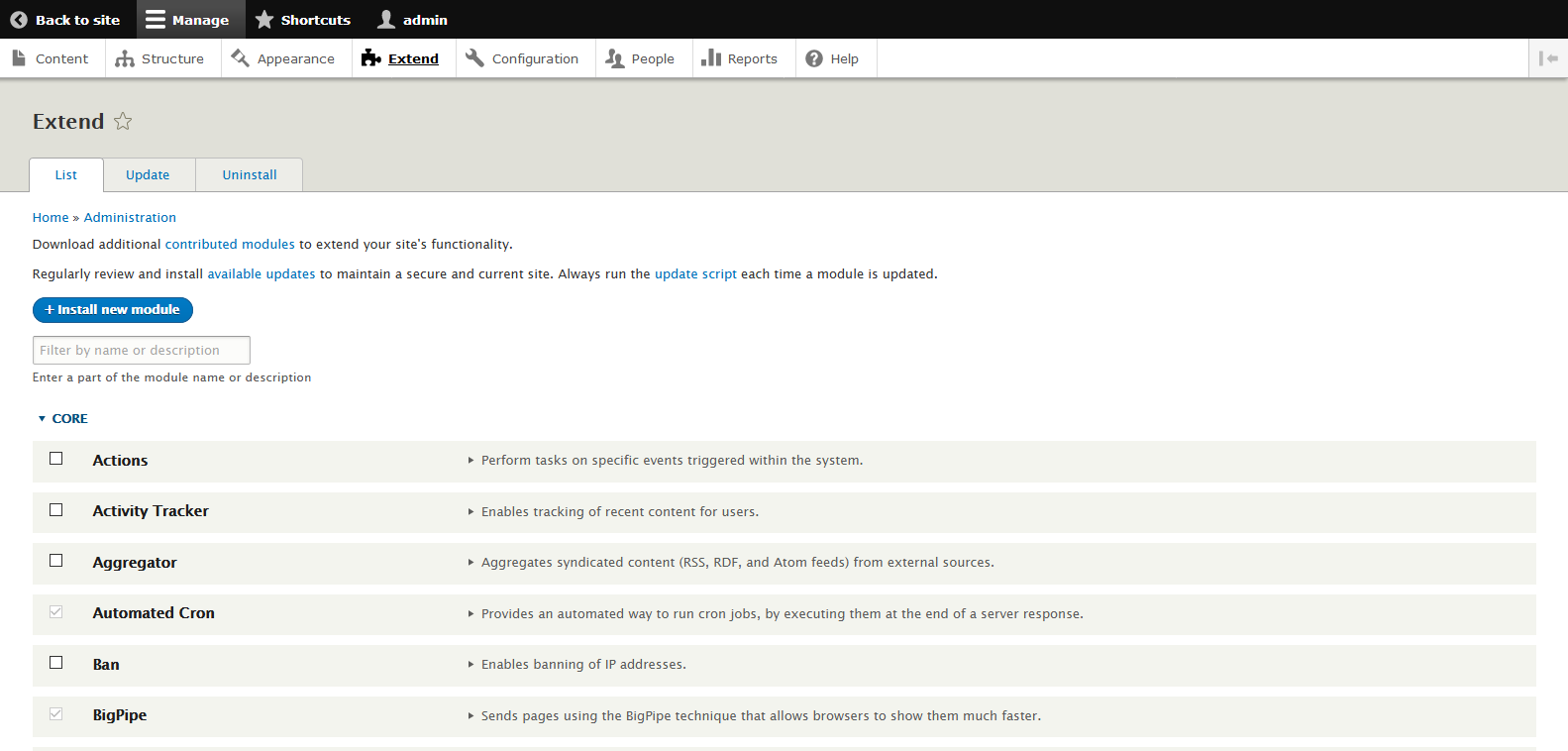
Claro
Note that Claro does not display the bug, so no changes to Claro are required:

After
Seven

Bartik

API changes
None.
Data model changes
None.
| Comment | File | Size | Author |
|---|---|---|---|
| #51 | 3033734.49_51.interdiff.txt | 2.31 KB | dww |
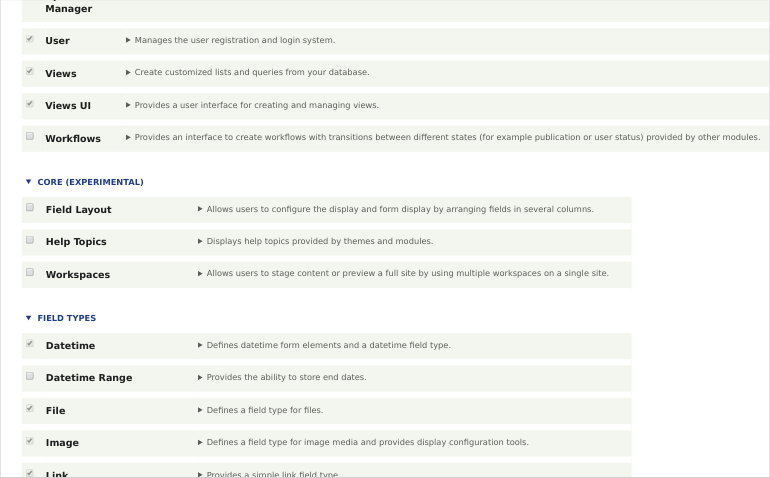
| #51 | 3033734-51.patch | 3.06 KB | dww |
| #49 | 3033734-49.patch | 616 bytes | dww |
| #33 | Horizontal-Scroll-bar-after-installing-admin-toolbar-modules-3033734-33.patch | 1.24 KB | meena.bisht |














Comments
Comment #2
maithri shetty commentedFixed Horizontal Scroll bar in module listing page after installing admin toolbar modules
Comment #3
dwwI was asked to take a look at this issue. Seems like a bug in admin_toolbar, not core's toolbar. Moving to a more appropriate queue.
Comment #4
idebr commentedThis issue is not related to the Admin toolbar, since it can be reproduced with only Drupal core. I updated the issue summary accordingly.
Comment #5
idebr commentedComment #6
pawandubey commented@Maithri Shetty
I am not able to replicate this issue in 8.6.13 and 8.8.x-dev version as per the attached screenshot.
I have done the clean installation and also tried to replicate the same in different resolutions but didn't found this issue.
Please recheck at your end and let us know.
Comment #7
pawandubey commentedComment #8
idebr commentedYou need an extension with a description that exceeds a single line. You can achieve this by increasing the description of an existing module or reducing your viewport width.
Comment #9
pawandubey commented@idebr
Thanks for your input and yes I am able to replicate this issue when module description text is longer then we are getting the horizontal scrollbar for all the resolution.
Patch#2 covered the same and fix is also verified whereas in the breakpoints < 600px the issue still remain and for that I have re-rolled the patch for the same.
Please verify it and let me know if any changes are require.
Comment #11
Rangaswini commentedComment #12
Rangaswini commentedI have re-rolled the patch to fix the horizontal scrolling issue.
Comment #13
Rangaswini commentedComment #14
pratik_kambleComment #15
pratik_kamblePatch LGTM. +1 RTBC. The horizontal scrolling issue does not persist anymore.
Comment #16
pratik_kambleComment #17
pawandubey commented@rangaswini Please share the interdiff of this path with the earlier one.
@pratik_kamble As you have tested this issue, please share the screenshot for the same.
Comment #18
c-logemannFixing issue tag to "ContributionWeekend2020“ as suggested on global event page.
Comment #19
pratik_kambleComment #20
pratik_kamble@pawandubey Interdiff can't be added as your patch was not applicable to 8.9.x branch.
Comment #21
lauriiiComment #23
rithesh bk commentedwe will work on VbContribution2020
Comment #24
vivek panicker commentedTriggered the testbot.
Patch #12 is passing.
Comment #25
vivek panicker commentedComment #26
sivaji_ganesh_jojodae commentedThe patch #12 works as advertised.
I couldn't reproduce the issue on Google Chrome. In Firefox the issue can be noted at around 1024px width.
See the before & after patch screenshots attached.
Comment #27
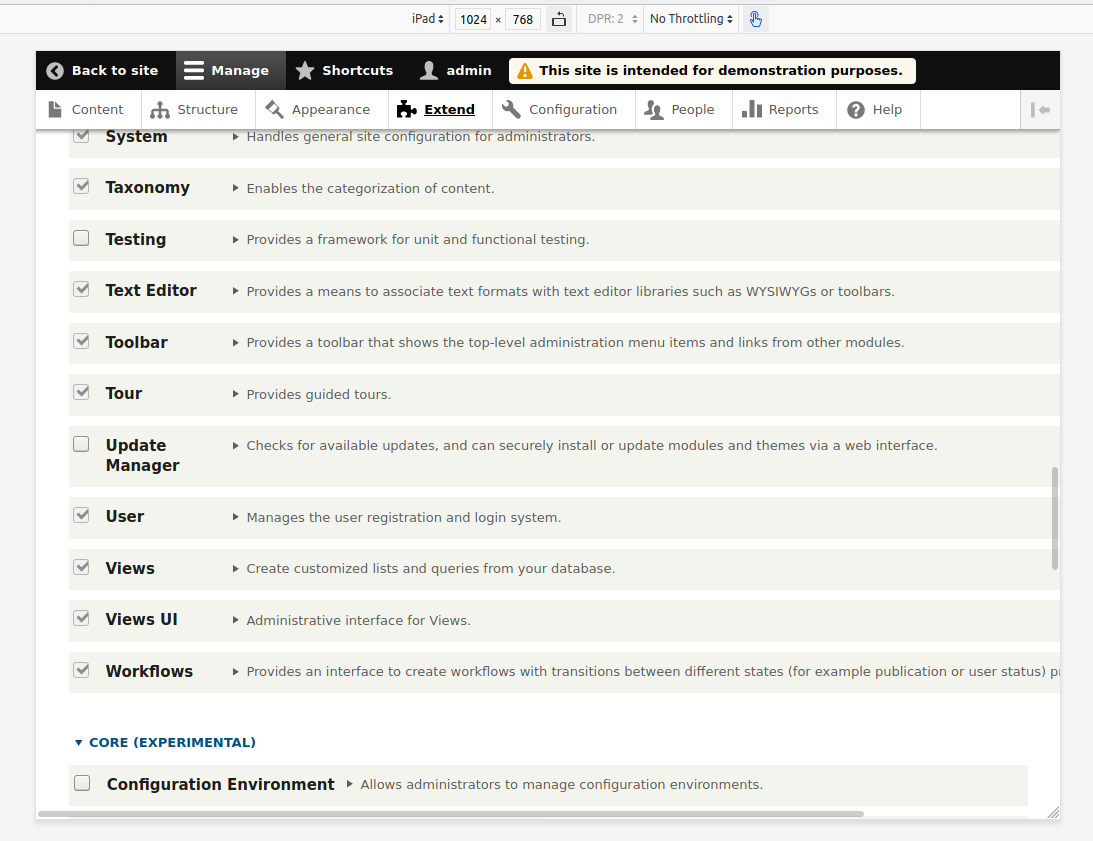
vivek panicker commentedBefore applying patch:
Tested for various device configurations available by default in Google Chrome. Found issue in in IPad Pro.
After applying patch:
Issue resolved.
Comment #28
sivaji_ganesh_jojodae commentedPatch #12, looks good. +1 for RTBC.
Comment #29
alexpottSo Claro has the same CSS but doesn't suffer the same problem. The fix to Seven here results in the descriptions being cut off but in Claro they are multi-line. I think claro's fix is better.
Comment #30
kostyashupenkoComment #31
meena.bisht commentedComment #32
meena.bisht commentedThe above patch is added in the themes folder, hence the changes are not reflecting.
All these CSS properties should also be removed from the modules folder i.e core/modules/css/system/system.admin.css.
Comment #33
meena.bisht commentedKindly review this patch:
Comment #34
meena.bisht commentedInterdiff:
Comment #35
xjmbranch). Patches can be tested against other branches as needed when they're uploaded without changing the issue's version selector.
The issue will be automatically updated to 8.9.x after the last 8.8.x bugfix release. Thanks!
Comment #36
xjmCome to think of it, this is probably actually minor-only as an internal CSS change that could disrupt styling that's worked around the bug already. So disregard what I said in #35; this should be a 9.1.x-only change at this point.
Comment #37
shaktikPatch #33 is working fine on 9.1.x.
Comment #38
indrajithkb commentedHi @MEENA BISHT thanks for the #33 patch.
I have tested with 9.1.x It's working good.
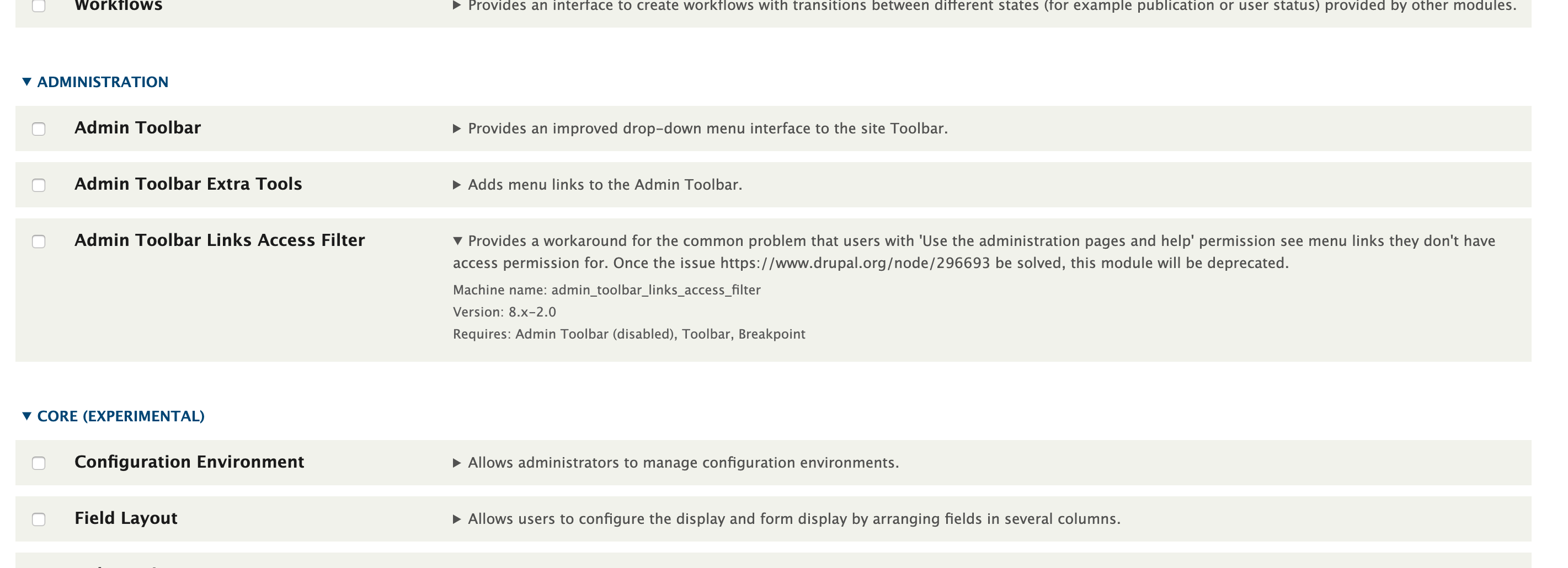
Before patch:

After patch applied:

Comment #39
indrajithkb commentedComment #40
xjmHas this been tested in all user-facing core themes? (Seven, Claro, Bartik, Umami.) Thanks!
Comment #41
priyanka.sahni commentedComment #42
priyanka.sahni commentedVerified by applying the patch#40 and tested for Seven , Claro and Bartik themes , it was working fine.
Steps to test-
Go to admin site.
Go to Appearance -> In the Administration field -> Select the theme "CLARO".
Click on extend.
Verify the UI.
Follow the same steps for SEVEN and BARTIK.
Comment #43
priyanka.sahni commentedComment #44
dwwHere are some more targeted screenshots that directly reveal the bug and the fix.
Claro does not have this bug. The before/after screenshots are the same, so I'm only uploading one. The patch doesn't touch Claro at all, which is good.
Seven has the bug, and the long description at a narrow screen keeps going and going. It's hard to get the screenshot to show the horizontal scrollbar, but it's there.
Bartik has the bug, badly. It's all kinds of completely broken in the before case. It still doesn't look great in the after case, but for the scope of this particular issue, the patch fixes it.
Updating summary to put screenshots in the UI changes section.
Removing manual testing tag.
Patch is entirely removing CSS we don't want. Love patches that make core smaller and better. ;)
+1 RTBC.
Thanks!
-Derek
Comment #45
dwwp.s.
<aside class="teaching-moment screenshot-etiquette">@Indrajith KB re: #38: It's extremely helpful if you screenshot the same thing before/after the patch. No one can see what the patch is doing from those screenshots. :)
@priyanka.sahni re: #42: You need to have a narrow screen to take these screenshots, or you don't see the bug. None of those after screenshots tell us much, since none of them would trigger the bug if the patch wasn't applied.
Also, a screenshot of applying the patch isn't necessary or helpful. The bot already tells us if the patch still applies or not. At most, you can mention "Patch still applies cleanly to X branch" or something in the text of your comment, but a screenshot isn't needed for that.
</aside>I hope these points encourage you both to keep contributing more effectively...
Thanks again!
-Derek
Comment #46
indrajithkb commentedHi @dww ,
Thanks for correcting me, i was attached wrong screenshot now just updated (others getting confuse bcoz of my screen shots), Now hope others can understand what i meant.
Will take care of these points in future.
Comment #47
xjmThanks @dww for mentoring folks on screenshot creation.
Whoops -- we can't go around removing CSS from Stable. (Sorry, if I'd actually read the patch before I would have caught this. The BC policy for Stable is very strict.) Instead, we're going to have to fix this in Seven and Bartik directly. Actually -- hmmm, given that we've scoped this to 9.1.x only, fixing it in
system.modulealone might be sufficient, since the core themes no longer inherit from Stable in D9. I'd suggest creating a patch that only changes the module CSS and testing that to see if it resolves the issue. (That also means re-testing Claro to make sure it isn't regressed by the changes.)It is probably also too late to change Stable 9, which is presumably also affected since both
system.moduleand Stable were.Also, we need confirmation on whether Umami is affected, and testing of Umami. Thanks!
Comment #48
xjmOne other thing, can we manually test this when toggling the vertical Toolbar?
Comment #49
dwwRe: #47:
A) Re: mentoring - my pleasure.
B) Re: Stable - Whoops. Sorry I didn't notice those changes, either. I (of all people) should know better. ;)
In this case, removing the CSS seems harmless. If someone is working around these styles, they're either a) defining something more specific to undo them, or b) having their subtheme not load this particular CSS file so they can do their own thing. In both cases, removing the broken CSS from the base theme shouldn't break whatever they're doing. But maybe I lack imagination to dream up ways removing this might actually break something.
That said, it all works fine in all themes without touching stable. If we were going to touch stable, we should also fix stable9, but as you say, better not to touch either one. New patch that leaves out the change to core/themes/stable/css/system/system.admin.css.
C) Claro is fine without touching stable. See screenshots of vertical admin toolbar referenced below.
D) Umami is indeed broken without the fix, and looks okay with it. The
demo_umamiprofile usessevenas the admin theme, notumami. Theumamitheme doesn't seem to have any real styles for system things and admin things. But fixing the system module CSS at least fixes this bug. I don't think theumamitheme is intended to be used as an admin theme, but if folks try it, it won't be terrible (at least in this regard).E) Re: #48: All works great with the vertical admin toolbar open and closed. Slew O' Screenshots attached. I'm not going to bother embedding them all in the summary, but interested readers/reviewers can open them and see.
Thanks,
-Derek
Comment #51
dwwCore sure doesn't make it easy to do the right thing. 🤦♂️
I *think* this is what we're supposed to do when we have stable diverge from the module CSS. Or something. Please advise. At least the test now passes locally. /shrug
Comment #52
bnjmnmI'm the person who wrote the annoying-but-neccessary-for-9.0 StableDecoupledTest that was failing in #49 and fixed updated in #51. I can confirm the change made in #51 is the correct way to address the issue.
The CSS changes also look fine, so RTBC.
Btw, StableDecoupledTest is unnecessary from 9.1 onward so I'll file a issue to get that removed.
Comment #53
dwwThanks, @bnjmnm! Much appreciated. Sorry if my late night dismay and consternation came across poorly. ;) I know that test was valuable, but it does seem to be unneeded going forward. Feel free to ping me in Slack once that follow-up is filed and I'll do what I can to help...
Comment #55
xjmSuper, glad to see it working in all core themes, and also this is really exciting because this is the first time we get to see the benefits of our new theme policy for core theme bugfixes! Thanks for the manual testing.
StableDecoupledTestwas extremely valuable for D9 development, but has indeed served its purpose now.For @shaktik: Posting screenshots of your codebase or CLI does not advance the issue, since the automated testing infrastructure tells us whether the patch applies correctly. So, I've removed your credit for this issue. In the future, you can get credit for issues by reading the issue to understand its purpose, and posting your review or testing of that purpose. Thank you!
Committed and pushed the patch to 9.1.x after a final review. Thanks!
Comment #57
quietone commentedClosed #2987803: nowrap CSS makes module list description too wide as a duplicate.