

Closed (duplicate)
Project:
CKEditor List Style
Version:
8.x-1.x-dev
Component:
Code
Priority:
Normal
Category:
Bug report
Assigned:
Unassigned
Reporter:
Created:
7 Feb 2017 at 01:24 UTC
Updated:
2 Jan 2019 at 21:19 UTC
Jump to comment: Most recent, Most recent file

Comments
Comment #2
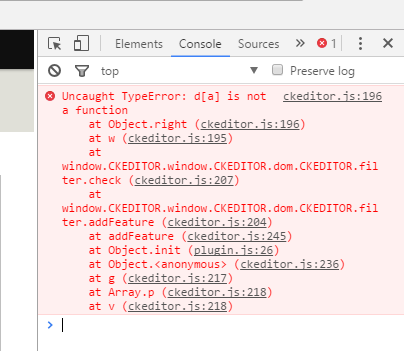
gaurav.kapoor commentedCheck browser console for exact errors and Reports will have a log message. Can you share that.
Comment #3
whitesun commentedPlease give me a tip, how to do what you are asking for? I have a limited knowledge of computing.
Comment #4
gaurav.kapoor commentedHi @whitesun , so whenever you are trying to access restricted or basic html , open browser console (press F12 for most of the browser) to check for Javascript errors , if there is no error in Console , go to http://localhost:8888/drupal8/admin/reports/dblog and check for any error message because of Ckeditor.
Comment #5
whitesun commentedHi Gaurav
For giving you the information, I reinstalled CKEditor liststyle module and at node/edit page, the basic HTML was not working as usual. I pressed F12, but could not follow much; so I have taken a screenshot, but do not know how to attach it here. Can you suggest some means of communication?
Second point: http://localhost:8888/drupal8/admin/reports/dblog could not be reached.
Comment #6
gaurav.kapoor commentedYou can upload a screenshot through files tab , Choose File , Press Upload and Save your comment.You can copy/paste error as well in the comments.
Comment #7
whitesun commentedHi Gaurav
I am uploading the file.
Comment #8
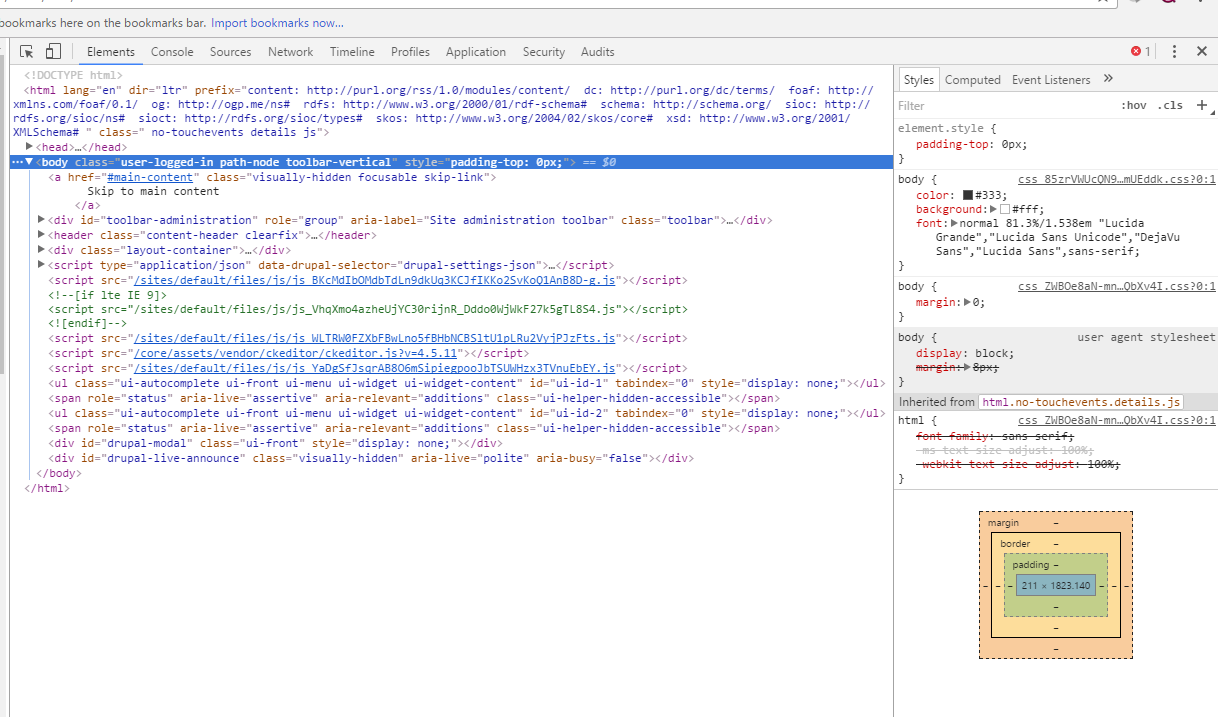
gaurav.kapoor commentedIn the pick , you have uploaded elements tab , but errors are displayed under console tab. Just check if console or watchdog table or reports tab under configuration has any errors when you use Ckeditor in basic or restricted mode.
Comment #9
whitesun commentedHi Gaurav
I am hopeful that now you are getting the output what you wanted. Please update us about what you have found out.
Comment #10
rimibhagat commentedHi,
I am also facing this issue. In basic page the ck editor is not loading.
Any patch for it?
Comment #11
krlucas commentedI saw the same errors as #9. Turns out I was using the wrong version of the List Style plugin: 4.6.2 which is not compatible with the CKEditor that ships with Drupal 8.2. When I downgraded the plug-in to 4.5.11 it worked.
Comment #12
osmanAny text format with Limit allowed HTML tags and correct faulty HTML filter enabled will strip the style attribute from ANY tags. See FilterHtml class:
However, the CKEditor List Style plugin sets the list properties via inline styles.
Unfortunately this is the reason why Basic HTML and Restricted HTML filter types cannot use this feature, at least for the time being.
I explored some workarounds to the issue to no avail. Patches and suggestions are welcome.
Comment #13
osmanComment #14
sakonn commentedHello,
Is it not possible to transform plugin to not add list style through
styleattribe but directly throughtypeatrribute?I think it would solve the problem as far as drupal si blocking only style attribute.
Comment #15
adamcadot commented