

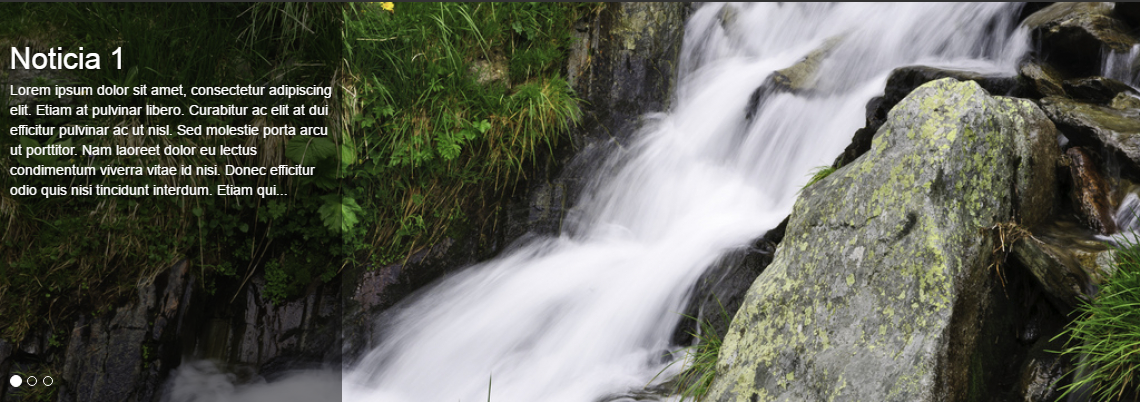

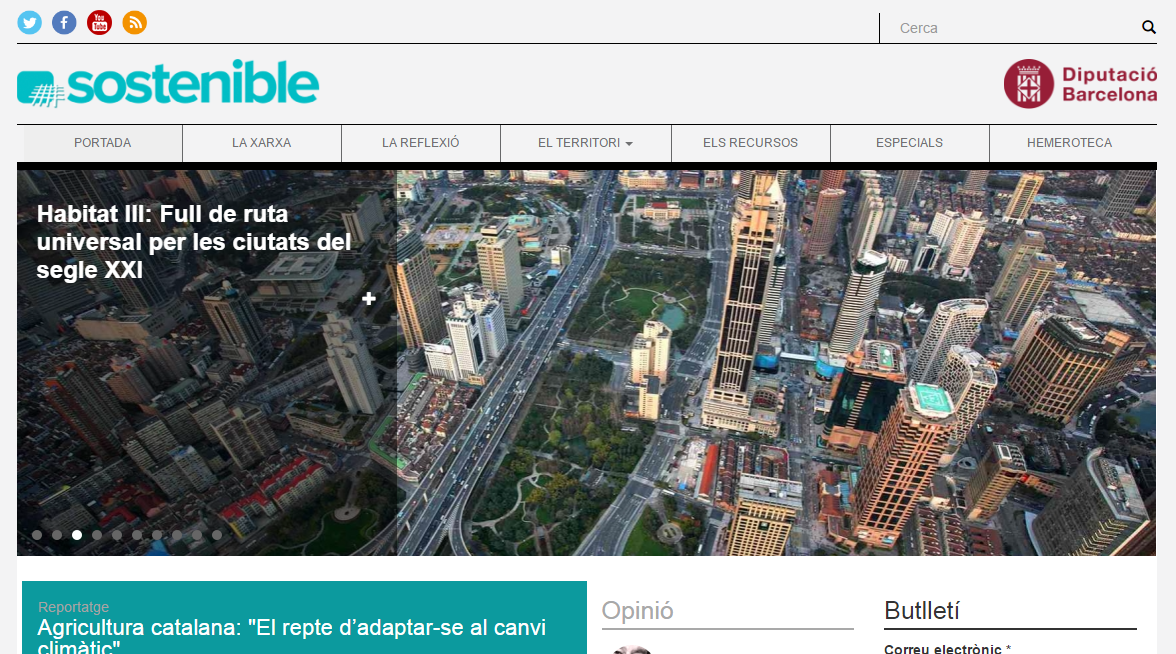

This module adds a Bootstrap carousel slider block that can be used directly without creating a View or custom integration. It is designed for Drupal sites that want a simple, configurable content carousel with a block-based configuration UI.
The carousel works with Bootstrap 3, 4 and 5, and has been tested with themes such as Drupal Bootstrap and Drupal Barrio.
It supports fieldable entities such as nodes, users, comments, media, and paragraph-based layouts when used in Layout Builder.
Key features
- Block-based carousel configuration; no View or custom code required
- Entity selection and bundle filtering, with publishing-status filtering
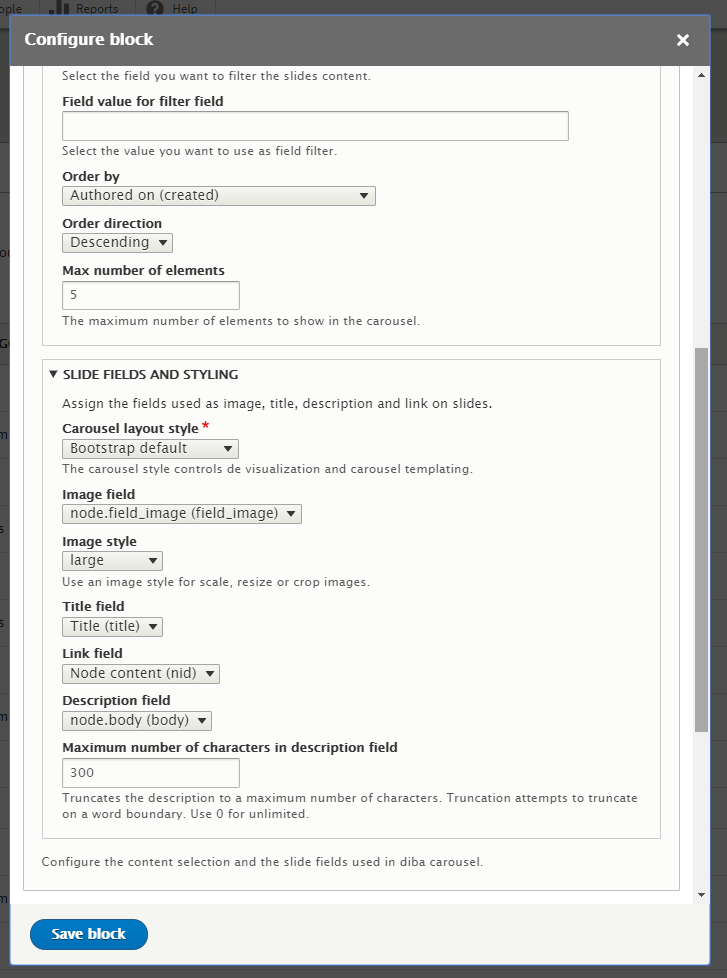
- Image, title, description and link field mapping
- Ordering (ascending, descending or random), pagination and content filtering with string or date comparison operators
- Dynamic filter values from URL query parameters or path arguments, using
[query:param]and[argument:N]tokens - Multiple-image strategy per entity: first, last, random, or one slide per image
- Native image style support and responsive image style support
- Link options per slide and per image: entity canonical link, image file link, or any link-type field
- Compatibility with Layout Builder and paragraph-based content contexts
- Safe text-format handling for description fields, with word-boundary truncation and an optional "See more" link
- Optional "more link" below the carousel, carousel style variants, indicators/controls toggle, items per slide and autoplay interval
- Custom CSS classes for wrapper, image, row, column, title and description
- Per-user access checks and cache contexts, so private or unpublished content is never leaked between users
Installation and configuration
- Enable the module
- Go to Administration > Structure > Block layout
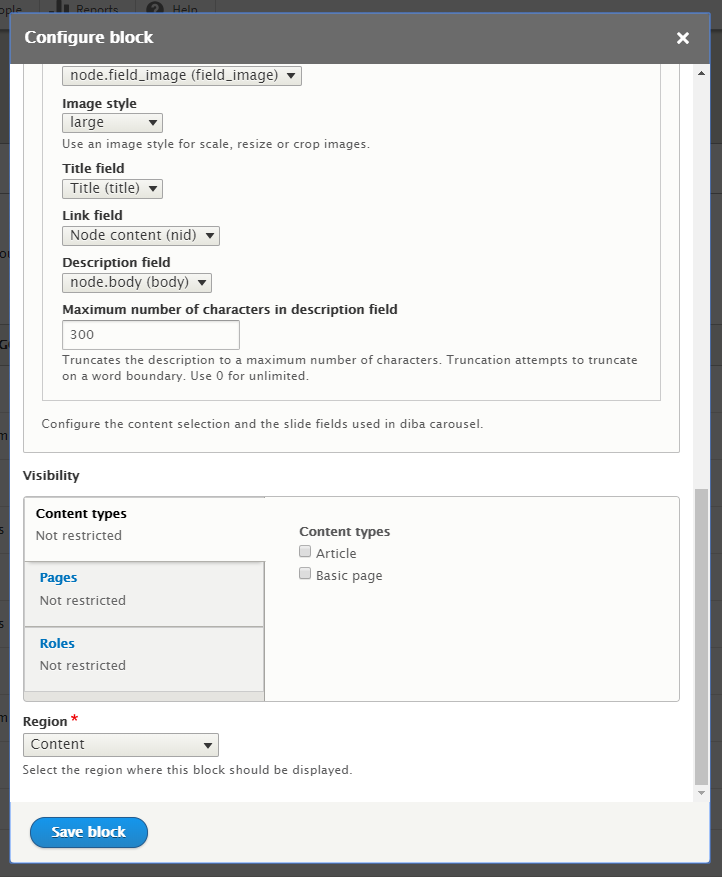
- Place a Diba carousel block in a region
- Choose the entity type, bundles and slide fields
- Configure the image styles, filters and carousel behavior
- Save the block and review the rendered output
Paragraphs and Layout Builder
Diba Carousel can also be used in paragraph-based Layout Builder sections. When a paragraph is the current rendering context, the block will use that context automatically instead of falling back to a generic entity query. This avoids the mismatch that can occur between preview and final rendering.
Filtering by URL arguments and query parameters
The "Filter by field value" setting accepts two token placeholders so a single block configuration can filter content dynamically based on the current request, without any custom code:
[query:PARAM]is replaced with the value of thePARAMquery string argument of the current request (for example[query:tag]on/page?tag=newsresolves tonews)[argument:N]is replaced with the Nth path argument of the current URL (for example[argument:1]on/node/42/editresolves to42)
These tokens work with any filter operator, including the date operators (Greater, Greater or equal, Lower, Lower or equal), which also accept relative date keywords such as "today", "tomorrow" or "-1 week", automatically normalized to the format used by date fields.
Access control and caching
Every entity shown in the carousel is checked against the current user's view access before being rendered, so unpublished or restricted content is never displayed to users without permission, while users with elevated permissions (such as "bypass node access" or user 1) still see the full content set. The block's render array varies its cache by the current user context, so a single cached carousel is never leaked between users with different access levels, including anonymous visitors.
Frequently used settings
- Content selection and ordering, including URL-driven filters
- Slide field mapping for title, caption, image and link
- Multiple-image strategy, image style and responsive image style
- Carousel layout style, indicators/controls, items per slide and autoplay interval
- Optional "more link" below the carousel
- Custom classes for images, rows, titles and descriptions
This module supports Custom Publishing Options, so you can use custom publishing states to filter carousel content.
Note: You need to load Bootstrap CSS/JS or use a Bootstrap-compatible theme for the visual carousel to work. The module only generates the carousel markup and structure; styling remains the responsibility of the active theme or custom CSS.
Project information
 Maintenance fixes only
Considered feature-complete by its maintainers.- Project categories: Content display, Content editing experience, Site structure
 324 sites report using this module
- Created by oriol_e9g on , updated
 Stable releases for this project are covered by the security advisory policy.
Look for the shield icon below.


