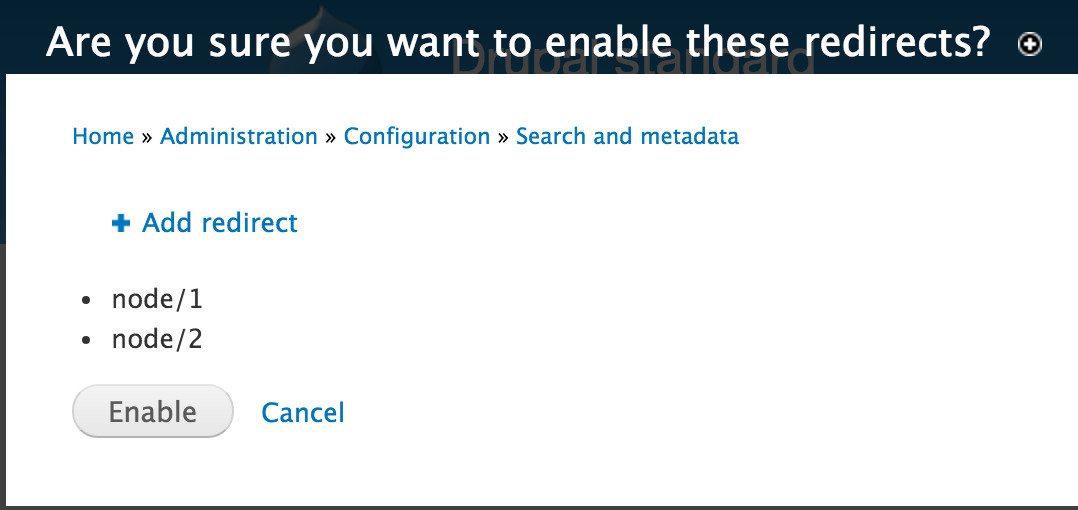
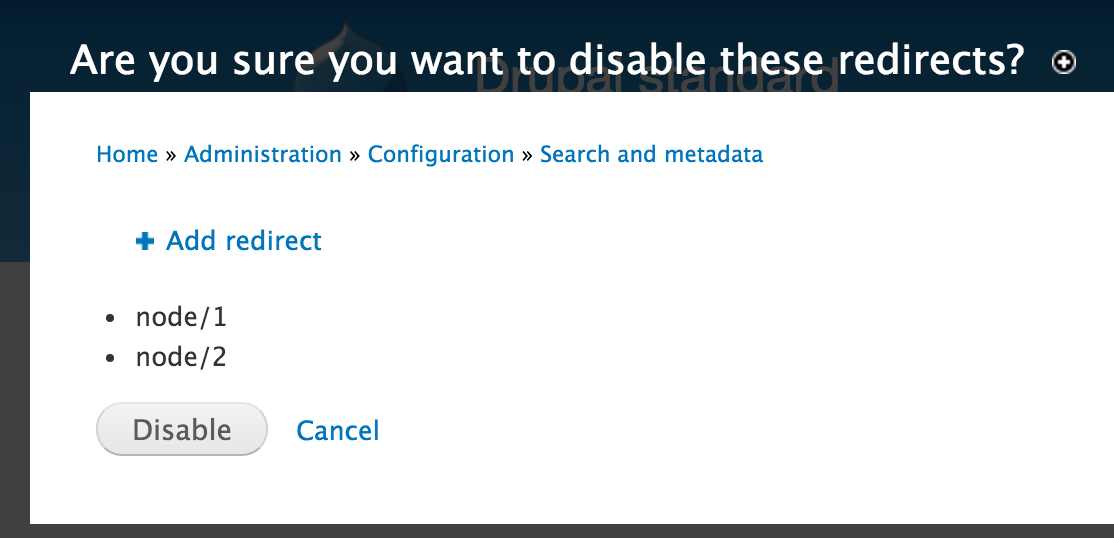
Repeatable: Always

Steps to repeat

  1. Navigate to Admin - Configuration - Search & metadata - URL Redirects
  2. Select/Check one or more redirect entries
  3. In Update Options, choose "Disable" or "Enable" then click "Update" button
  4. See message "This action cannot be undone"
  5. Get confused for a second, and double-check that you didn't select "Delete" by accident

Screenshot attached.

Comments

runswithscissors created an issue. See original summary.

joshi.rohit100’s picture

Status: Active » Needs review
StatusFileSize
new993 bytes
dani3lr0se’s picture

Status: Needs review » Reviewed & tested by the community
StatusFileSize
new74.55 KB
new72.77 KB

Looks like the patch works for me. I followed the steps to reproduce the issue as found above. When I selected "Disable" or "Enable" I didn't see "This action cannot be undone."

pifagor’s picture

RTBC

alex_optim’s picture

Looks good.

pifagor’s picture

  • pifagor committed 6bc4024 on 7.x-1.x authored by joshi.rohit100
    Issue #2595199 by joshi.rohit100, daniel_rose, runswithscissors, pifagor...

  • pifagor committed d267e04 on 7.x-2.x
    Issue #2595199 by joshi.rohit100, daniel_rose, runswithscissors, pifagor...
pifagor’s picture

Status: Reviewed & tested by the community » Fixed
pifagor’s picture

Status: Fixed » Closed (fixed)

Automatically closed - issue fixed for 2 weeks with no activity.