

Closed (fixed)
Project:
Commerce Kickstart
Version:
7.x-2.x-dev
Component:
User interface
Priority:
Normal
Category:
Task
Assigned:
Issue tags:
Reporter:
Created:
27 Jul 2012 at 11:28 UTC
Updated:
4 Jan 2014 at 02:24 UTC
Jump to comment: Most recent, Most recent file

Comments
Comment #1
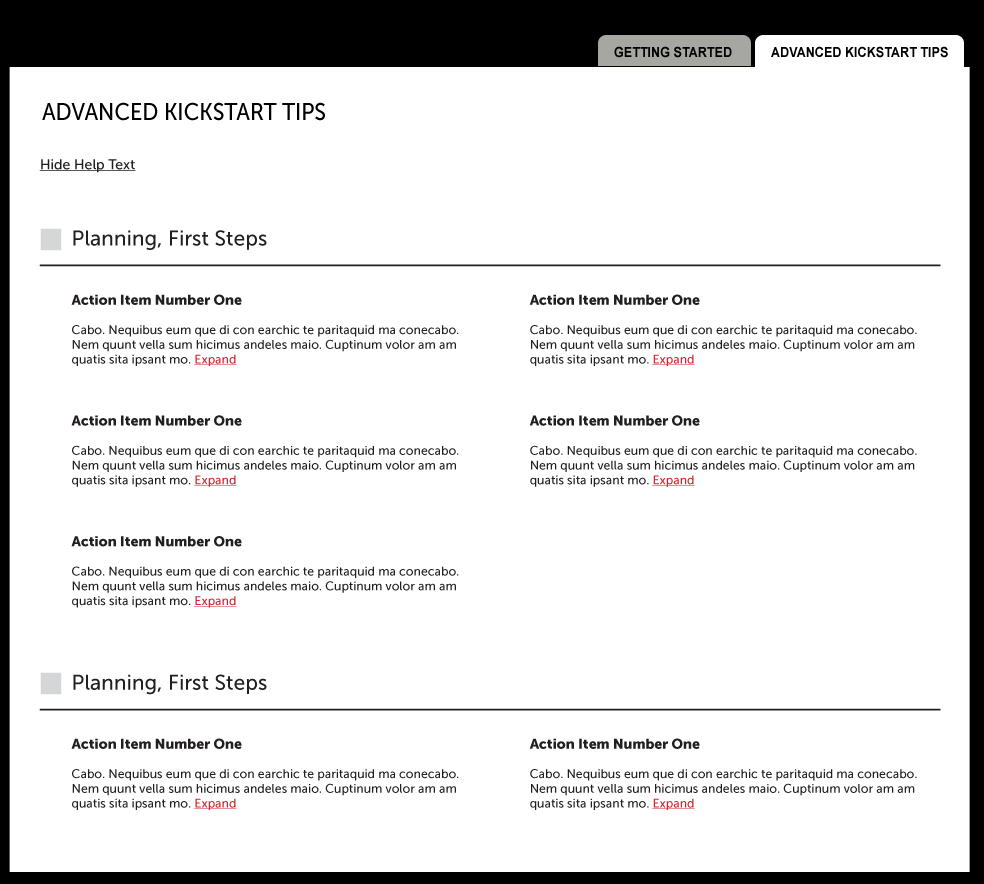
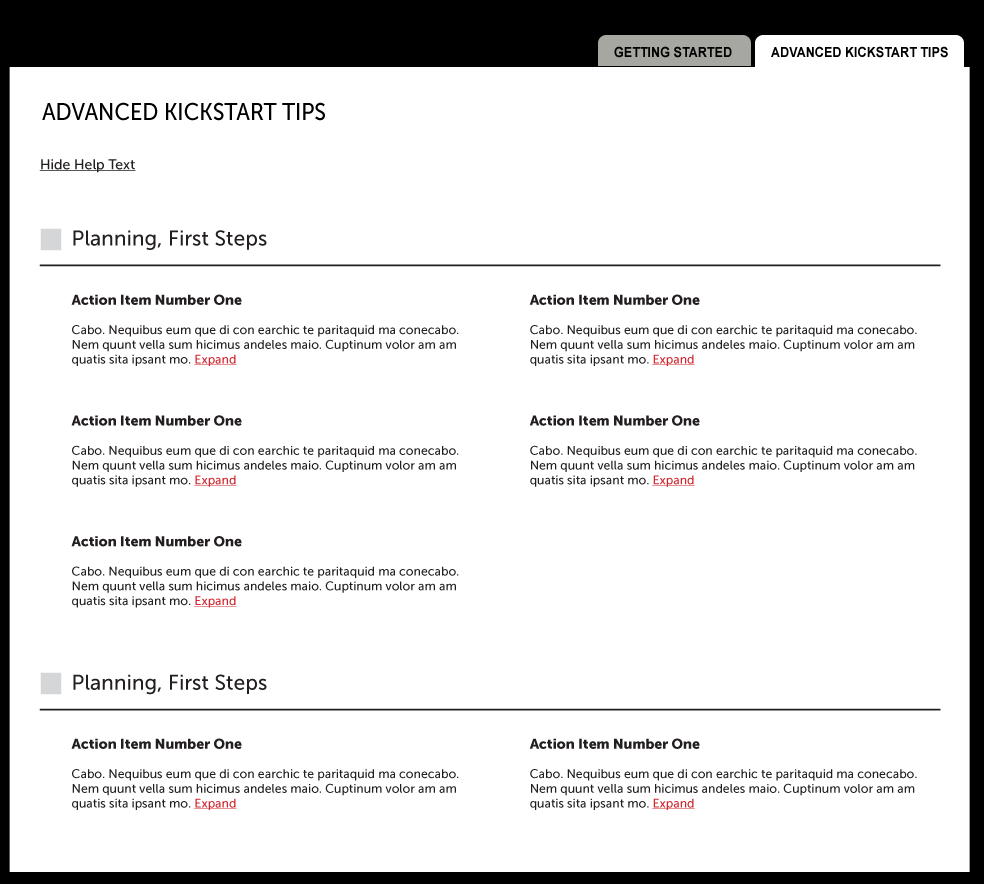
guguss commentedI agree that a new implementation is needed since the current checkboxes are not explicit to the user... But I'm not sure how scalable that new mockup is ?
And I'd love to see a "expand" section too to see how it looks... Do we keep the popover when hovering the link ?
Comment #2
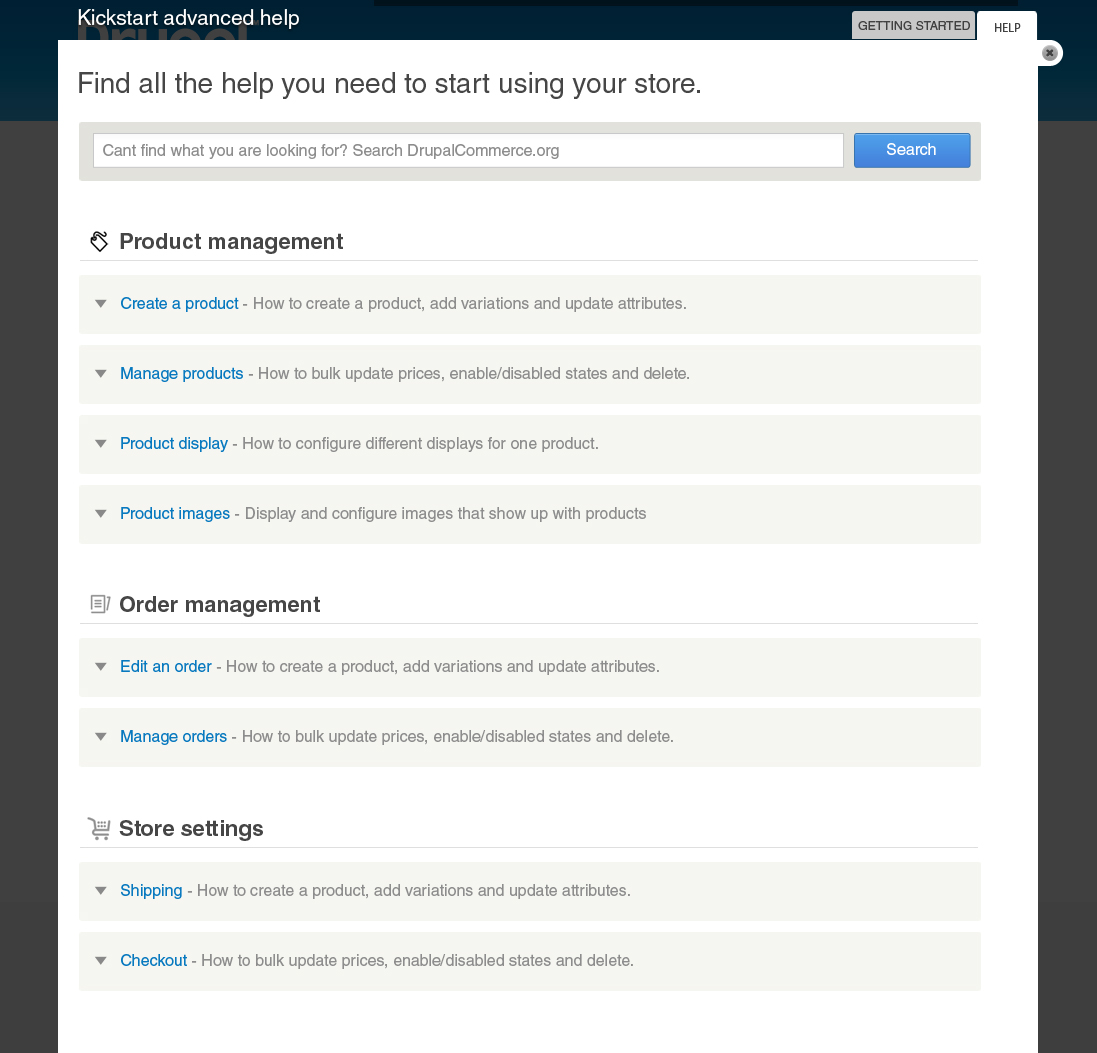
Bojhan commentedOke, sorry for taking so long - but here is my proposal.
I imagine that we we want to make it more explicit that you can search for more information at DrupalCommerce.org, I imagine that the help here is only good to get a introduction and beyond that people are likely to reach out to the main documentation website.
I have created categories, with titles and short descriptions as a way to cover a bit on what the help section is about but still allow for easy scanning. I have purposely not covered everything, I think this needs more discussion. From my perspective we should at least cover the navigation;
The advanced settings is questionable but at the very least there should be an explicit link to the technical breakdown of how Drupal commerce works.
I expect that this screen needs a little bit more touch up as its being implemented, I kind of guessed the dimensions of the heights and font-sizes. This needs to be tested with all the contents.
Comment #3
guguss commentedThis looks great ! Theo will update the page.
I'm not sure about the search button which should open a new tab to search on drupalcommerce.org. What if the user is not connected to the Internet (yes that can happen ^^) ?
Comment #4
joshmillerPer usual, GREAT mockup. To meet with GuGuss' point, perhaps we add a little disclaimer underneath "* Will open a new tab and requires internet connection."
@theo_ - Please go ahead and make the CSS / implementation, but just lorem ipsum it in, I'm going to rework the text/information and will post it here soon.
Comment #5
joshmiller@theo_ -- This is the advanced help text to get started. As @Bojhan pointed out, there needs to be more thought put into these and for which ones we use and how they're organized. For now, I've only expanded on what the mockup shows.
https://docs.google.com/spreadsheet/ccc?key=0AqObK39xCOSmdHFpRGZ0ak1kSlN...
Comment #6
Bojhan commentedCan we just not display the search bar when there is no connection? It also says searching drupalcommerce.org so I am not too worried about people not understanding you can't use it offline.
Comment #7
bojanz commentedTagging.
Comment #8
theo_ commentedHere is the implementation : https://code.drupalcommerce.org/276
@Cookiz we need some theming over here.
@joshmiller we are still missing the Product display & Checkout sections.
About the search bar : when there is no connection, I disabled the search field an put a placeholder saying "You are not able to search DrupalCommerce.org while offline."
Comment #9
guguss commentedComment #10
guguss commented@theo : Can you make the search trigger when the user presses "enter" ? It should be easy in JS ^^ !
Comment #11
bojanz commentedMerged.
We need to fix the "enter" button, but that can be done in a followup.
Comment #12
guguss commentedI created the following issue #1717588: Attach the enter key to trigger the search on kickstart advanced help since it's not a beta blocker anymore.
Comment #13
joshmillerAdditional content can be found here:
https://docs.google.com/document/d/1enDJc6lVzih6A4WPtTx86UAj4kI_qJ6BKVt8...
Nearly every entry has been re-written and I've added additional categories and links to more information.
Additionally, I'm recommending these write ups show up on their respective administrative pages.
Comment #14
theo_ commentedContent updated => https://code.drupalcommerce.org/#/c/384/
Comment #15
bojanz commentedMerged.
Comment #16.0
(not verified) commentedadding issue