

Closed (fixed)
Project:
phpBB Forum Integration
Version:
6.x-2.x-dev
Component:
Code
Priority:
Normal
Category:
Bug report
Assigned:
Unassigned
Reporter:
Created:
9 Feb 2011 at 15:59 UTC
Updated:
9 Jan 2012 at 07:34 UTC
Jump to comment: Most recent file


Comments
Comment #1
demon326 commentedit seems that drupal filterd out some text, with tags i mean the
<head></head>Comment #2
demon326 commentedUpdate 2: I traced this issue back to the blocks, it seems when you enable the blocks on a php 5.3.3 system, the header info gets corrupted.... therefore i'm changing the category to bug report and code.
The server was installed according this tutorial: http://www.howtoforge.com/perfect-server-ubuntu-10.10-maverick-meerkat-i...
Comment #3
demon326 commentedUpdate 3: The issue is still there in RC2, and it only happens with php 5.3.3(there is NO issue with 5.2.x) it also happens when the blocks, like recent posts are set to be displayed.... and i only modified the functions.php and the functions_user.php file.
Comment #4
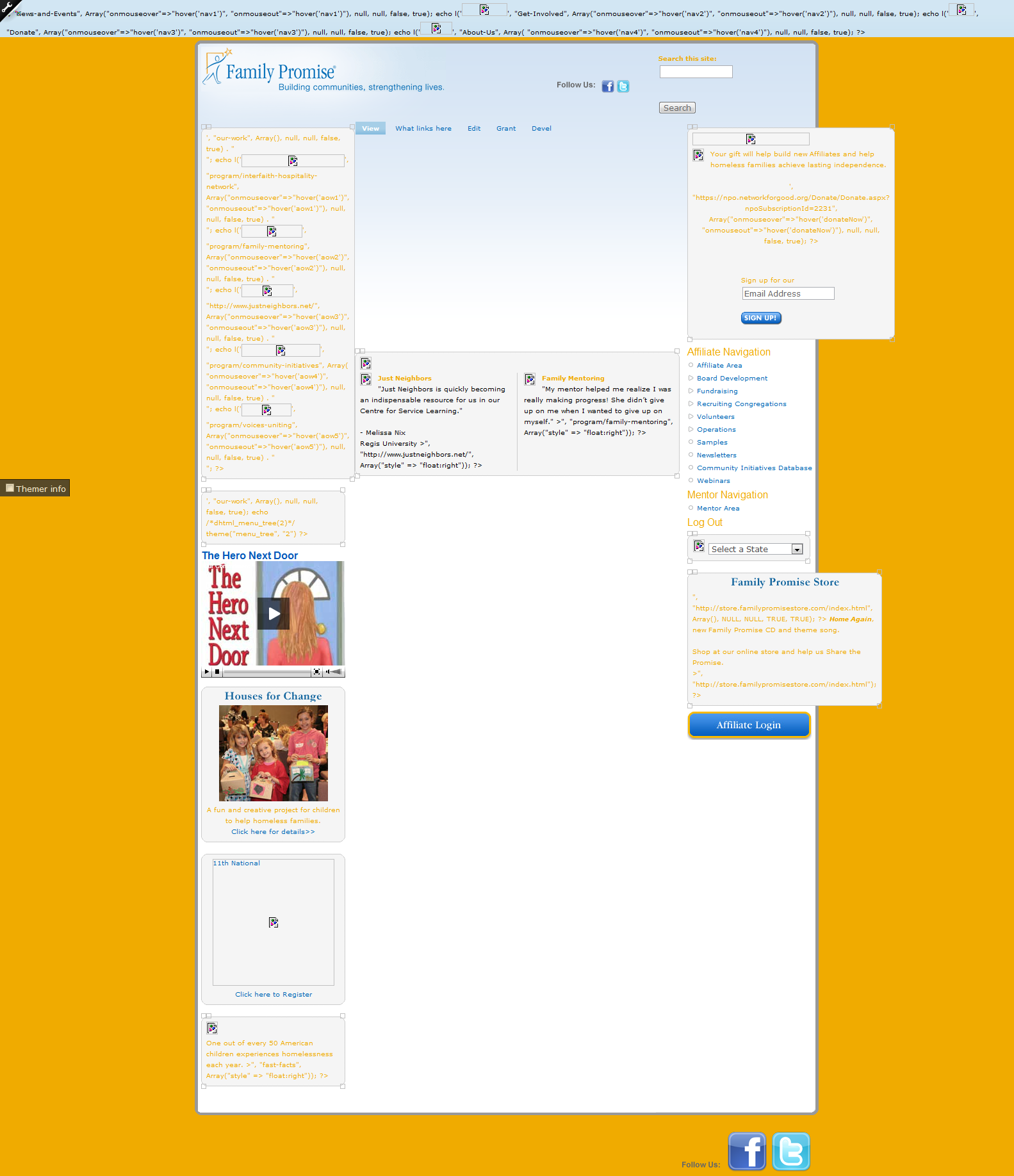
vb commentedI saw the picture but did not understand where is the issue.
Did you try to switch off xcache temporally?
Please look at Performance and disable Caching mode: and Block cache: if enabled.
Disable, clear drupal and phpBB3 cache and let me know.
Comment #5
demon326 commentedVb, i did the thing you said above, still the same issue...
i'm going to try to explain it:
When i enable on of the blocks that come with this module, i'm getting a extra space(~10-20px) above the header, this can be seen on Garland, which is a default drupal theme. And it (seems) it only happens when your logged in...
Something renders the whole page wrong because of that block in combi with php 5.3.3...
Comment #6
demon326 commentedThe problem seems to be solved with a new install of the machine...
Comment #7
djkentuckyham commentedI am suffering a similar issue. I upgraded a 5.10 site incrementally to 6.22. Upon reaching 6.22 all my blocks refuse to parse/render. I already tried:
Rebuilding a bock to see if that would do
I tried many input PHP and PHP module configurations
I reviewed system table intently (finding nothing wrong)
Modules up to date.
Nothing in error log
This install is on windows server. The 5.10 version of site is on same box and its blocks are fine. And even after the 5.3.3 PHP errors it throws.
Any help would appreciated
Please see attached
Best,
Robert
Comment #8
fizk commented