
Meta tags
Last updated on
17 August 2023
The Mix module can be used to set title and meta tags for the front page and a description meta tag for the node page.
Set title and meta tags for the front page.
- Install and enable the Mix module.
- Goto
/admin/config/mix, find and click the Meta tags link or goto/admin/config/mix/metadirectly. - Fill the Frontpage form then click Save Configuration
- Goto front page and inspect the page title and source code to see all the changes.


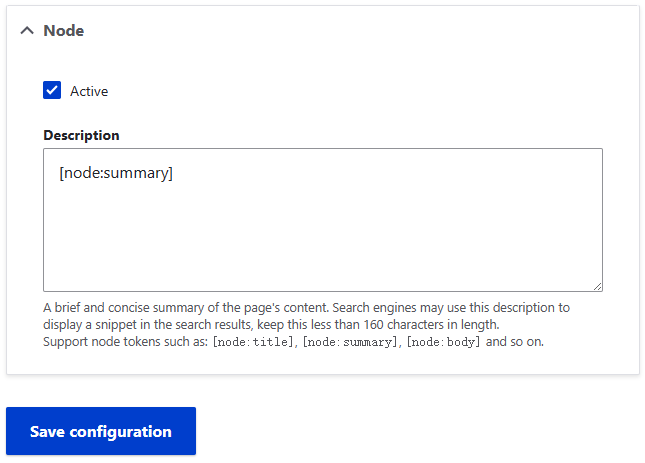
Set a description meta tag for the node page.
- Install and enable the Mix module.
- Goto
/admin/config/mix, find and click the Meta tags link or goto/admin/config/mix/metadirectly. - Fill the Node form then click Save Configuration
- Goto any node page and inspect the source code to see the changes.
Help improve this page
Page status: No known problems
You can:
You can:
- Log in, click Edit, and edit this page
- Log in, click Discuss, update the Page status value, and suggest an improvement
- Log in and create a Documentation issue with your suggestion
