
 Come together with the global Drupal community in Rotterdam, 28 Sept – 1 Oct 2026. Sessions, contribution, connection, and Early Bird savings until 8 June.
Bulk Operations
Last updated on
19 March 2022
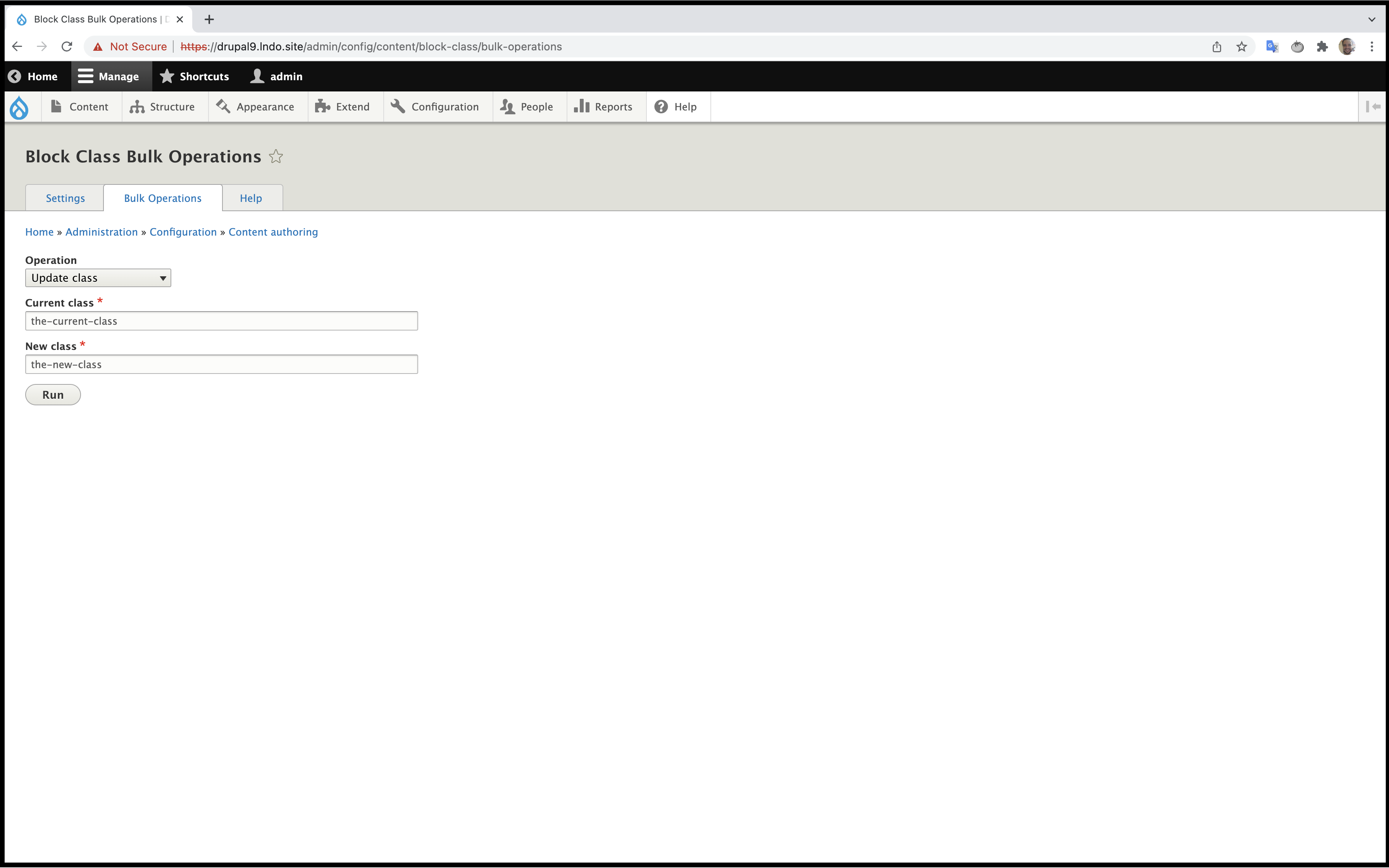
There is a Bulk Operation to update classes automatically to help. To do this, you can go to Administration » Configuration » Content authoring » Block Class » Bulk Operations and there you can select some options:
- Insert classes: With that option you can insert a class by default in all blocks that you have
- Insert Attributes: With this option you can insert with a bulk operation attributes to all blocks that you have
- Convert all attributes to uppercase: With this operation you can update all attributes that you have to use uppercase.
- Convert all attributes to lowercase: With this operation you can update all attributes that you have to use lowercase.
-
Convert all block classes to uppercase: With this operation you can convert all block classes that you have to use uppercase.
-
Convert all block classes to lowercase: With this operation you can convert all block classes that you have to use lowercase.
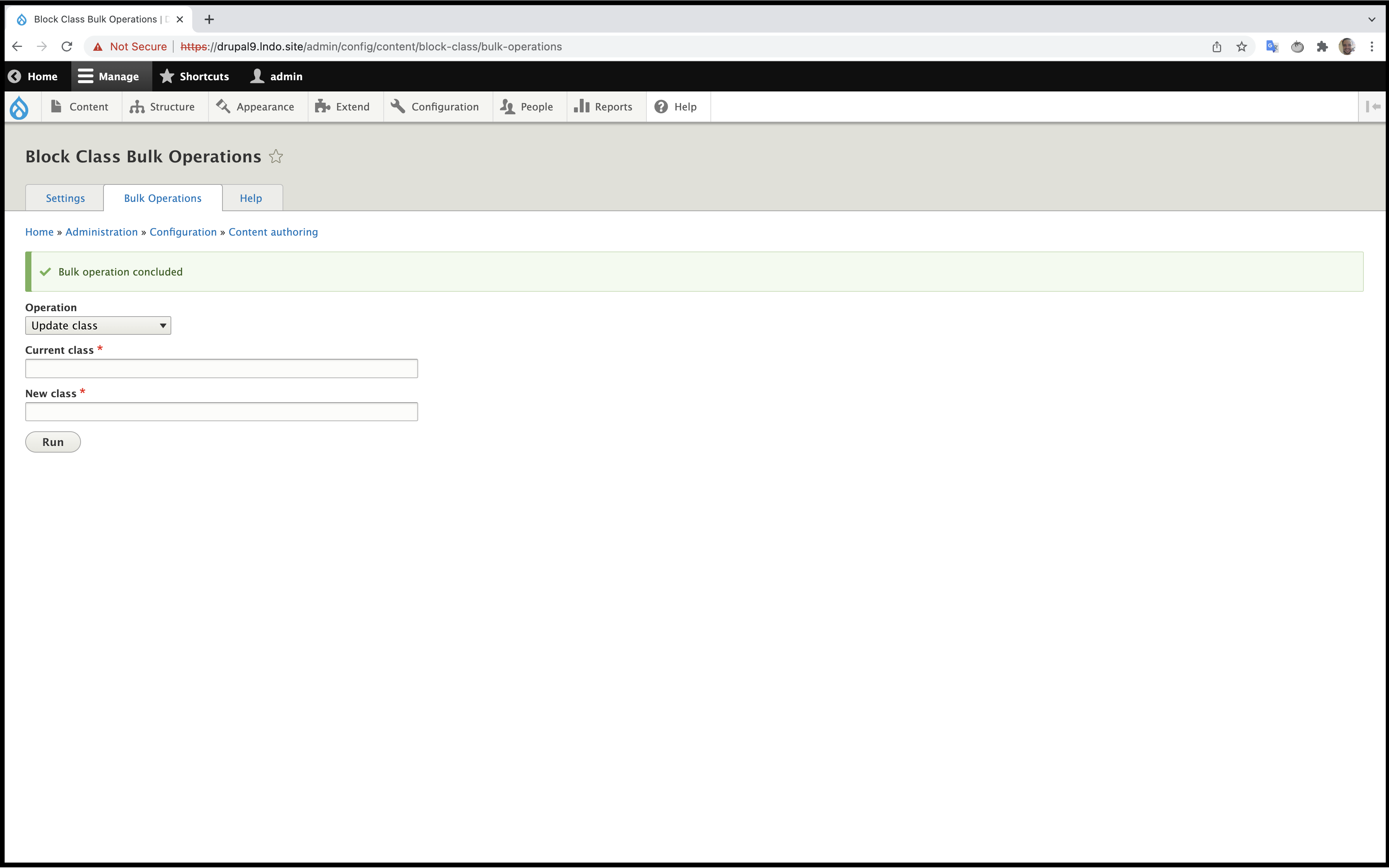
- Update class: With that option you can insert a current class that you have in the field "Current class" and in the other field "New class" you can insert the new class that you want to use. After this you'll be redirected to another page to review that and update all classes.

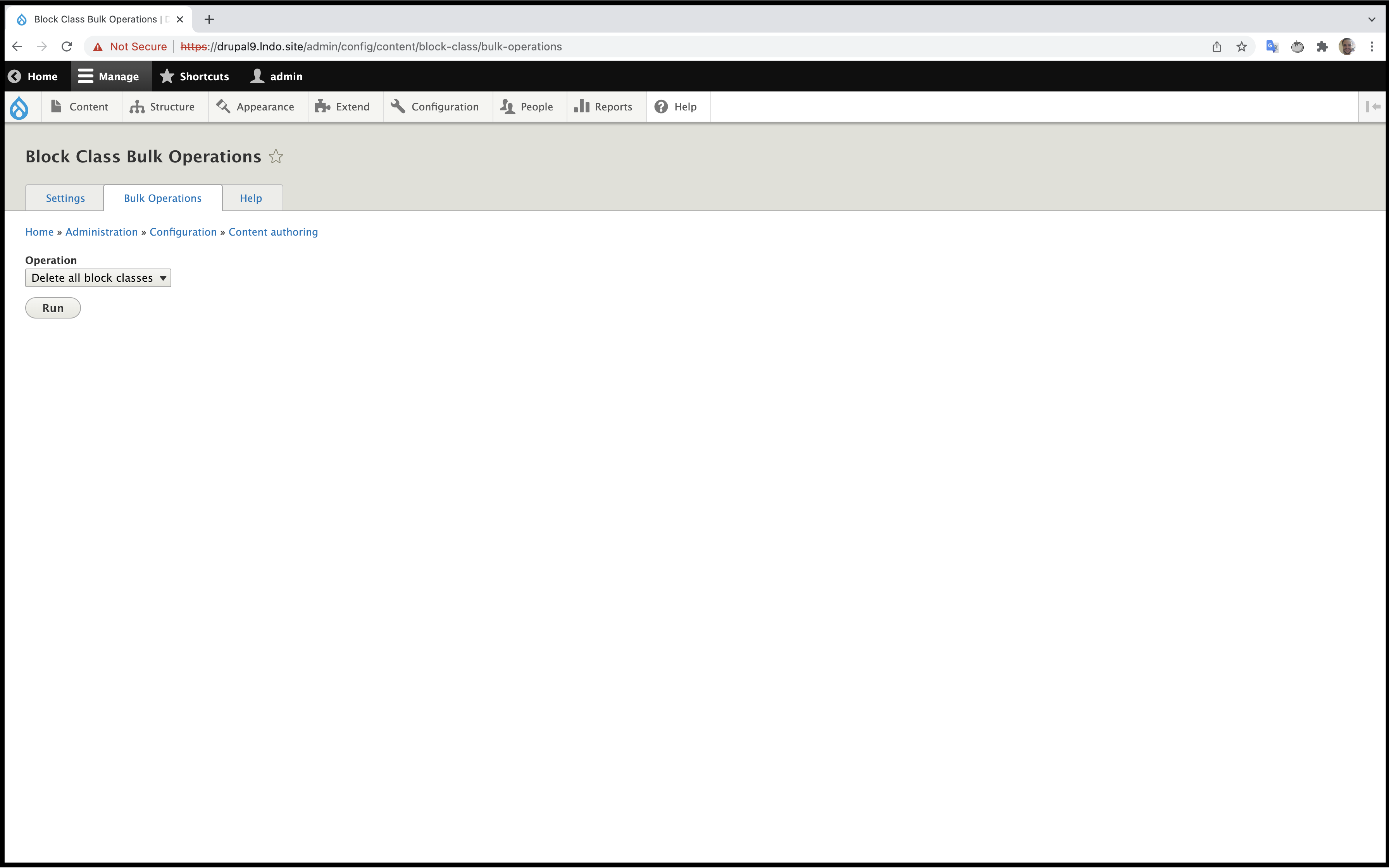
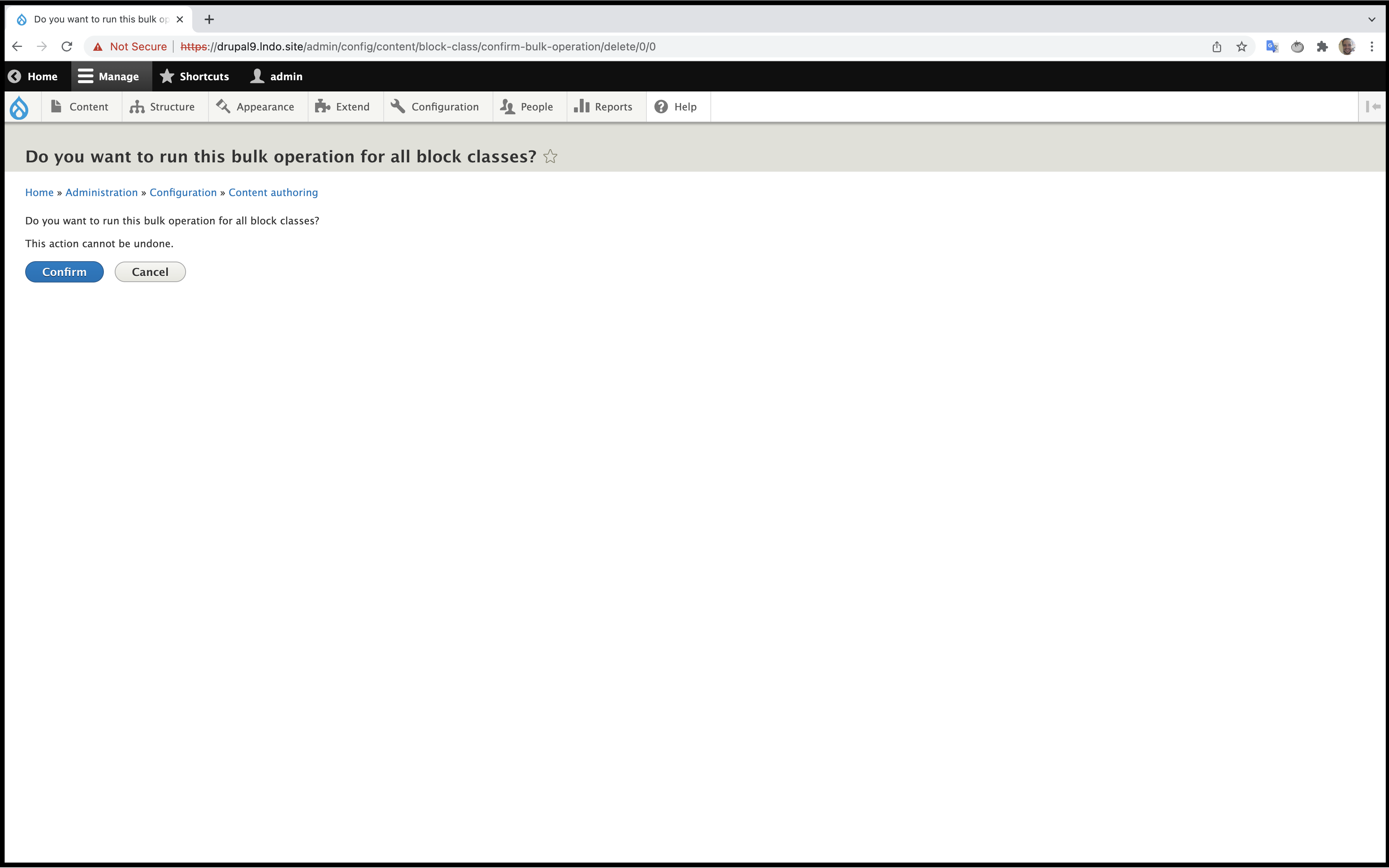
- Delete all block classes: With this option, the bulk operation will remove all block classes on blocks. After this form you'll be redirected to another page to confirm that operation

-
Delete all attributes: With this option the bulk operation will remove all attributes on blocks. After this form you'll be redirected to another page to confirm that operation.
Help improve this page
Page status: No known problems
You can:
You can:
- Log in, click Edit, and edit this page
- Log in, click Discuss, update the Page status value, and suggest an improvement
- Log in and create a Documentation issue with your suggestion
