
 Come together with the global Drupal community in Rotterdam, 28 Sept – 1 Oct 2026. Sessions, contribution, connection, and Early Bird savings until 8 June.
Usage
Last updated on
13 July 2017
It is a continuation to something besides the standard node.html.twig file for a variety of special case pages.
You need Template Whisperer if
-
You want to generate a specific template of a node.
Eg. "node--article--xyz.html.twig". -
You want to allow your user(s) to manage by themself all the special pages.
Eg. The node that list the news by creating the suggestion "node--page--news.html.twig".
Standard usage scenario
Create a suggestion
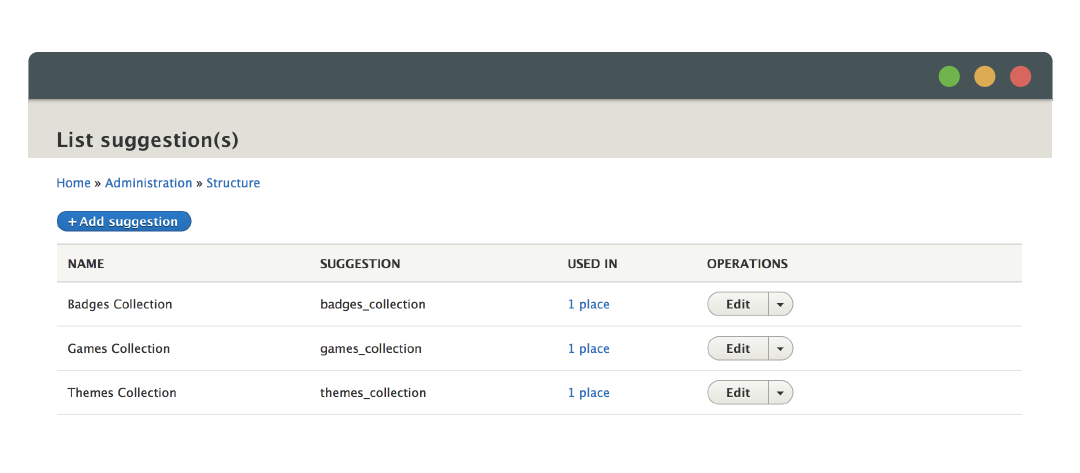
- Create your own suggestion by clicking on "Add suggestion".
- Save it to attach it later on a "Template Whisperer" field.
Attach a new field "Template Whisperer" for a specific entity
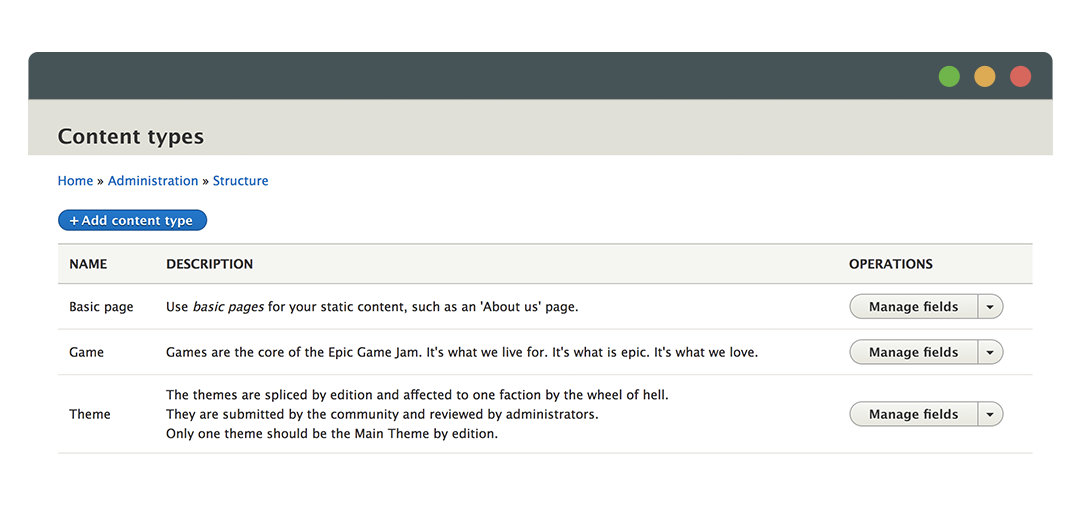
- Go to the "Manage fields" of the bundle where he Template Whisperer field is to appear.
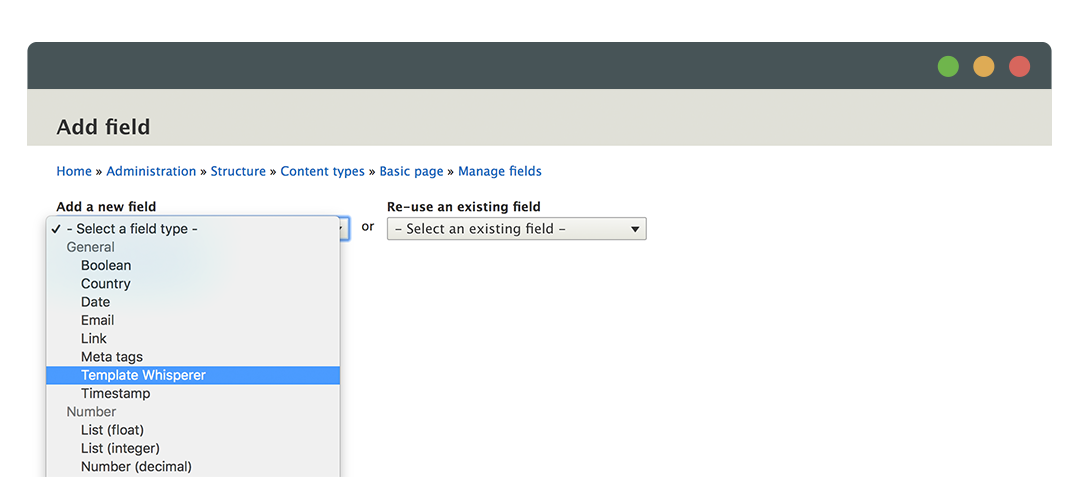
- Create the new field by clicking on "Add field"
- Select "Template Whisperer" from the "Add a new field" selector.
- Fill in a label for the field, e.g. "Template Whisperer", and set an appropriate, machine name, e.g. "template_whisperer".
- Click the "Save and continue" button.
- Finalize the field and "Save settings".
Create/Edit the entity with the new field "Template Whisperer"
- Go to the "Content" page and create or edit an entity with the "Template Whisperer" field newly created.
- When you create/edit the content of that entity or bundle you should then see the new "Template Whisperer" section on the Advanced tabs.
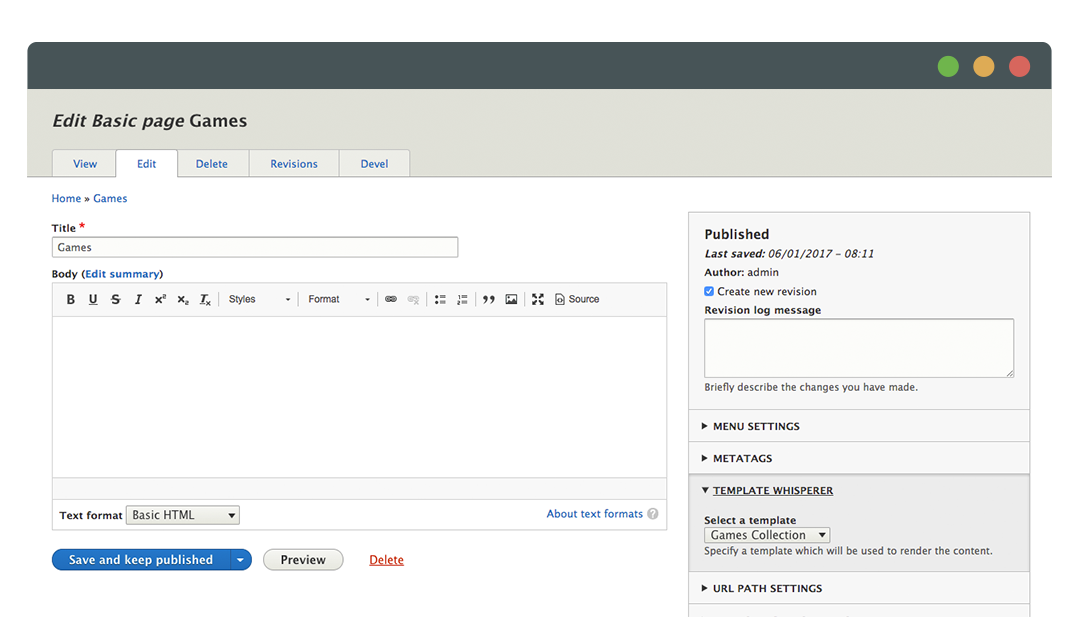
- Select the suggestion you want to add for that entity or bundle.
- "Save and published" you content.
-
You can now have access to your own suggestion such [entity-type-id]--[entity-type]--list-news.html.twig.
Help improve this page
Page status: No known problems
You can:
You can:
- Log in, click Edit, and edit this page
- Log in, click Discuss, update the Page status value, and suggest an improvement
- Log in and create a Documentation issue with your suggestion
